

How to Become a Public Developer
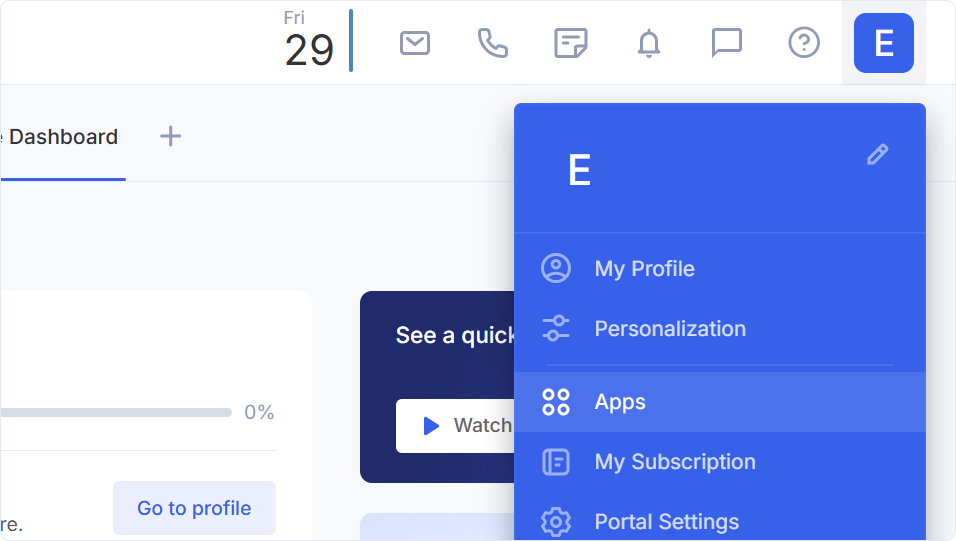
Go to the Apps section.
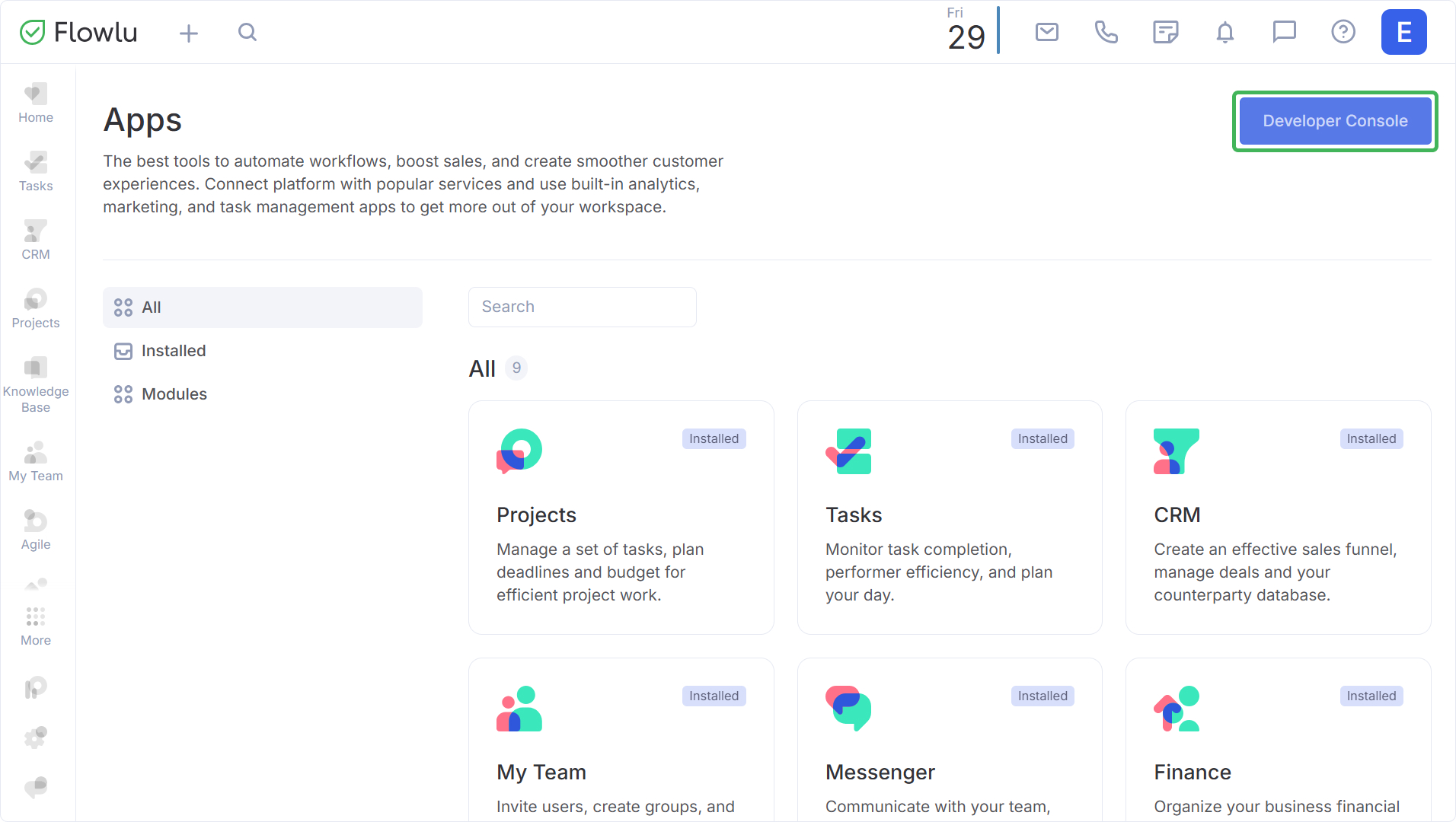
Open the Developer Console.
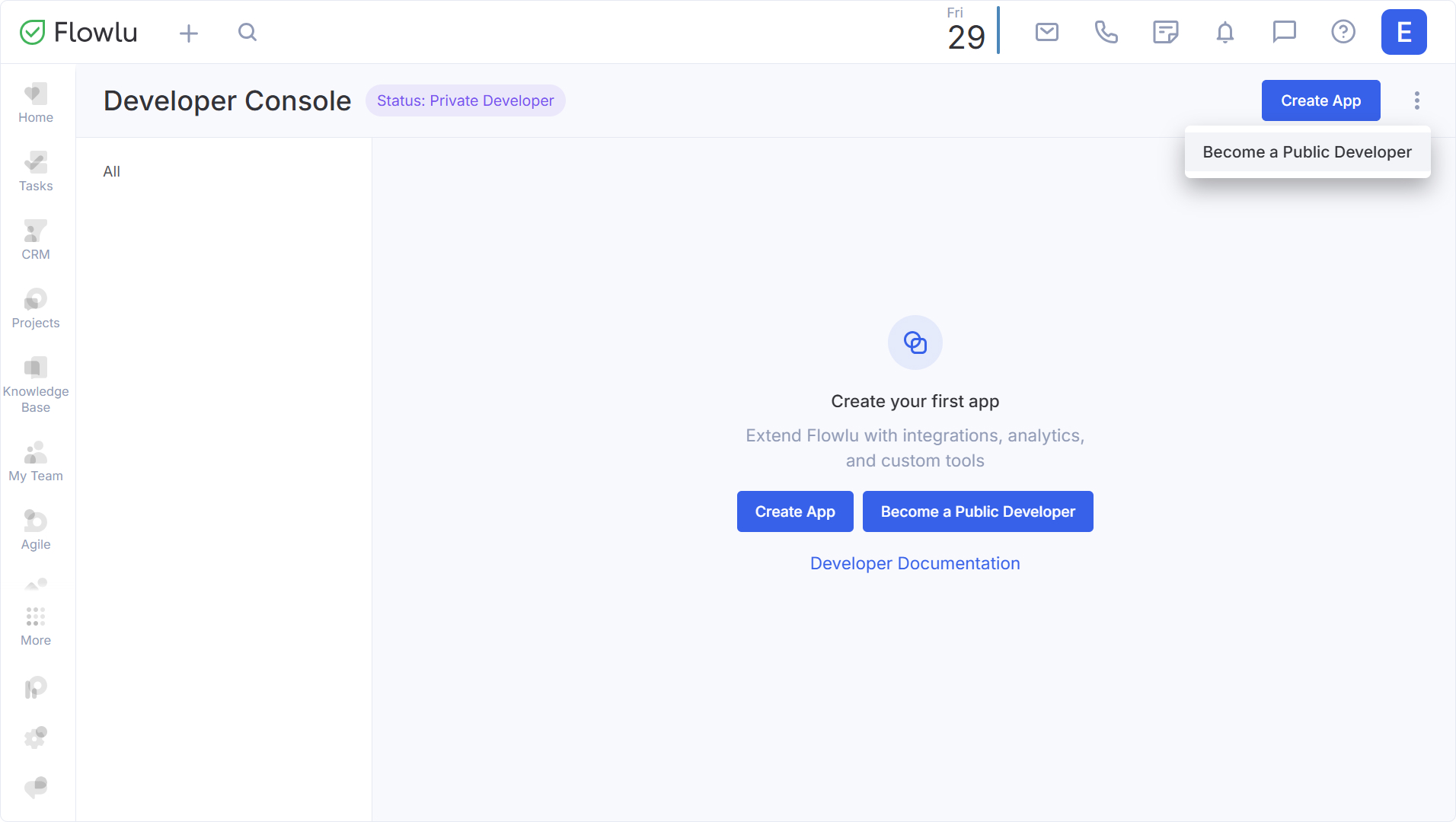
By default, your status is Private Developer. To become a Public Developer, click the corresponding button.
Complete the status change application form. Once saved, the application is submitted for review. The review period can take up to 14 business days. You can modify or cancel the application at any time.
Important: Applications can only be submitted by a legal entity or an individual entrepreneur.
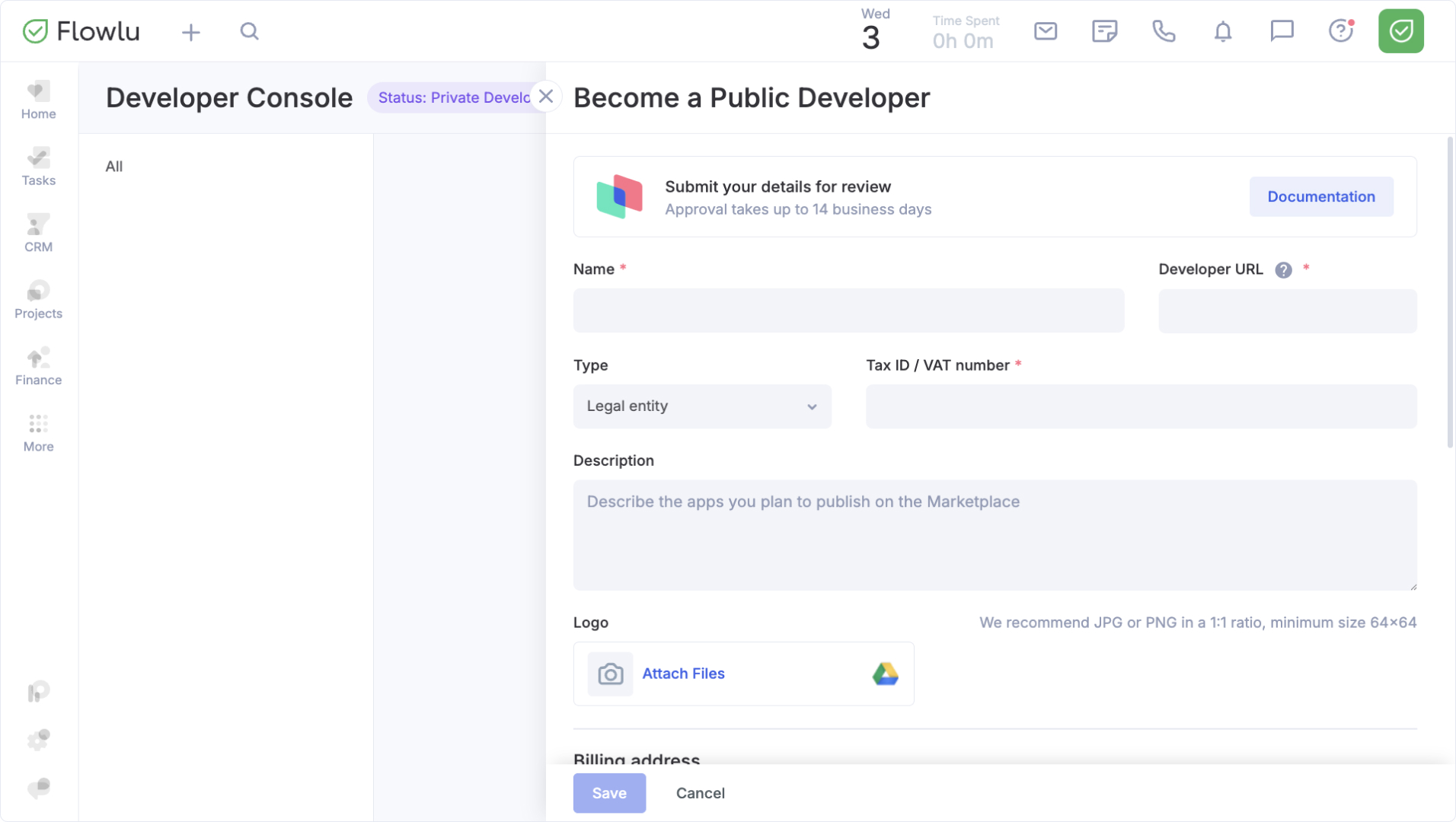
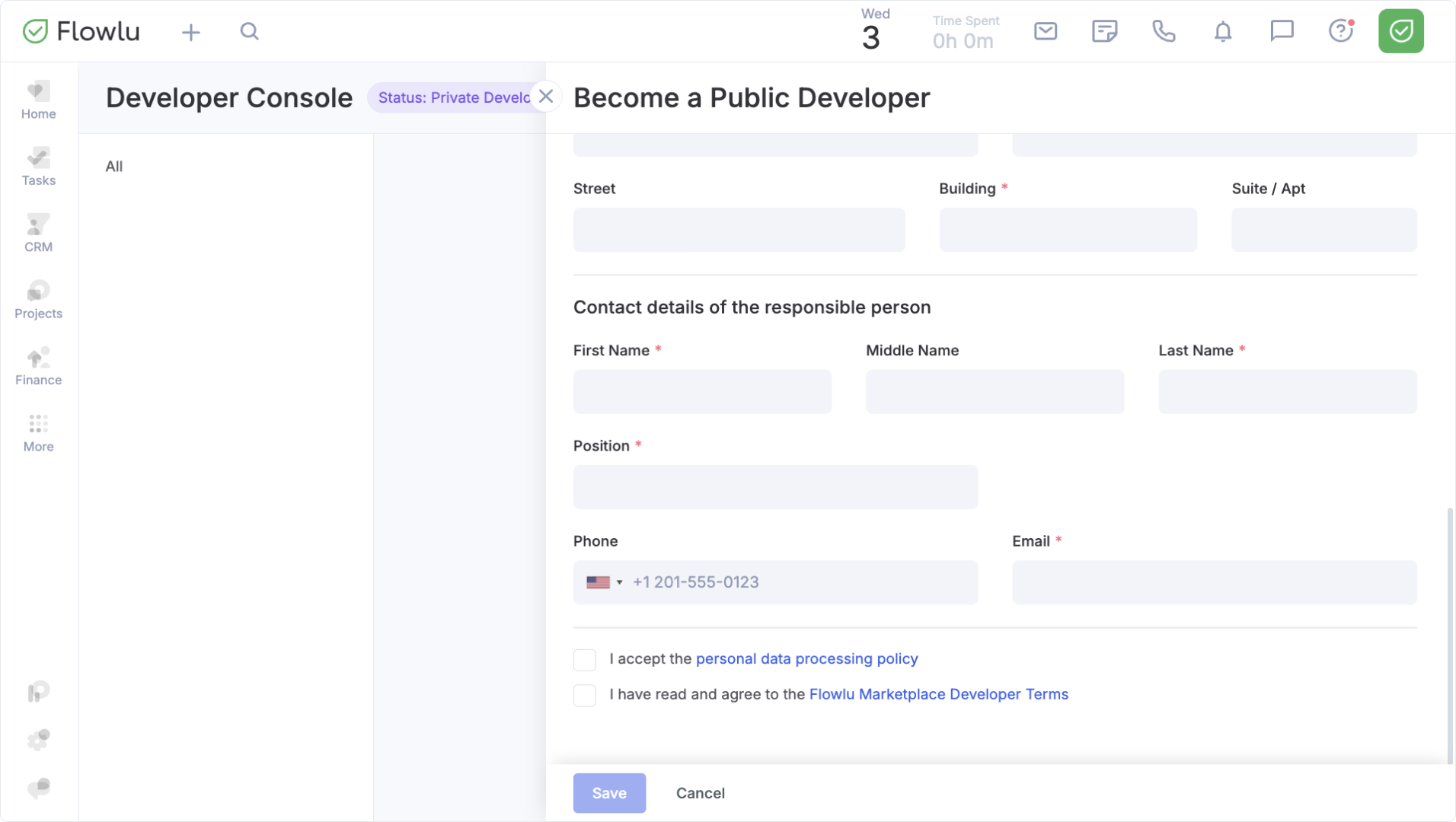
Important: The entered data will not be visible in your profile. Developer information is filled out separately after receiving the Public Developer status.
Possible outcomes of the application review:
- Approved: your status changes to Public Developer, and you can publish apps in the Marketplace.
- Returned for revision: the app had errors or missing information. You'll get a notification listing what to correct, and you can resubmit after fixing it.
- Rejected: the app wasn't approved, due to a violation of the developer terms, security requirements, or another serious reason.
Important: An account from which a rejected application was submitted will be permanently barred from becoming a public developer.
Any change to your organization type, Tax ID/VAT number, or legal address triggers re-moderation.
