

Monitoring Public App Installations
Once your app is published in the Flowlu Marketplace, tracking its growth and adoption becomes essential. To help you understand your app's reach, the Developer Console provides real-time data on how many teams are using your solution.
How to Access
To view your metrics:
- Navigate to the Apps section.
- Open the Developer Concole.
- In your app’s dashboard within the Developer Console, you will find a dedicated counter showing the Total Number of Installations.
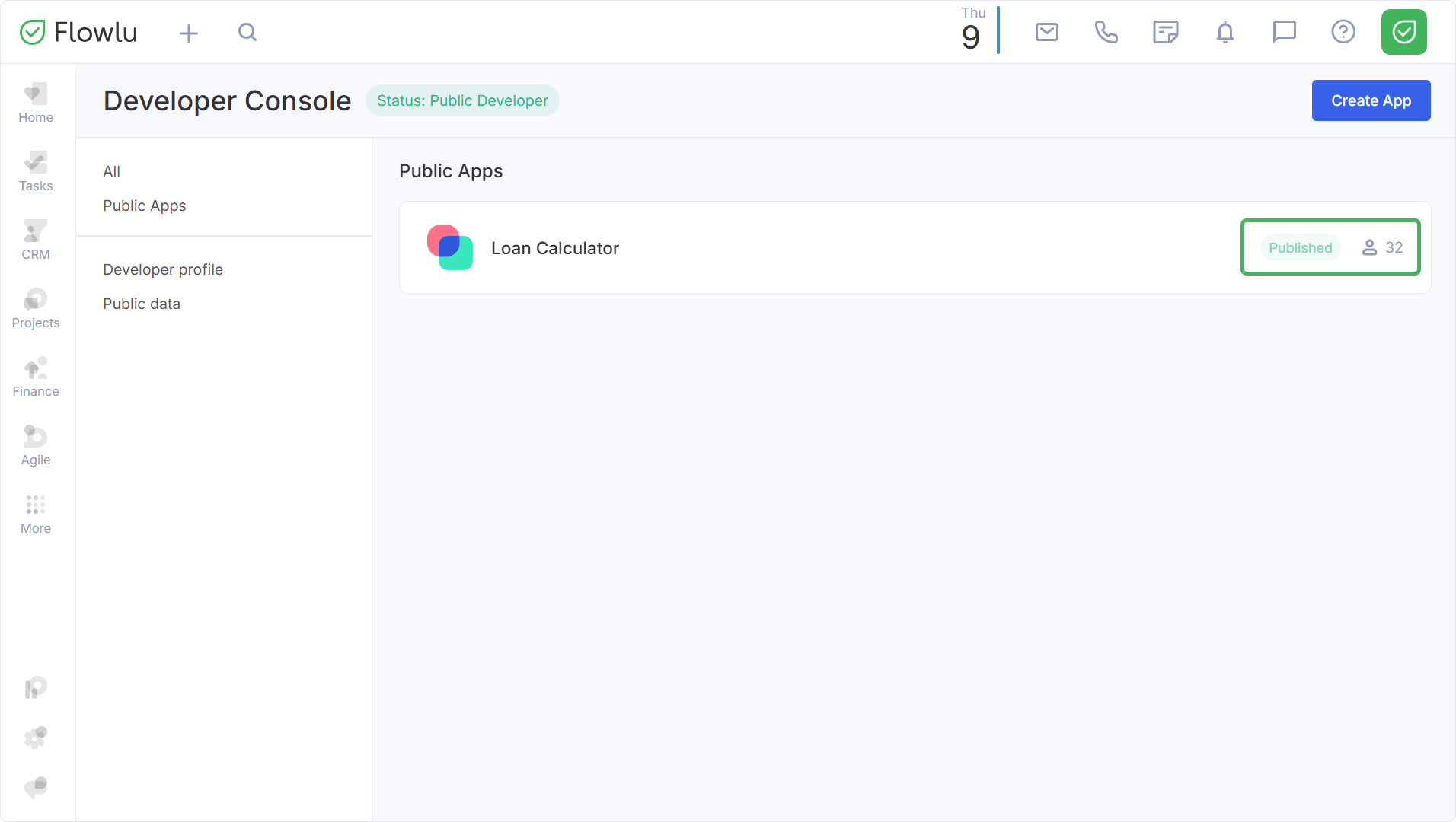
Note: installations performed during the moderation process are also included in your metrics.
