

Homepage & Dashboards
Individual users can customize the homepage based on their needs. Each homepage can include various components like an activity feed, To-Do List, your teammates' birthdays or onboarding.
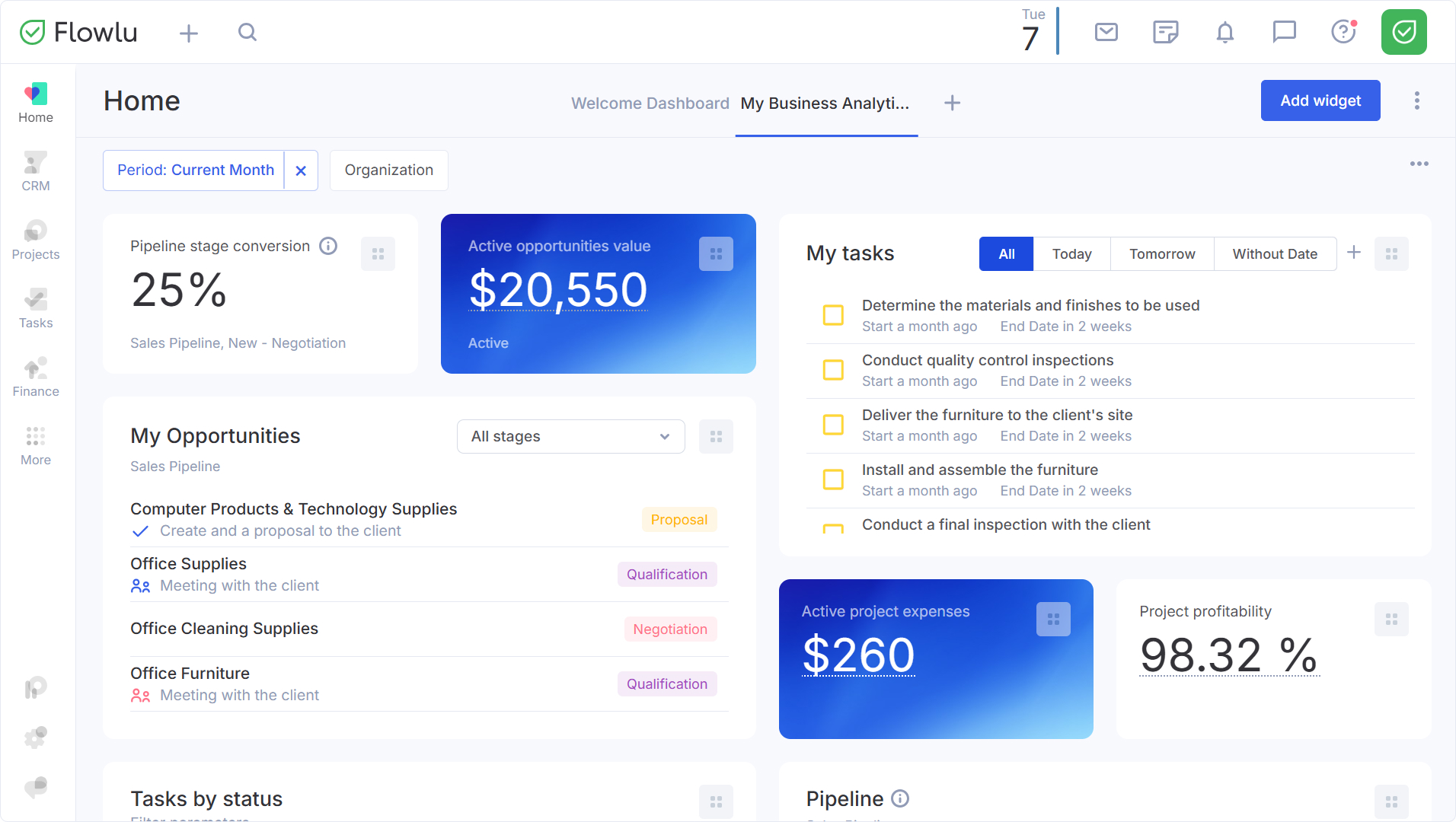
Dashboards help you visualize the most relevant data in real time. Add dashboards for financials, tasks, agile issues or knowledge base. You can create multiple dedicated dashboards for widgets to organize your workspace the way you need it and quickly switch between your data.
How to create a new dashboard?
To create a new dashboard, click on the "+" button.
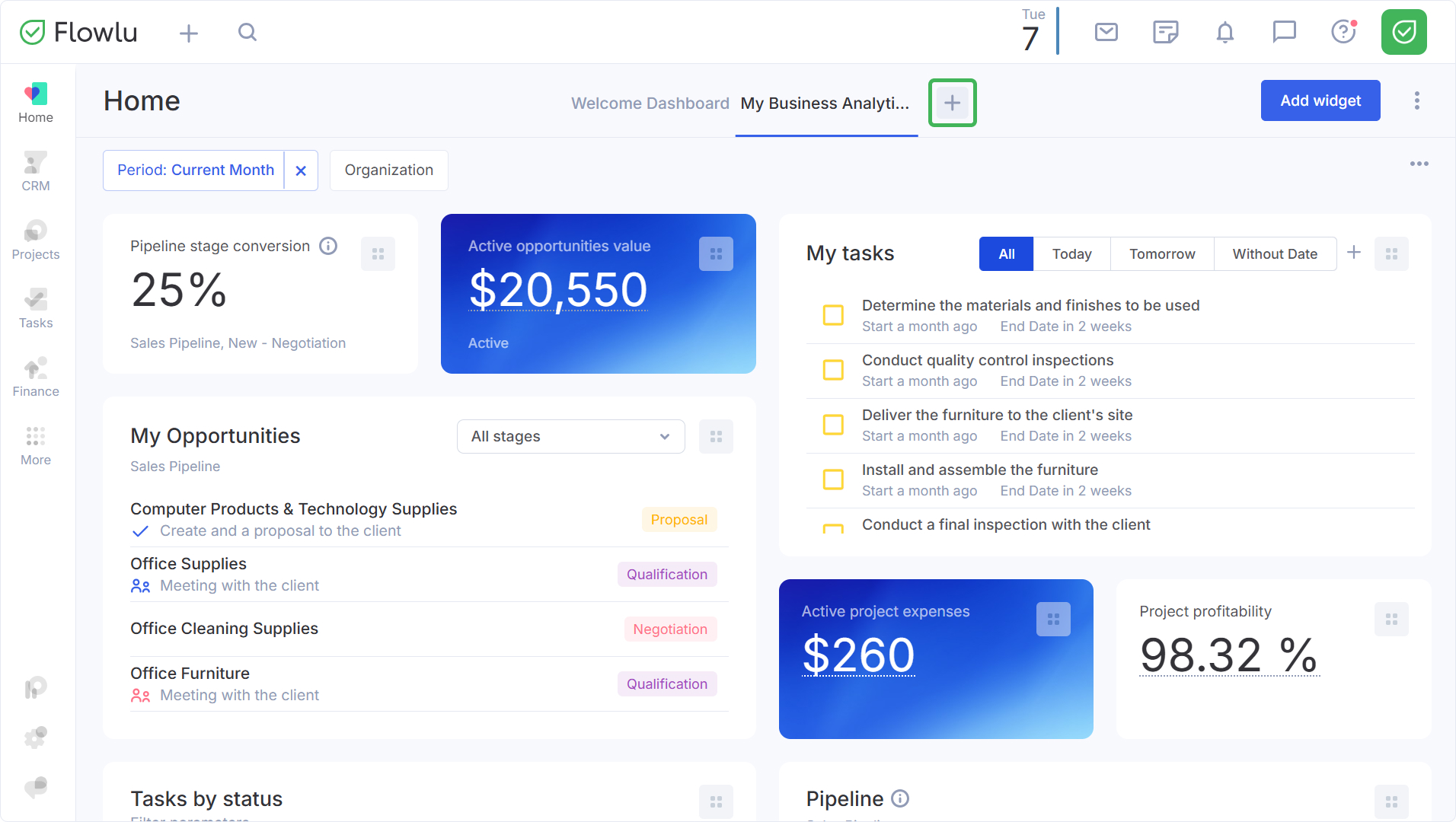
Then enter its name and click anywhere on the screen or press "Enter".
How to add, configure and remove widgets?
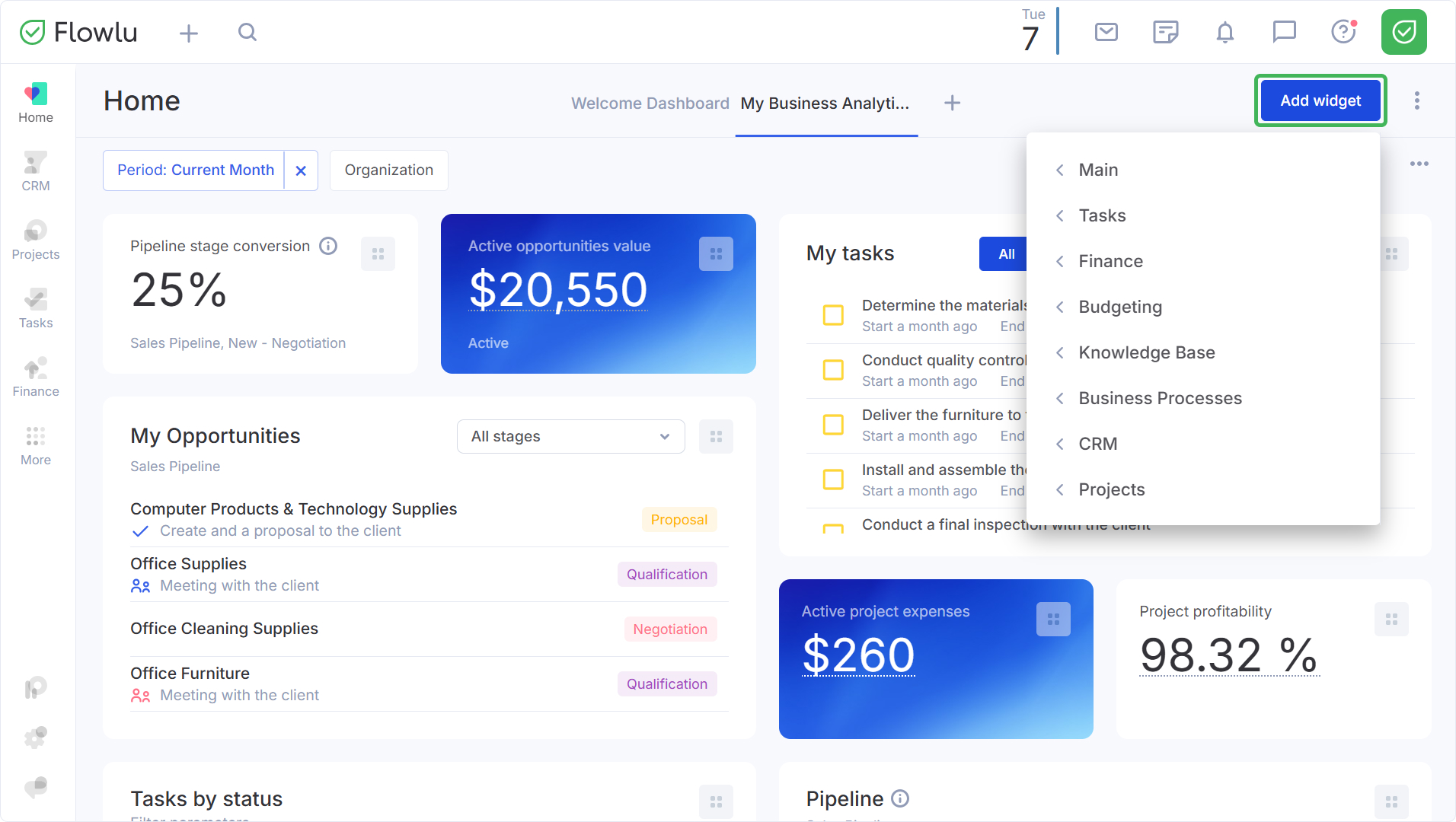
Navigate to the dashboard you want to add a widget to. Then click on the "Add widget" button and select the appropriate one.
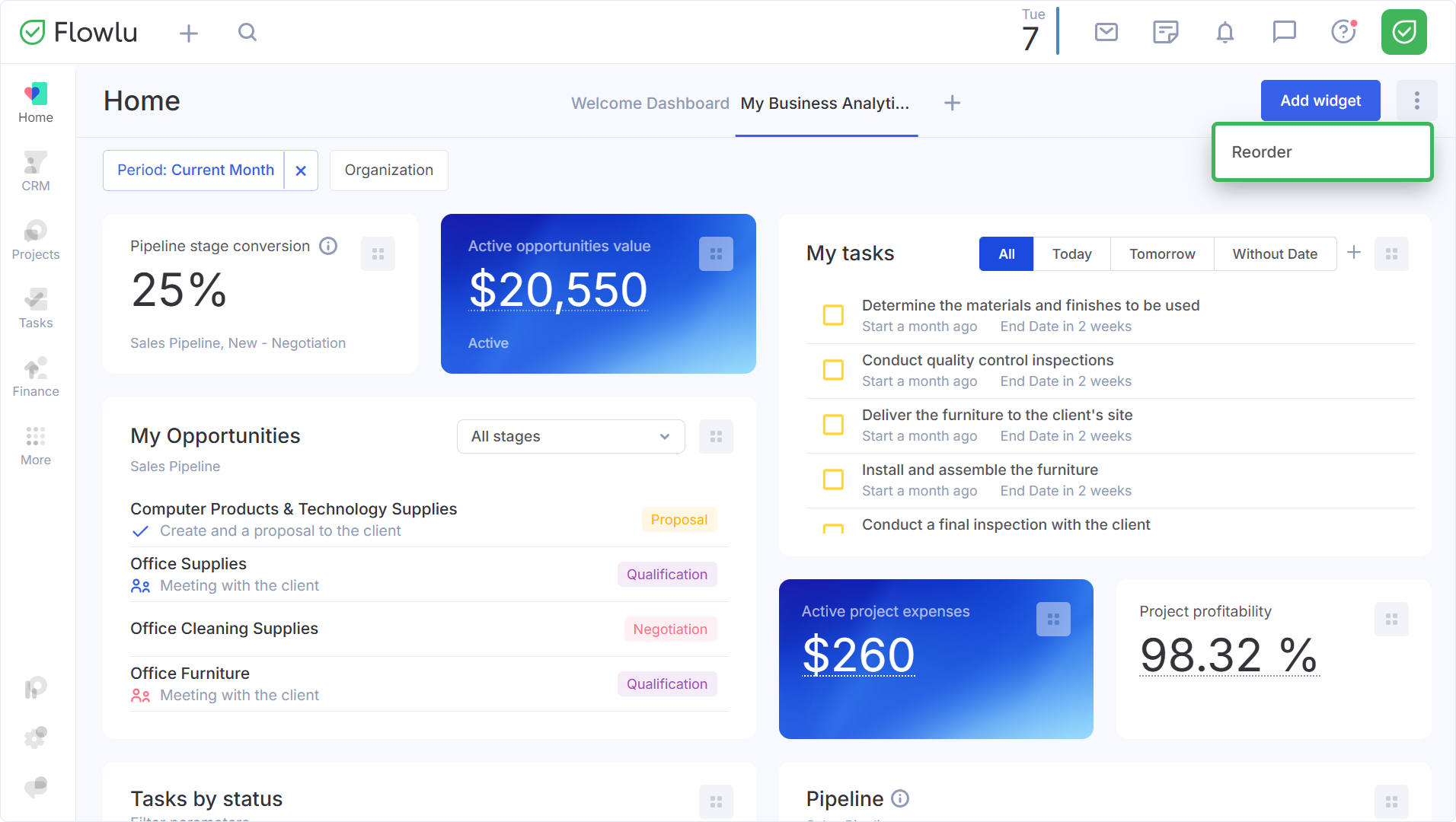
You can move the widgets by simply dragging and dropping them or by clicking the "Reorder" button through the three dots menu. By using this option, Flowlu will automatically arrange the widgets in the most convenient way.
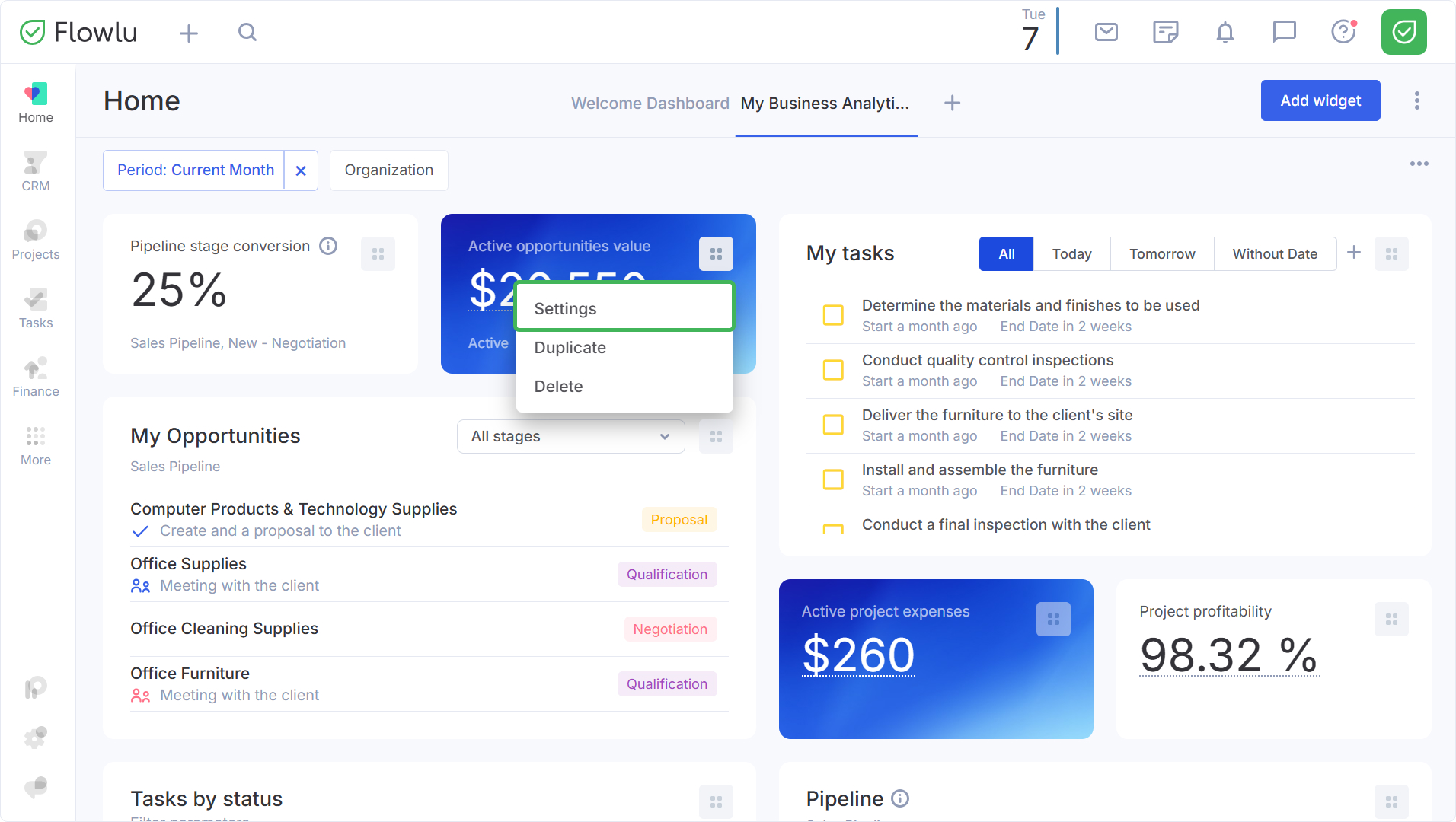
To edit a widget, go to the menu in its upper right corner and select "Settings".
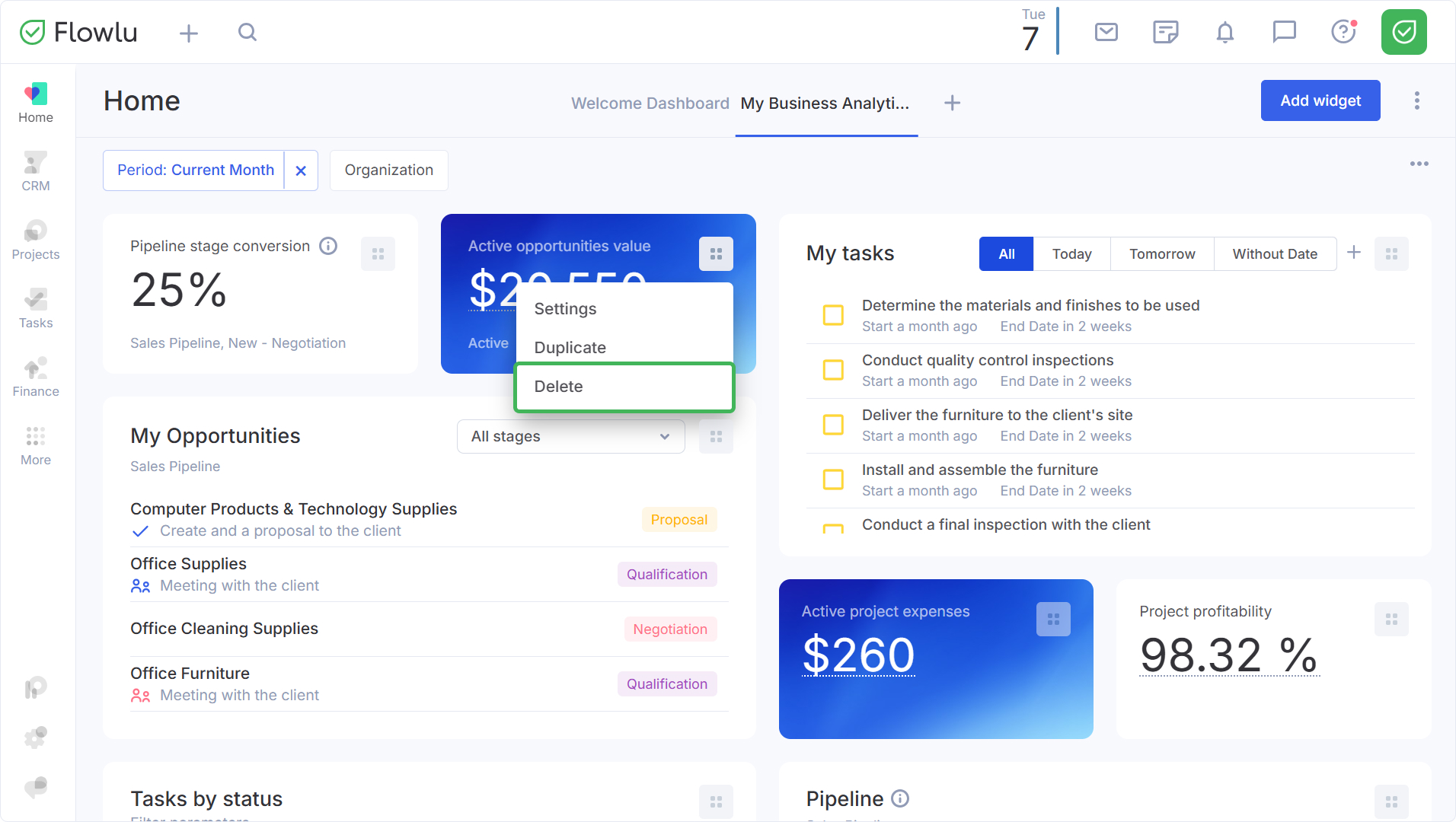
To delete a widget select "Delete".
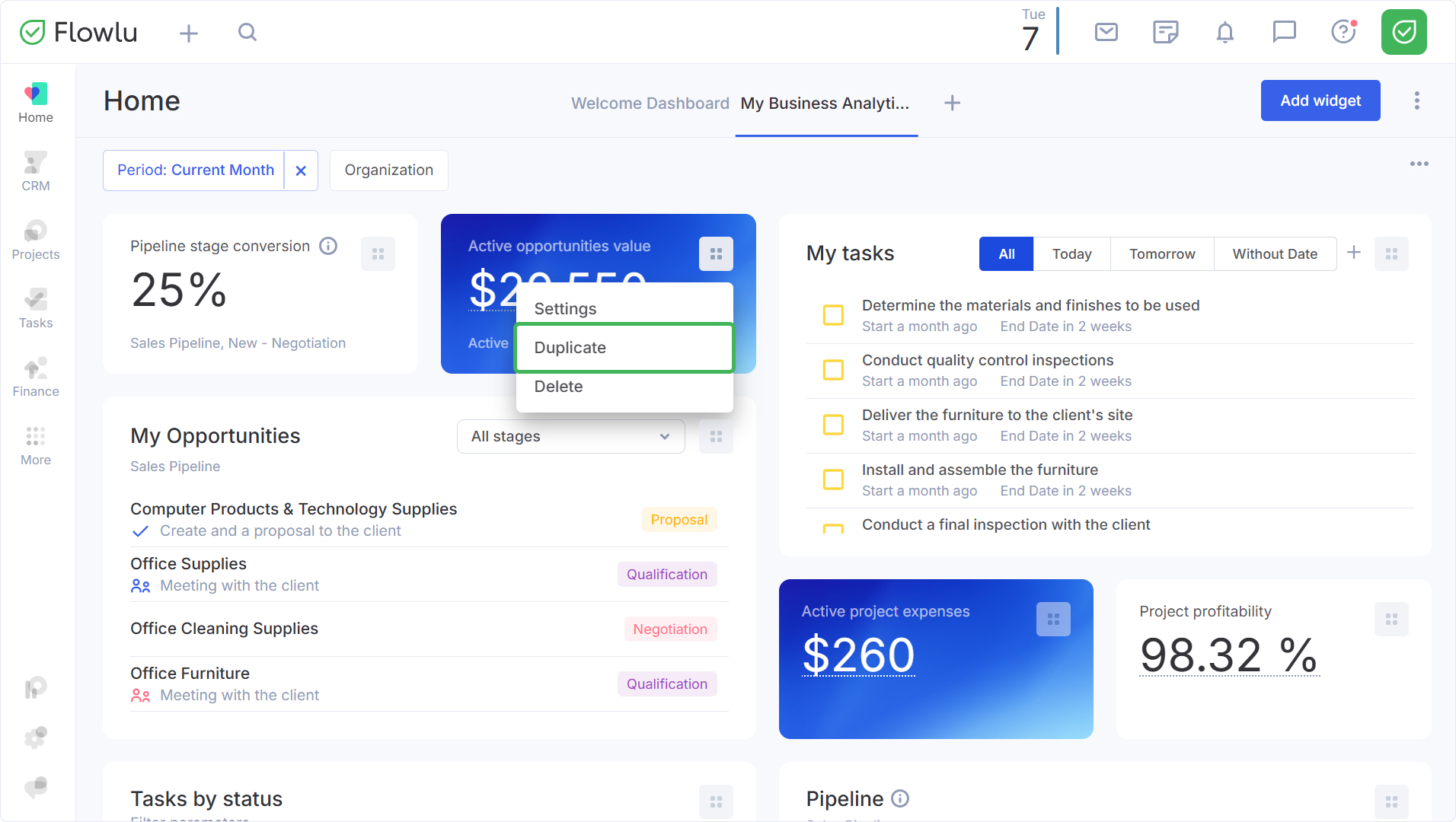
You can also duplicate a widget, to do this select "Duplicate".
How to delete a dashboard?
To delete a dashboard page, click on its name and select "Delete".
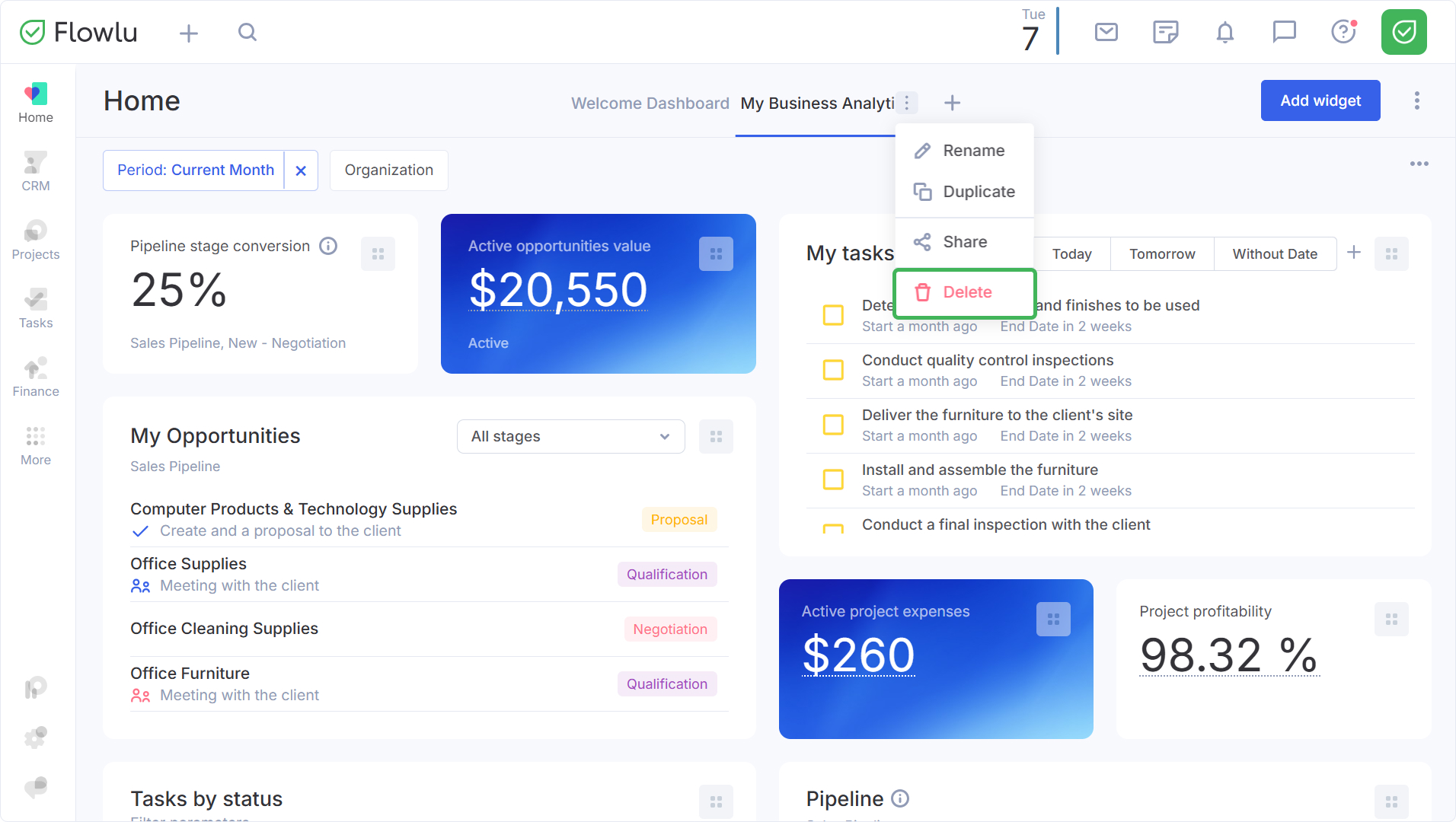
To edit the title select "Rename".
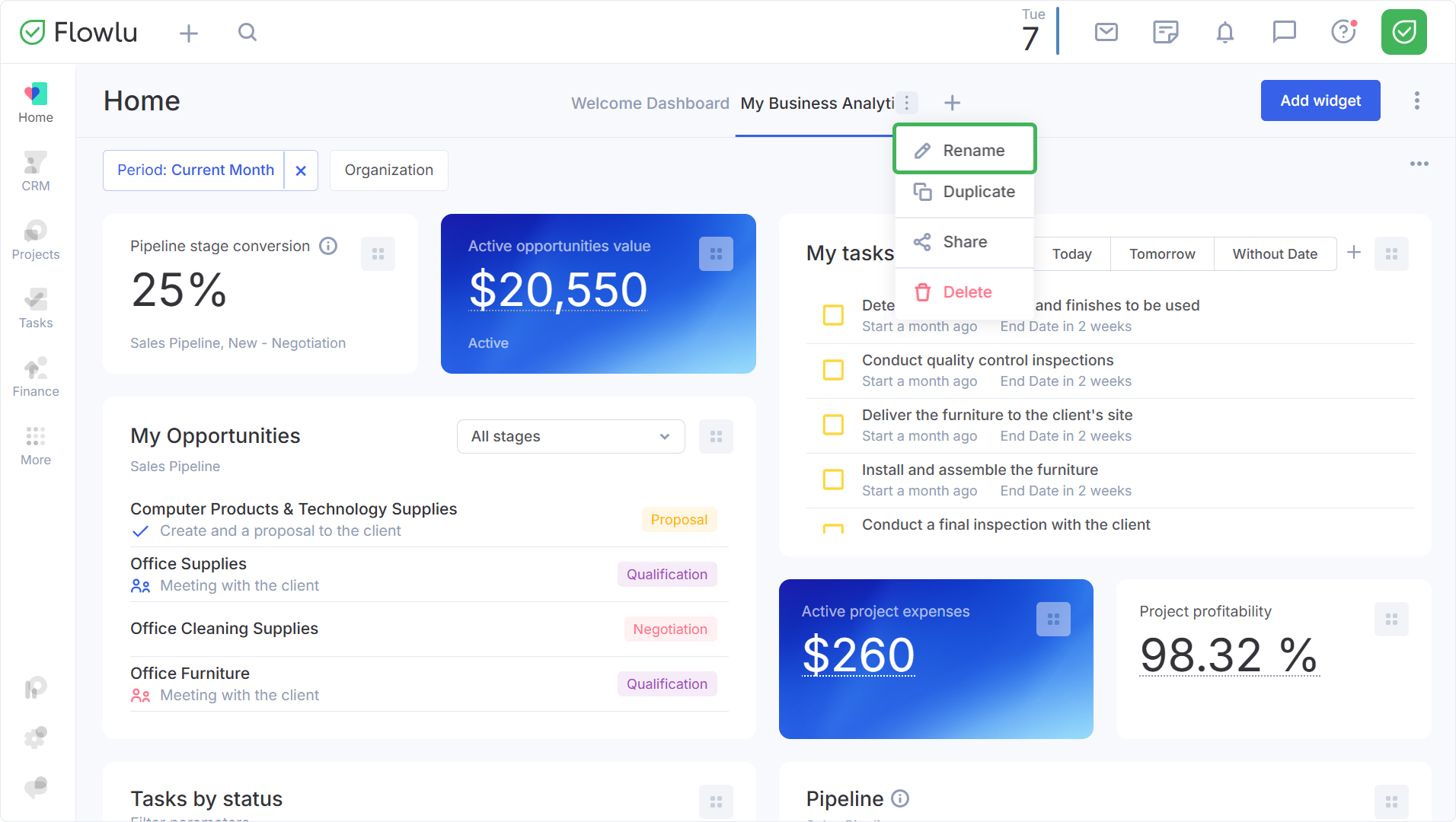
How to duplicate a dashboard
In some cases, you may need to create a copy of a configured dashboard—for example, a separate dashboard for each Project Manager. The duplicate dashboard feature will help you with this. Simply hover over the name of the desired dashboard and select "Duplicate" from the dropdown list.
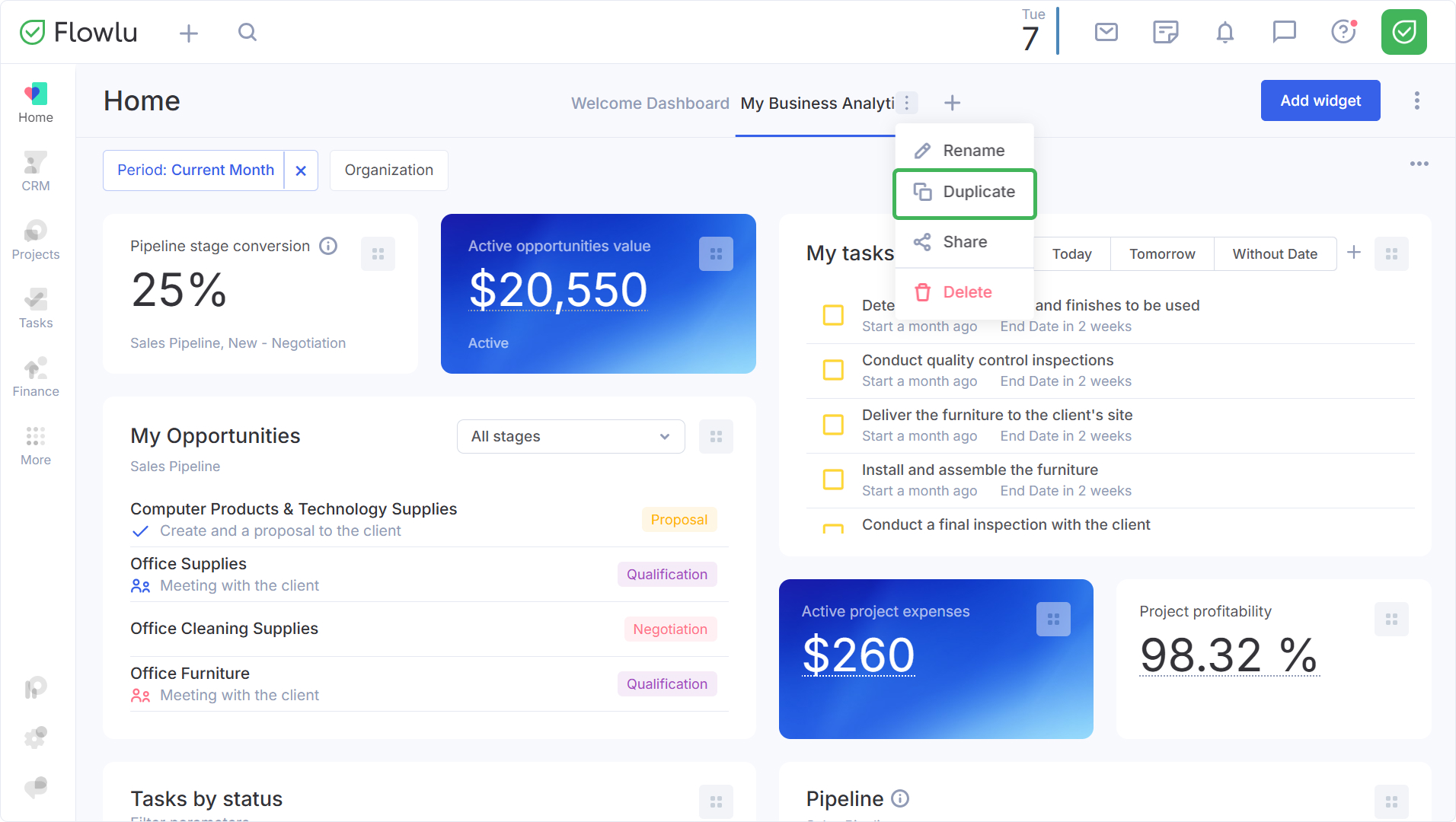
A copy of the dashboard will be created with a corresponding label. All that remains is to apply the necessary widget settings and rename the dashboard.
How to share a dashboard with a teammate
If you have successfully set up a dashboard with widgets, you can share it with a teammate in just a few clicks. To do this, hover over the name of the desired dashboard and select "Share" from the dropdown list.
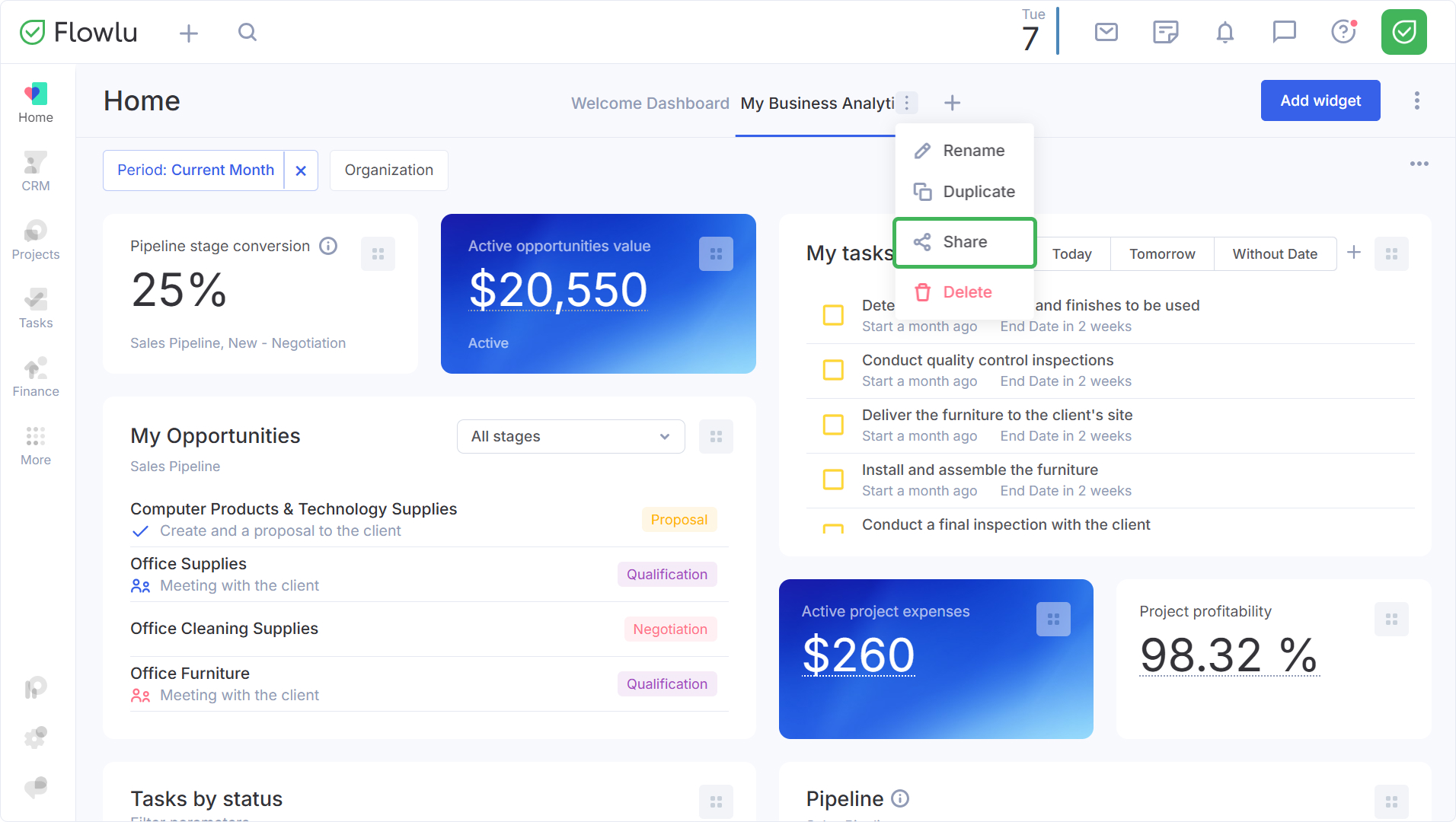
A special link will be copied to your clipboard. Share it with your teammate in chat, a comment, or any other convenient way. When they follow the link, the system will ask if they really want to install the dashboard. Click Install.
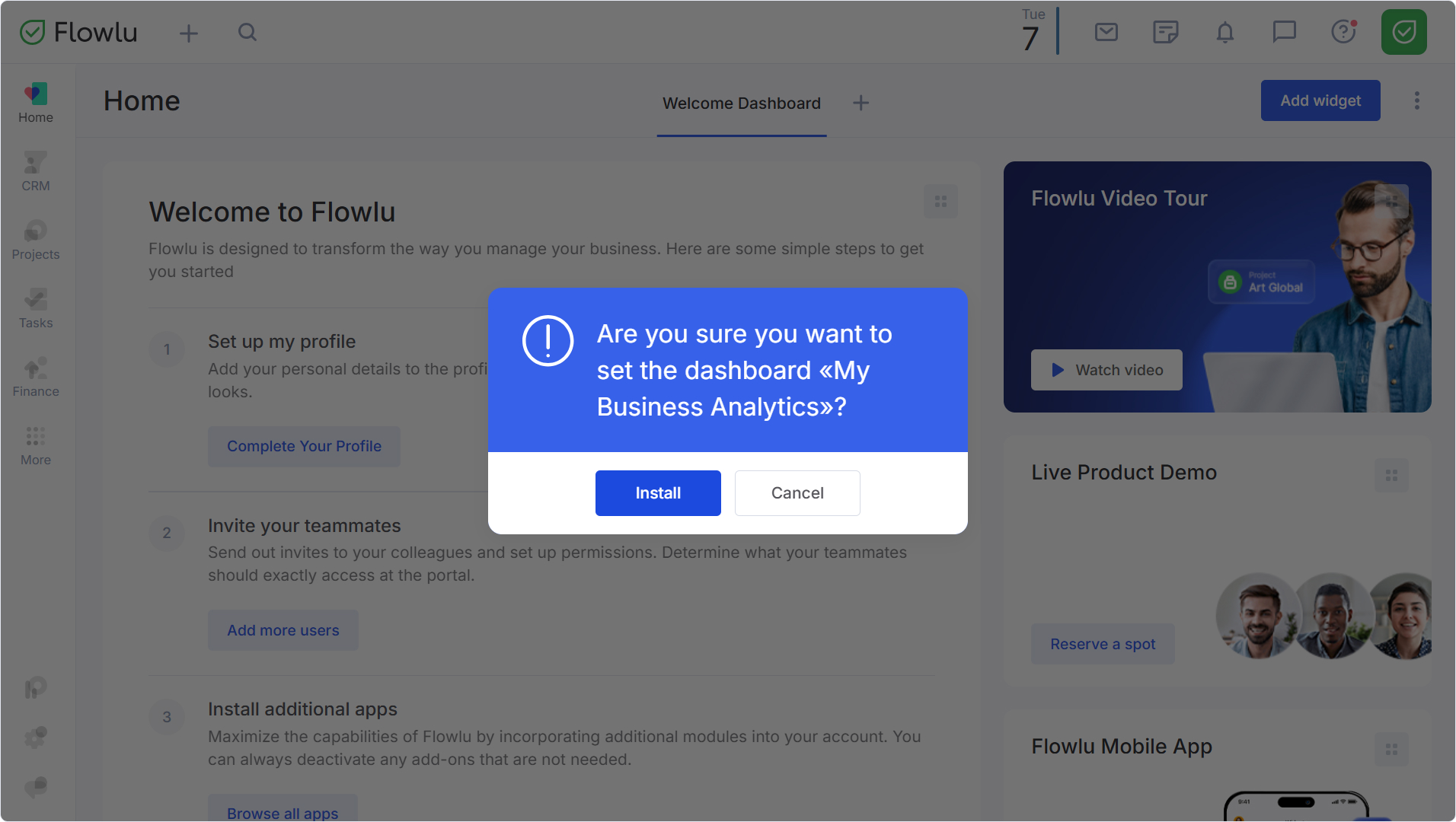
Note: A dashboard installed via a link is independent of the original. All displayed information will depend on the user's roles and permissions.

