
Ways to edit your Project Workflow
Make changes to Workflow's Work Structure
Copy a whole workflow stage
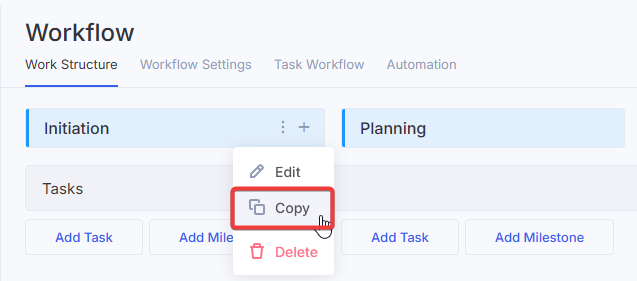
While editing a workflow, you can copy a stage together with its tasks, milestones and checklists.
Copy tasks inside Project Workflow
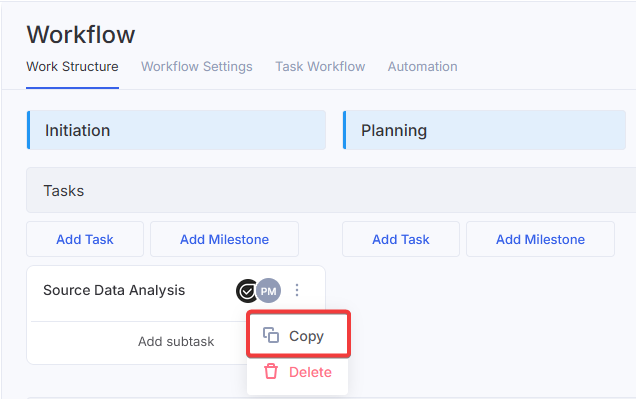
While working on a project stage, you can copy an existing task instead of building one from scratch, just click the 3-dot button and click Copy:
Use Task Templates in your Work Structure
If you have task templates that you use often, you can add them to your Project Workflow. Description, assignees, and custom fields populate automatically, while start and due dates stay untouched so the schedule doesn't shift.
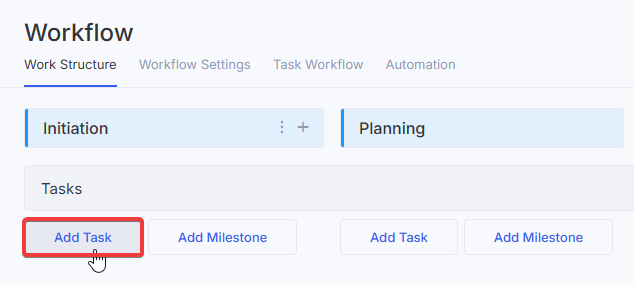
To add a task from an existing template, click Add Task on Work Structure tab:
Click the icon in the top right corner to expand the window
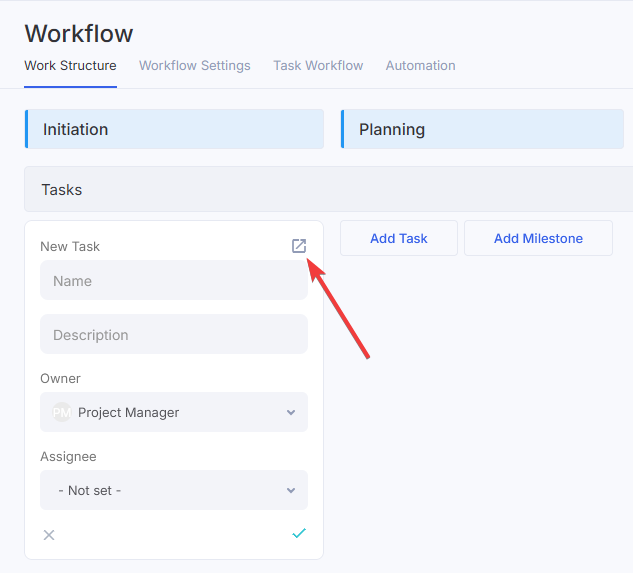
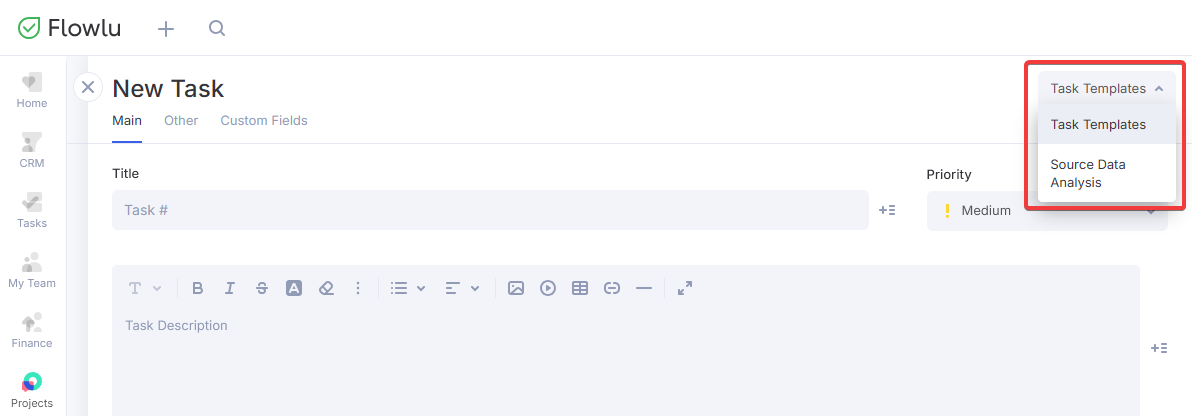
Use the dropdown list in the top right to select a task template: