
How to Connect Instagram
Instagram integration allows you to receive and manage Instagram chats via Flowlu. As with other integrations with messengers, you can automatically create CRM opportunities related to each chat and quickly access all CRM details via the chat sidebar.
Creating a Wazzup account and linking it to Instagram
To set up the Instagram integration, you need to create a Wazzup account first. To create the Wazzup account, you need to fill out the email address and phone number.
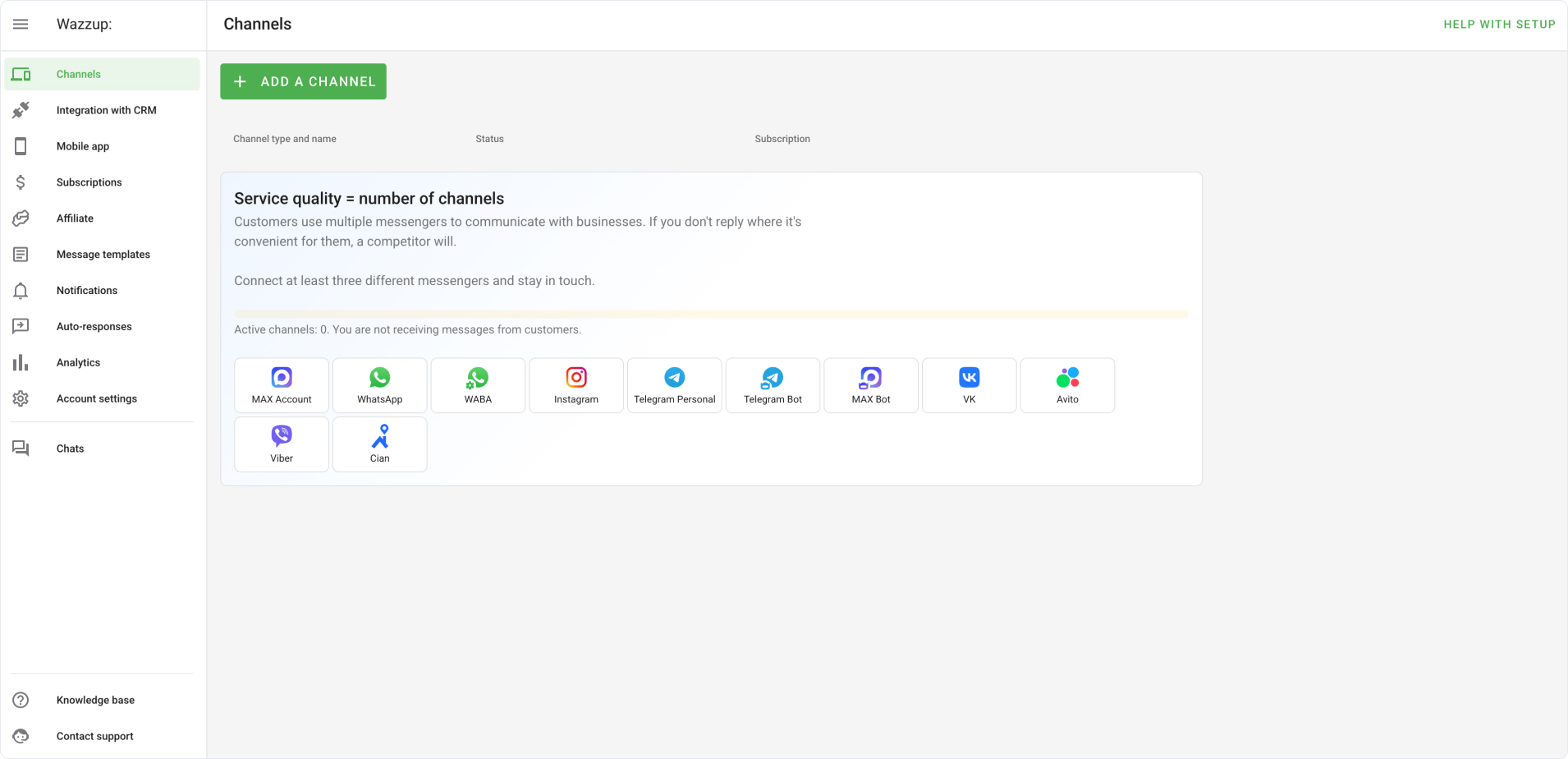
Once the account is created, go to the Channels tab on your dashboard.
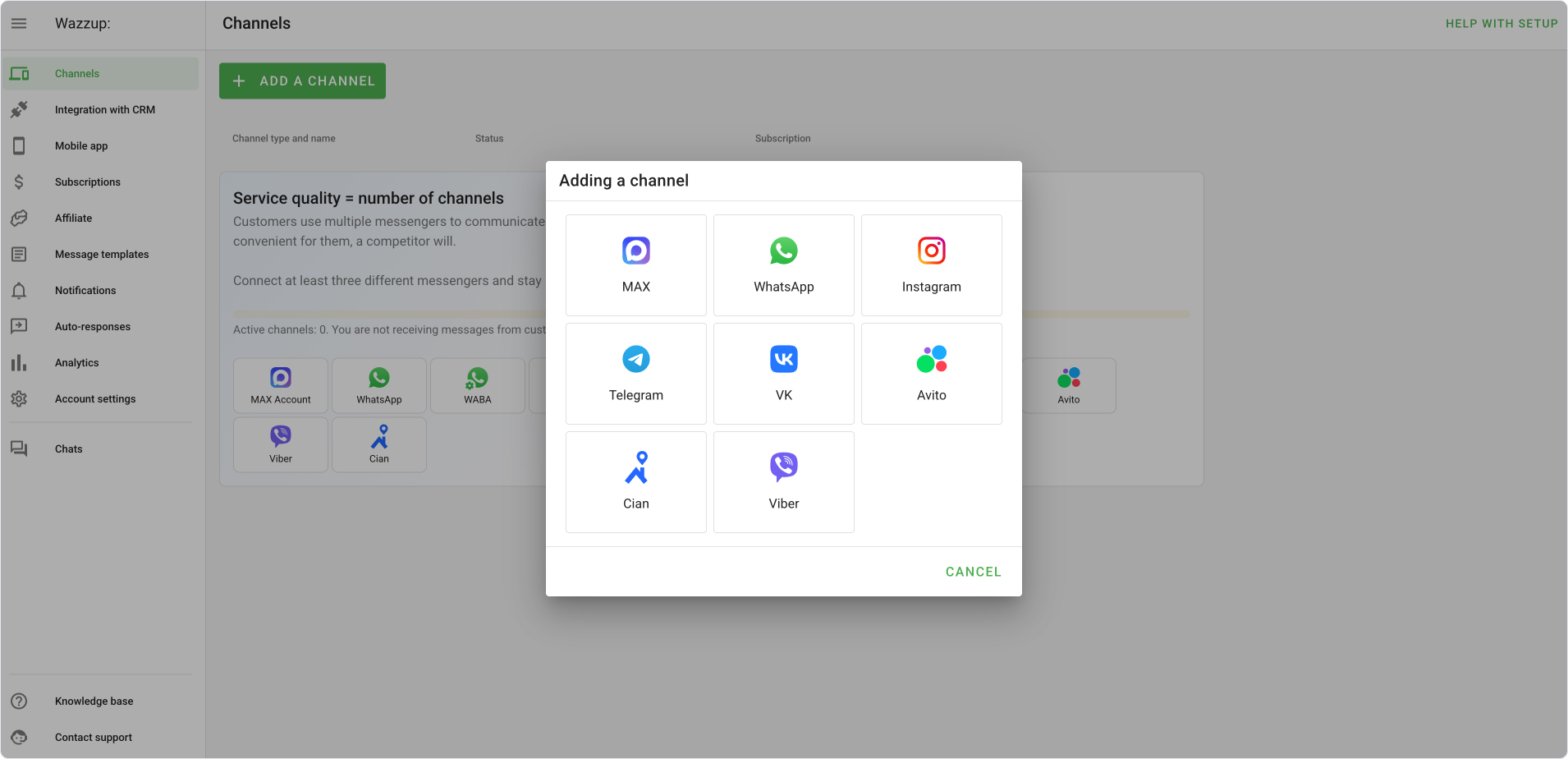
Click Add a channel and click Instagram.
Follow the step-by-step guide to connect Instagram.
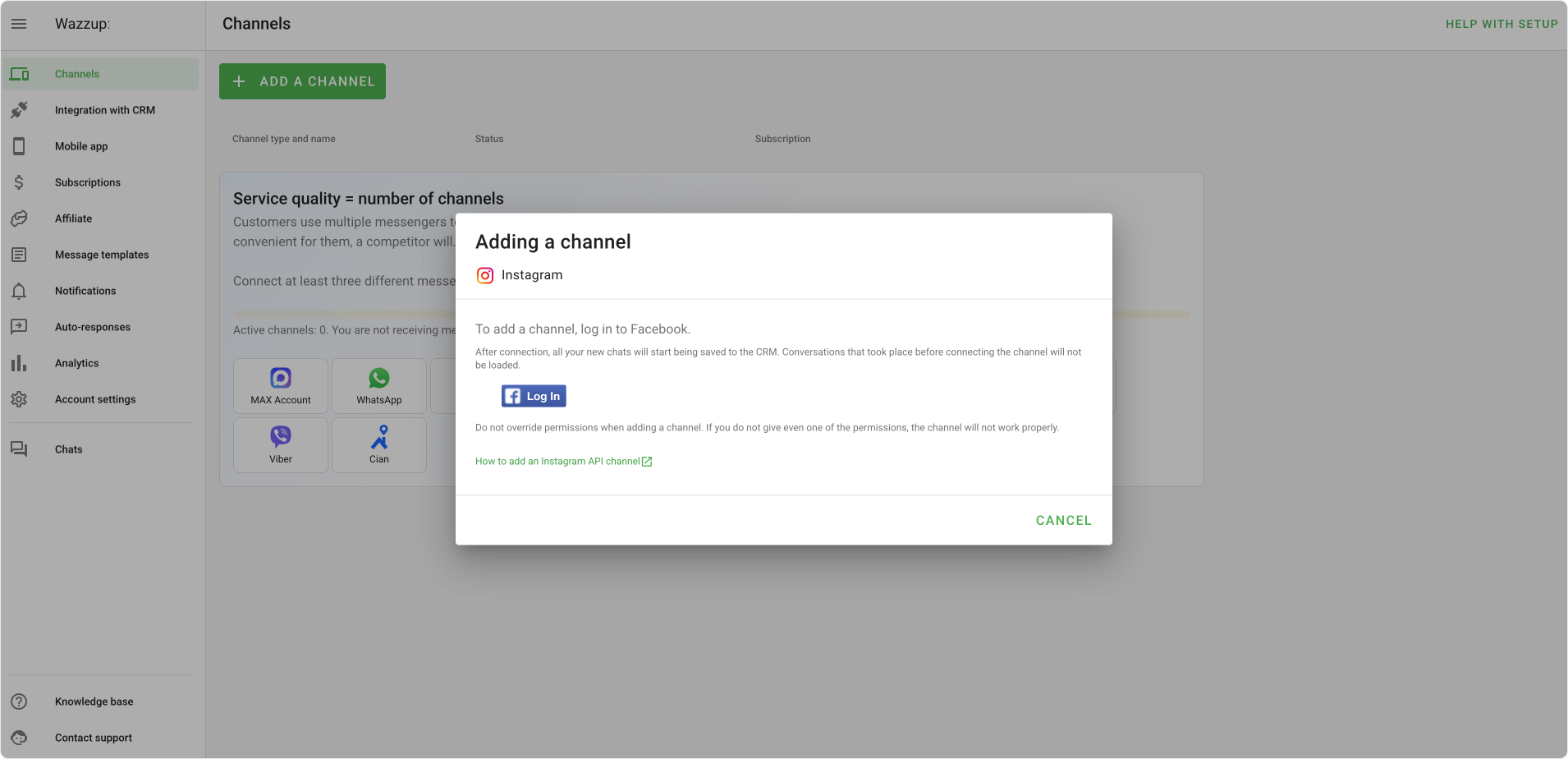
Note: when you're connecting Instagram, you'll also need to go through Facebook (Meta Business) verification.
Now, you need to connect Instagram to your Flowlu CRM module. To do that, go to the Integration with CRM tab and click Flowlu.
You'll see the following window:
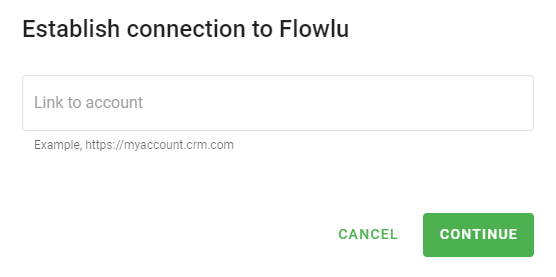
First, you'll need to paste the unique link that you'll receive by following the next step.
Connecting Flowlu to Wazzup
To receive the unique connection link, go to the Communications module in Flowlu and click the Connect button.
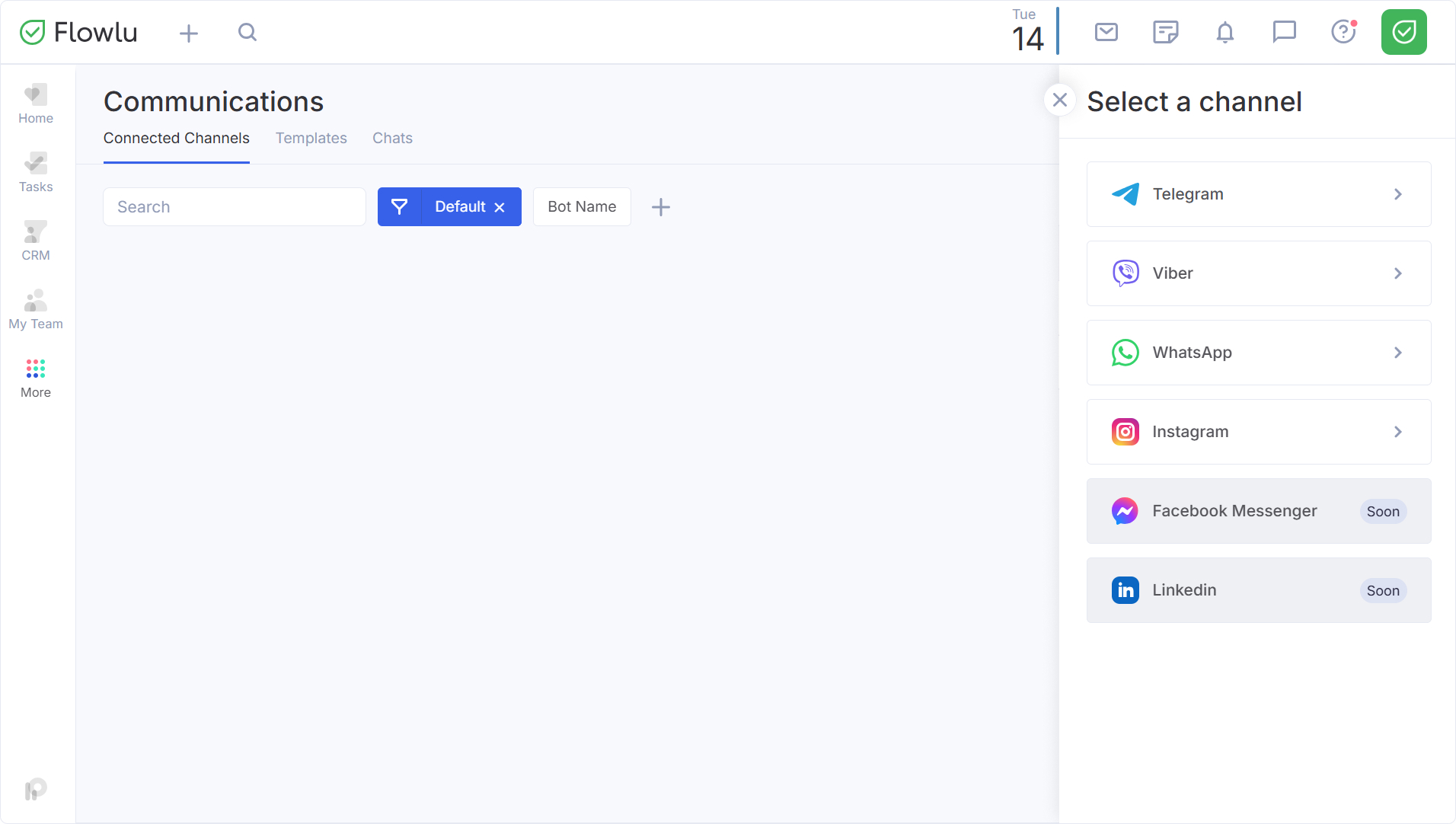
Then, pick the Instagram option and copy the link.
Paste the link to Wazzup, give permissions to access Flowlu, and click the Add button.
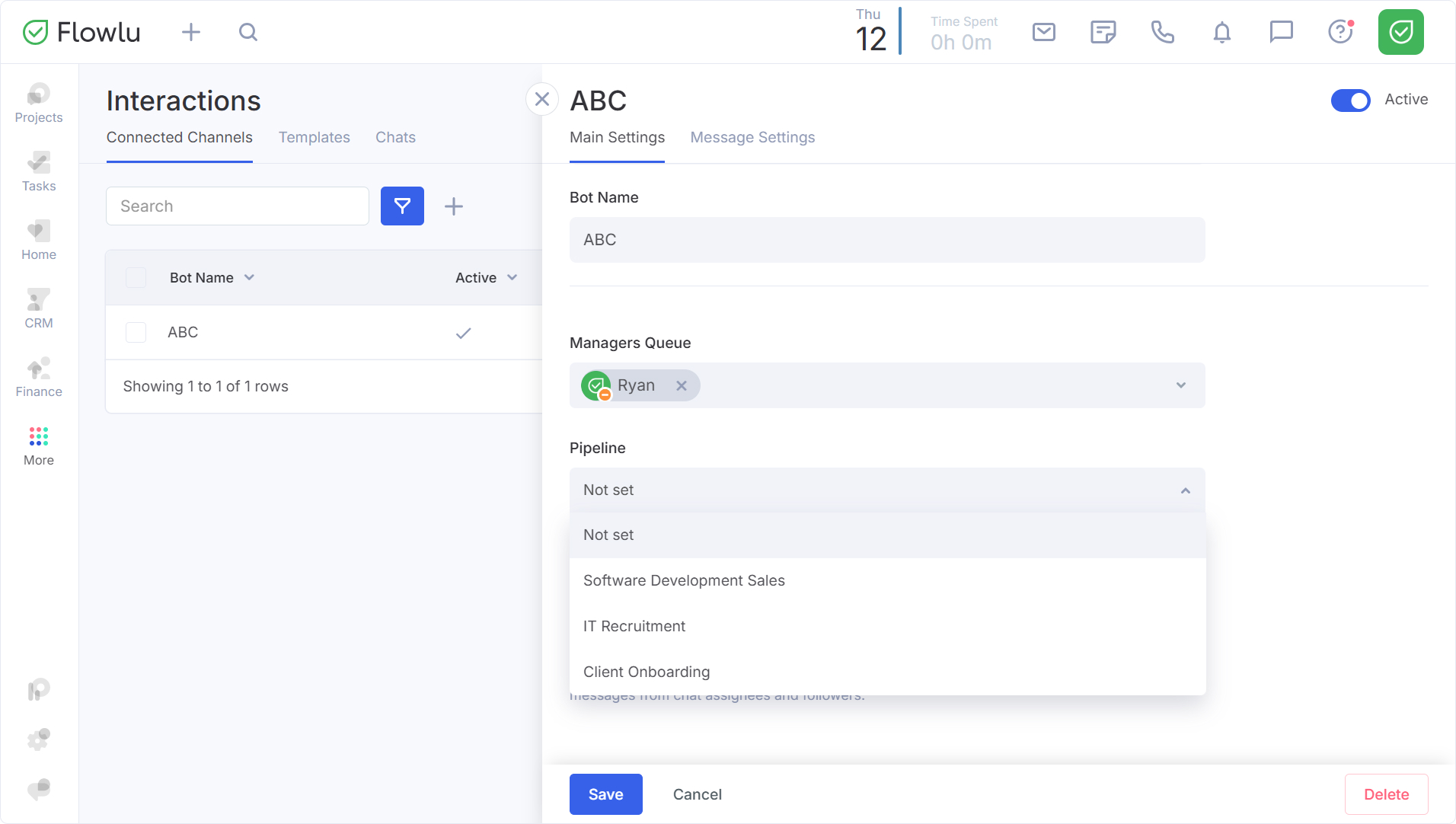
Integration is ready to work! After setting the connection, you can change the settings of this integration in your Flowlu account. For example, set the manager's queue or pick the CRM pipeline to which all chats will be taken as new sales opportunities.
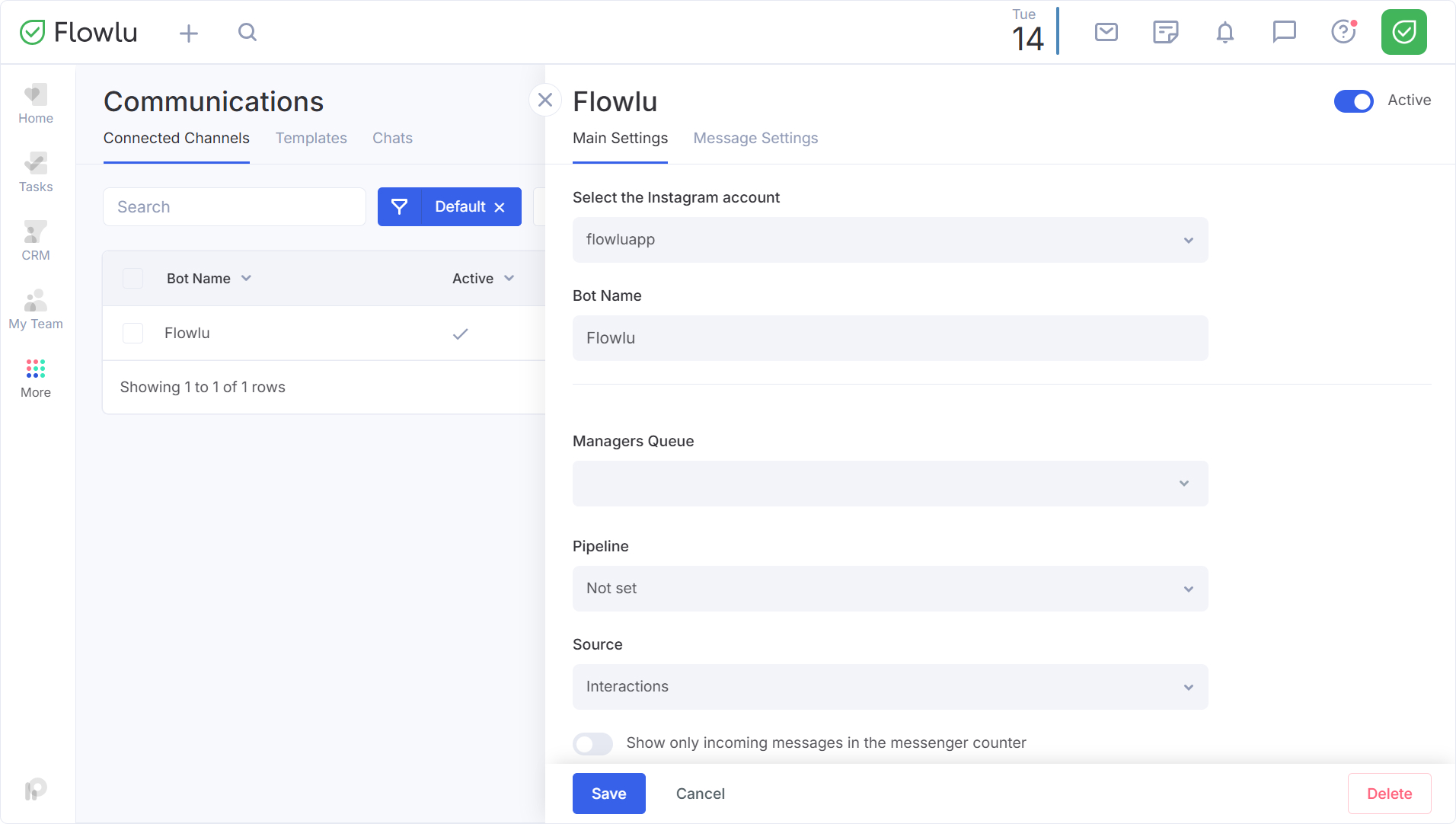
Disabling automatic opportunity creation in the Communications module
In the Connected Channels settings, you can now choose not to specify a Pipeline for a particular chatbot or integration. When the Pipeline field is "Not set", the system will deliver new messages directly to your built-in messenger without automatically generating a new Opportunity. This feature is ideal for handling general inquiries or support requests that do not require an immediate sales record, helping you keep your CRM clean and focused only on qualified leads.