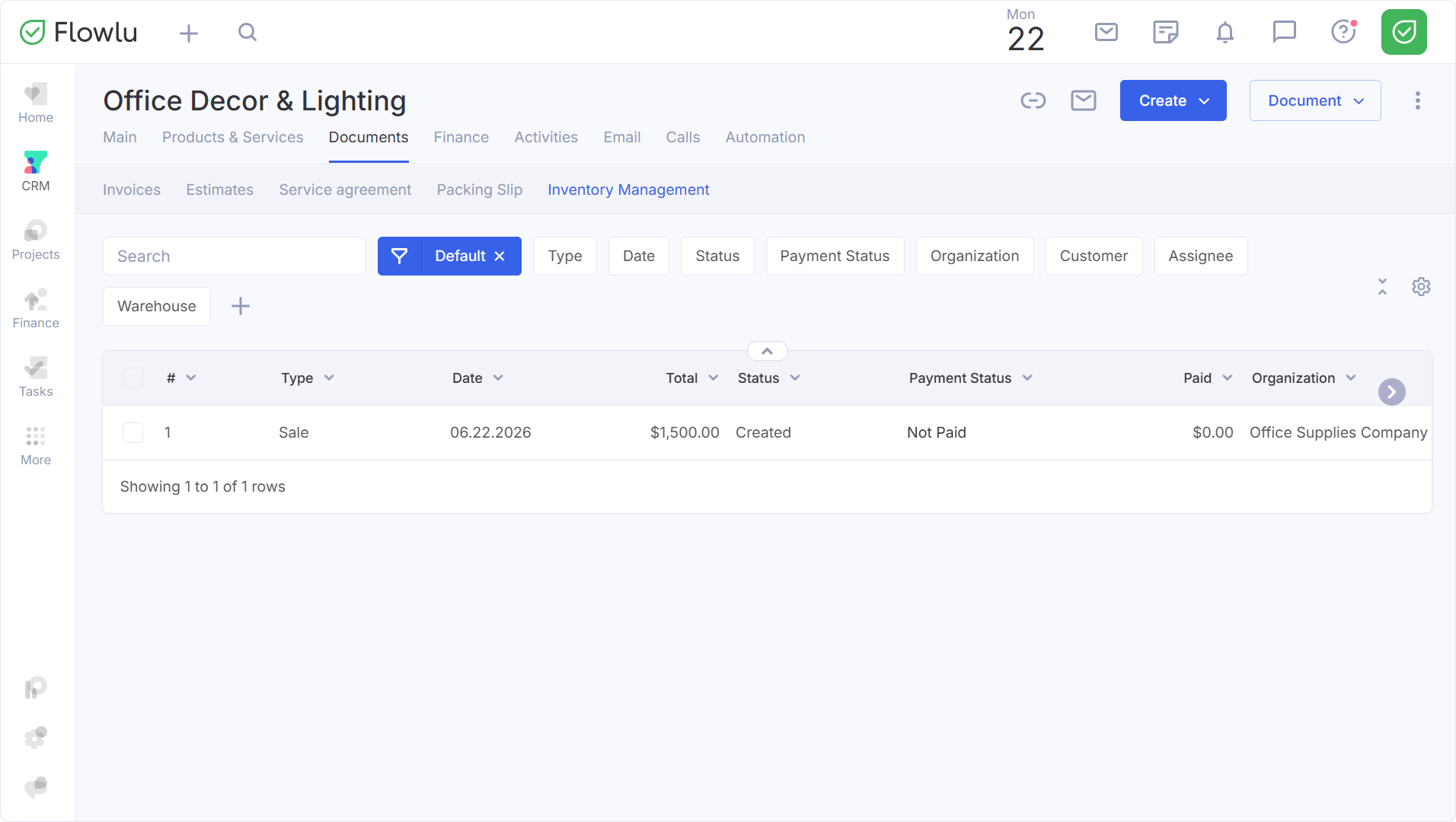

Creating a Sale in an Opportunity
The feature is available if the Inventory Management is active (the module is available starting with the Advanced plan). Additional information about the module and how to enable it can be found here.
How to Create a Sale
You can automatically generate a sales document for the products and services you added to the opportunity.
In another article, we explained how to link products to an opportunity.
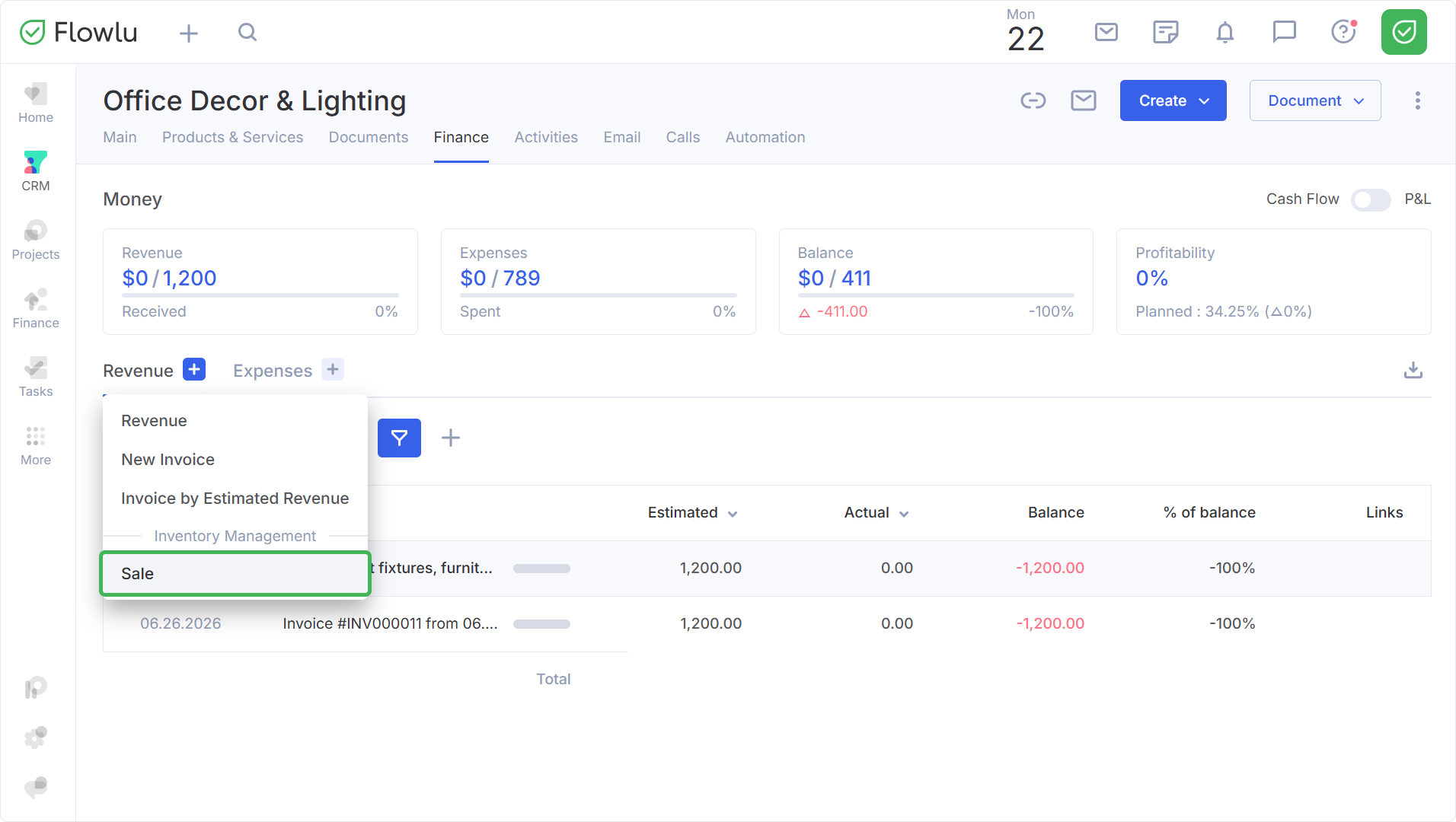
To create a sale, click on "+" and select Sale.
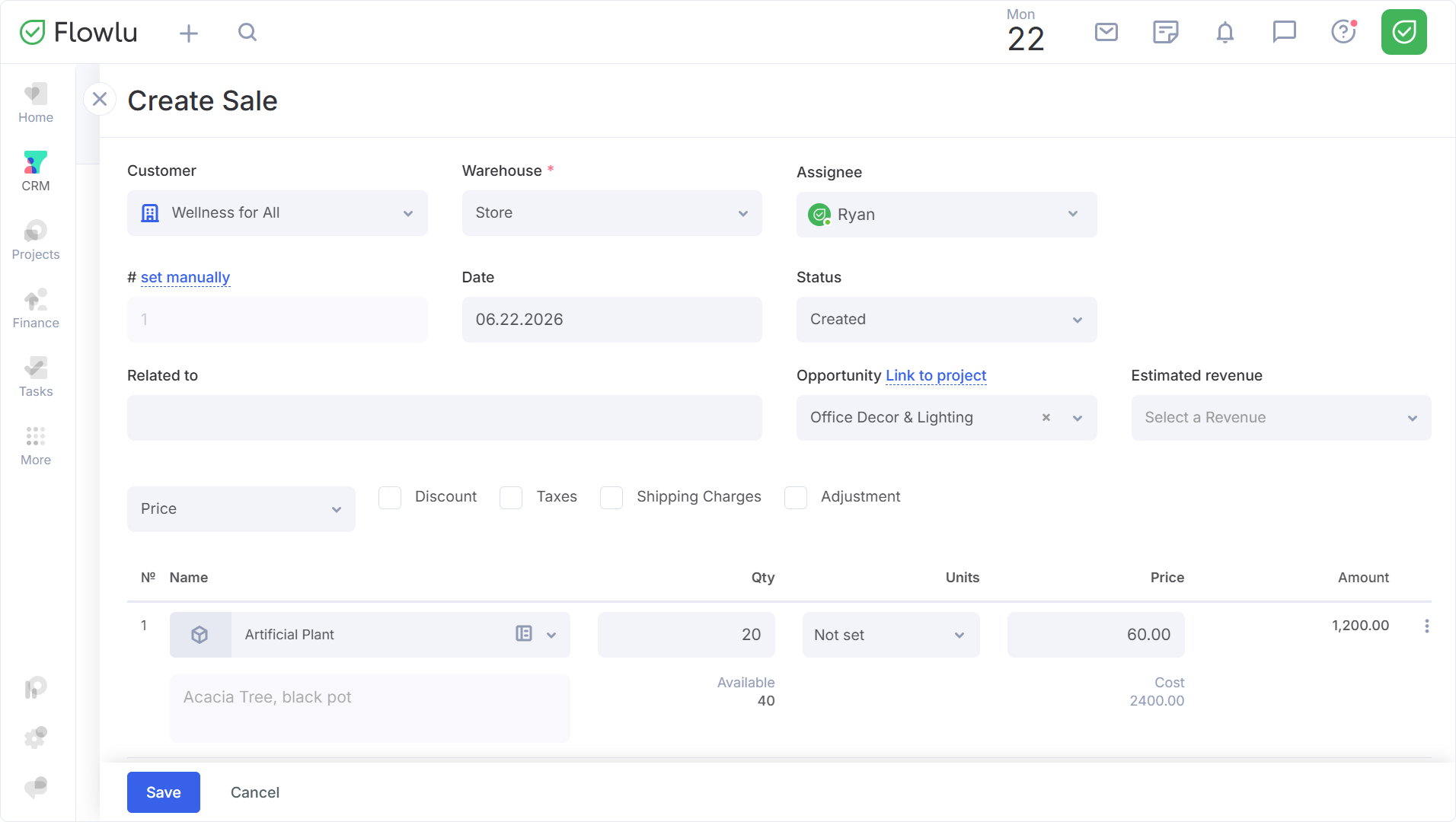
Fill in the form.
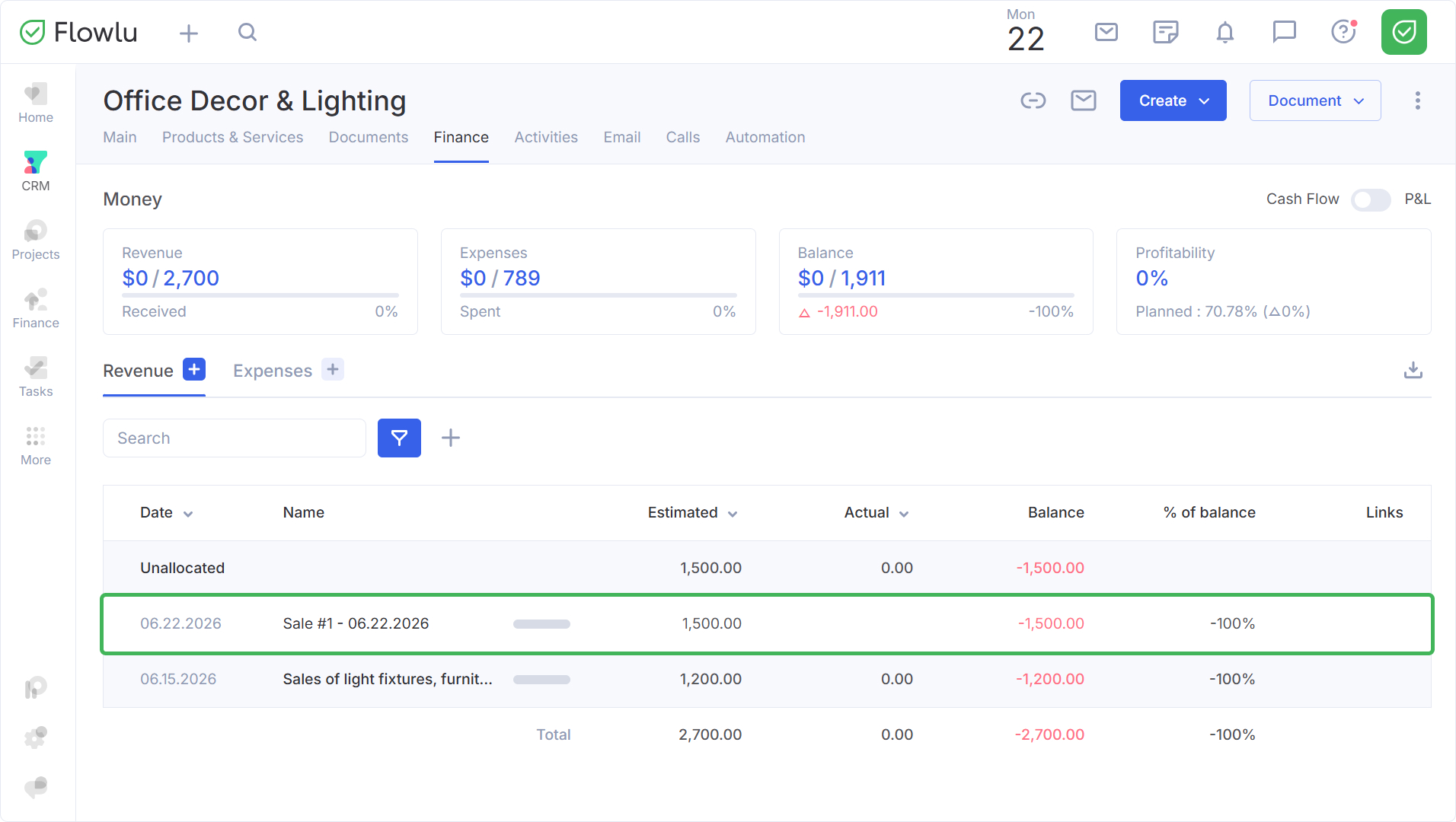
After saving, the sale will appear in the Finance tab under Revenue.
After processing the payment for the sale:
- In the Cash Flow report, actual revenue increases, and the balance for the corresponding estimated payment line becomes zero.
- In the Profit & Loss report (if the sale has not yet been processed), revenue is recognized and the costs of goods sold are deducted. If the sale is already processed, the payment does not change the P&L report.
The sales document will show a link back to the opportunity it belongs to.
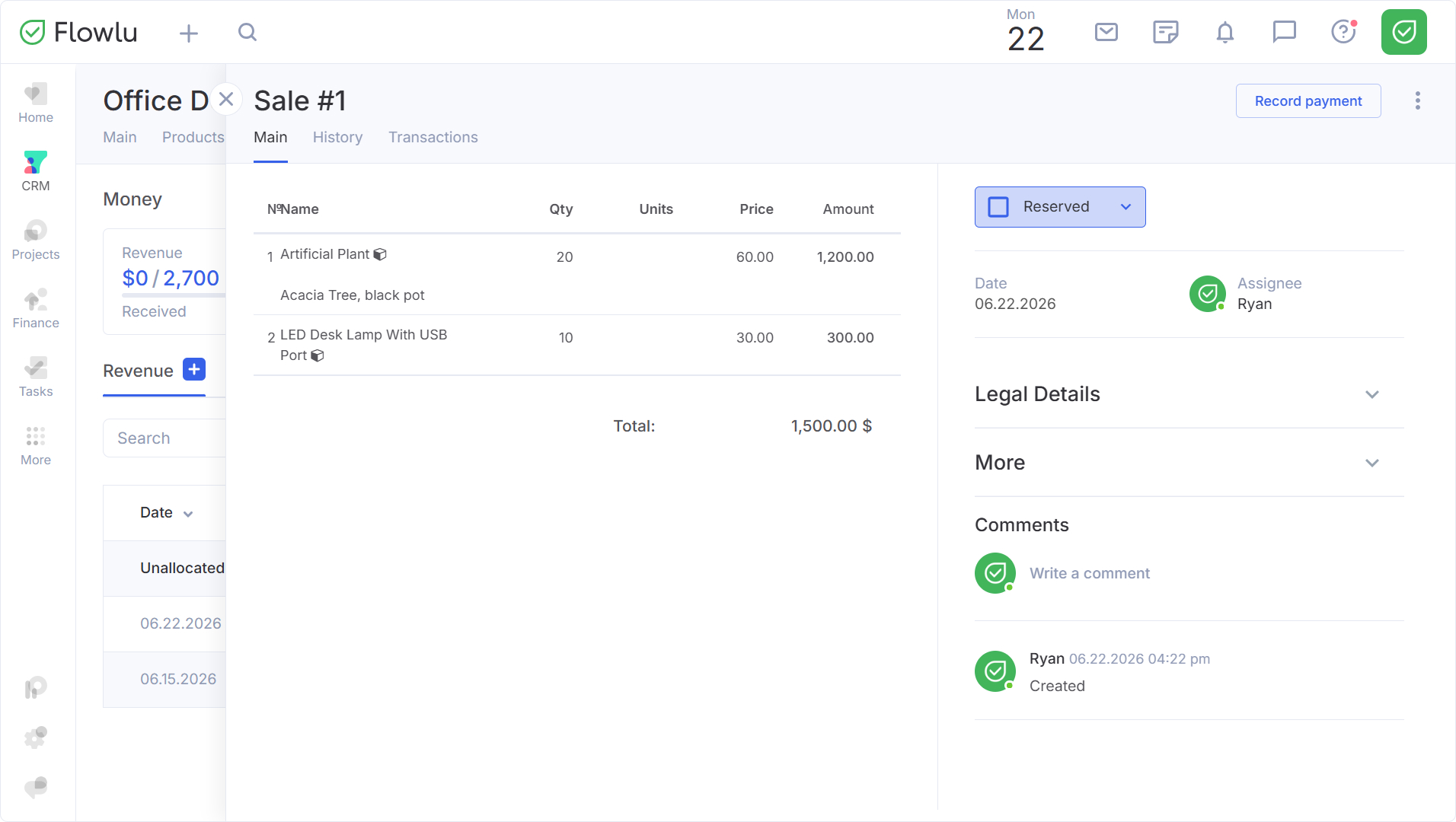
All created sales documents can be found in the Documents tab → Inventory Management.