Learn more Plan work more realistically with the new Workload Report based on team capacity.
Contact Sales

Time Tracking Software for Remote Teams
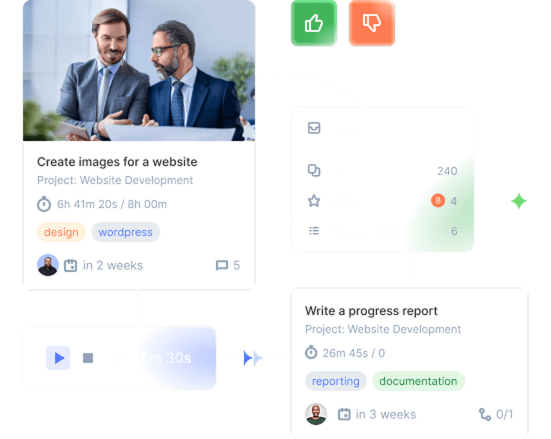
Flowlu gives you one workspace for managing clients, work, and invoices. Fewer tools, fewer logins, and a clearer view of what’s happening in your business.
Flowlu - Time Tracking Software for Remote Teams
Fits Your Flow
Customize everything to match how you work. No need to adapt to rigid systems.
Trusted Worldwide
35,000+ businesses rely on Flowlu every day to stay organized. You’re in good company.
Easy Onboarding
No steep learning curves. Hit the ground running with step-by-step guides and helpful tutorials.
Robust Security
Top-tier security. Because your data deserves more than a sticky note under your laptop.

What Is Time Tracking Software for Remote Teams?
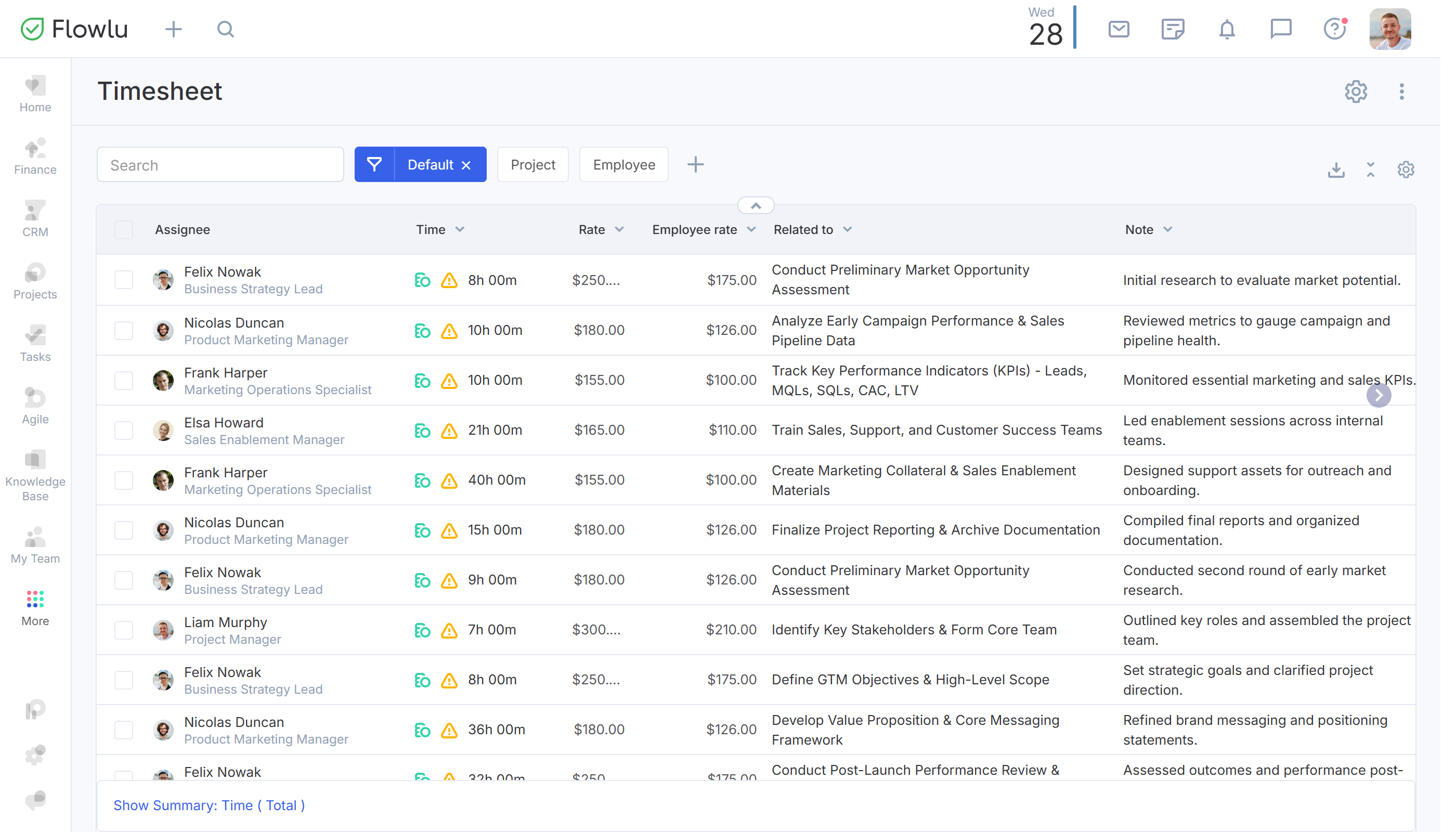
Time tracking software for remote teams is a digital tool serving as a bridge between being “logged on” and “work done.” It keeps accurate time records for users, lets you analyze hours spent on tasks, and helps with precise client billing. Distributed team management is almost impossible without remote work monitoring via time-tracking software like Flowlu!
Flowlu - What Is Time Tracking Software for Remote Teams?

Key Features of Quality Time Tracking Tools
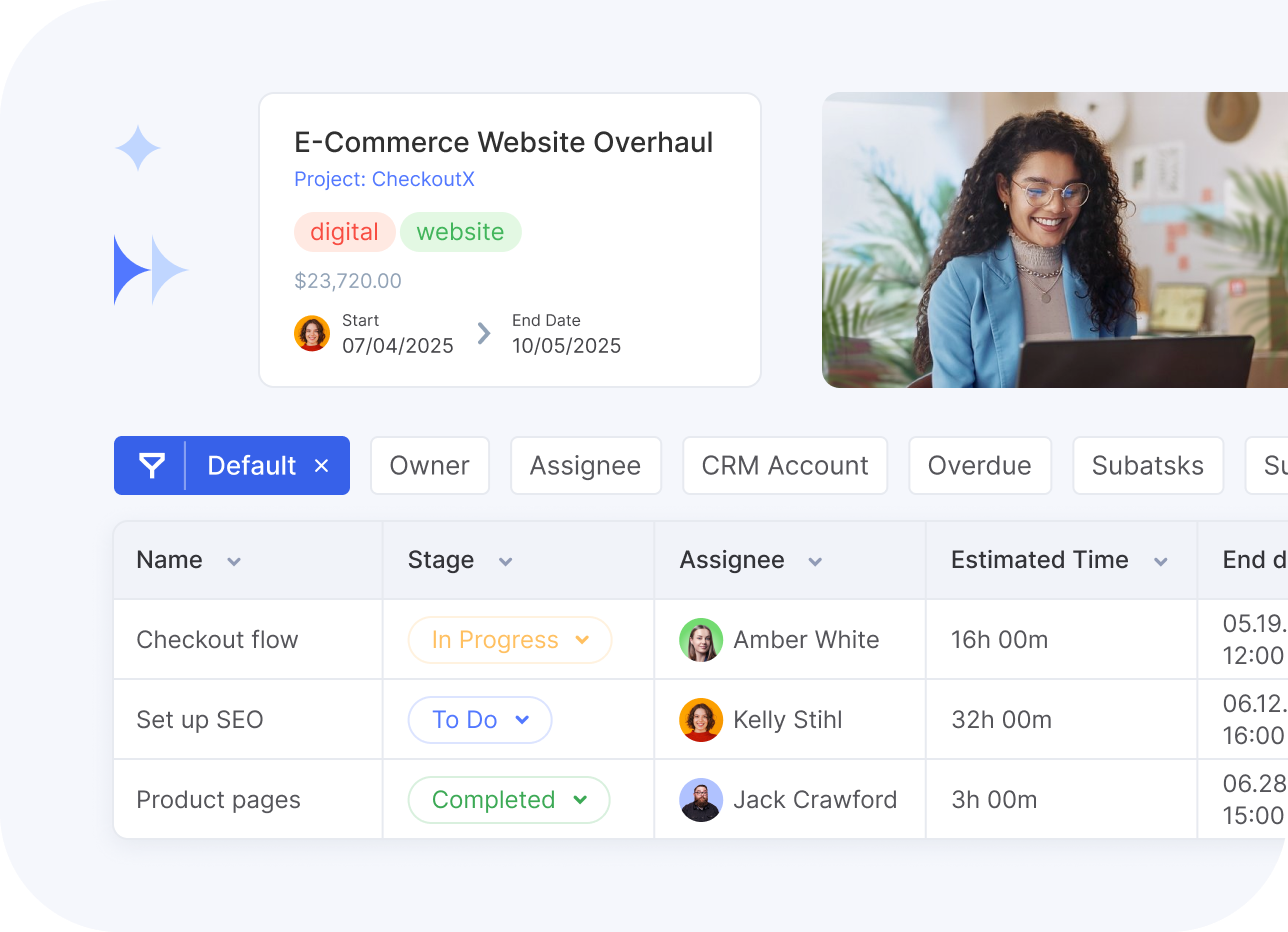
The best time tracking tools for remote teams have features that actually help your workflow, rather than interrupting it with unnecessary clicks. The Flowlu team truly believes that software should reduce tension during your workdays, not add to it.

Work Activity Monitoring

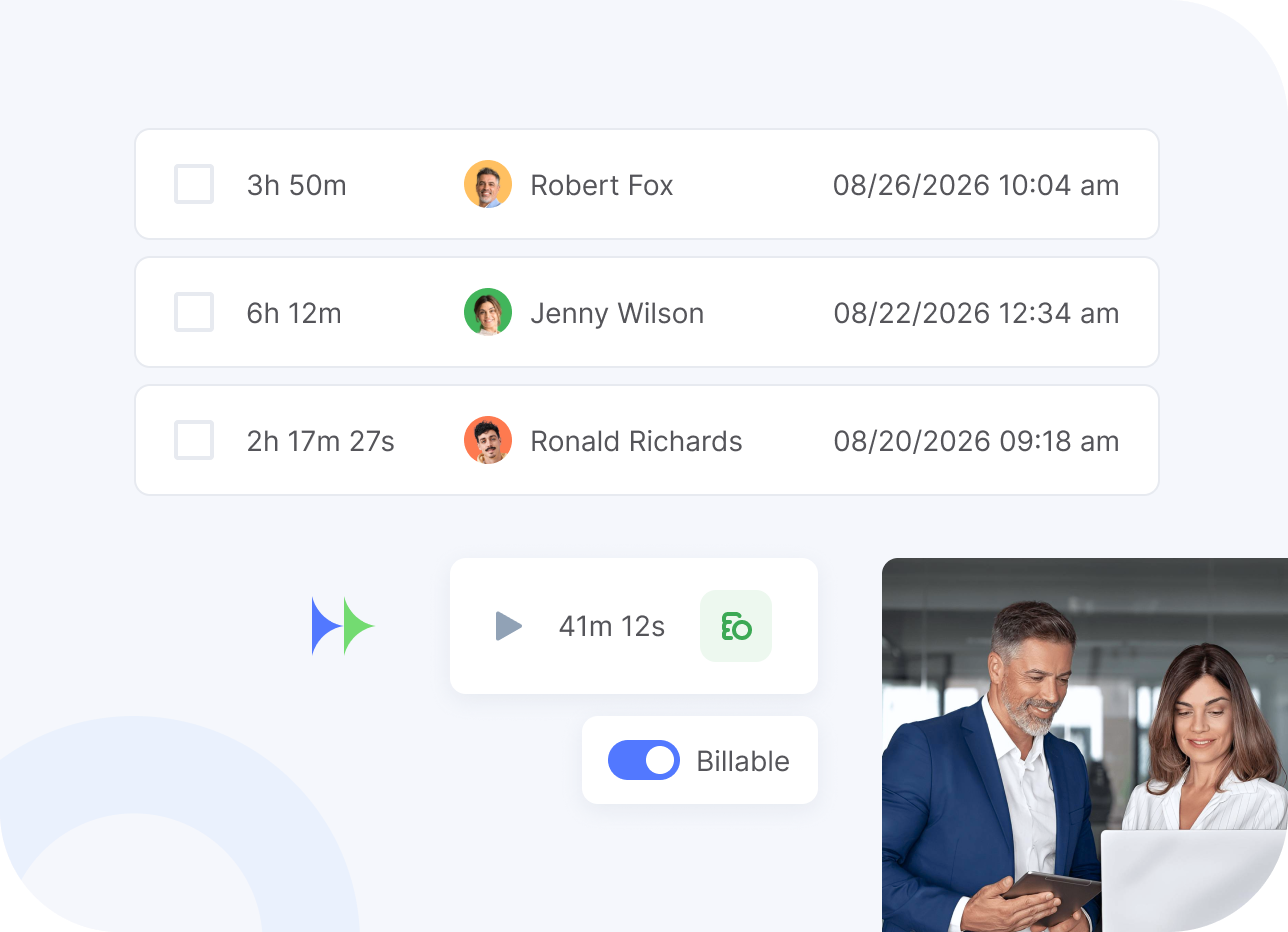
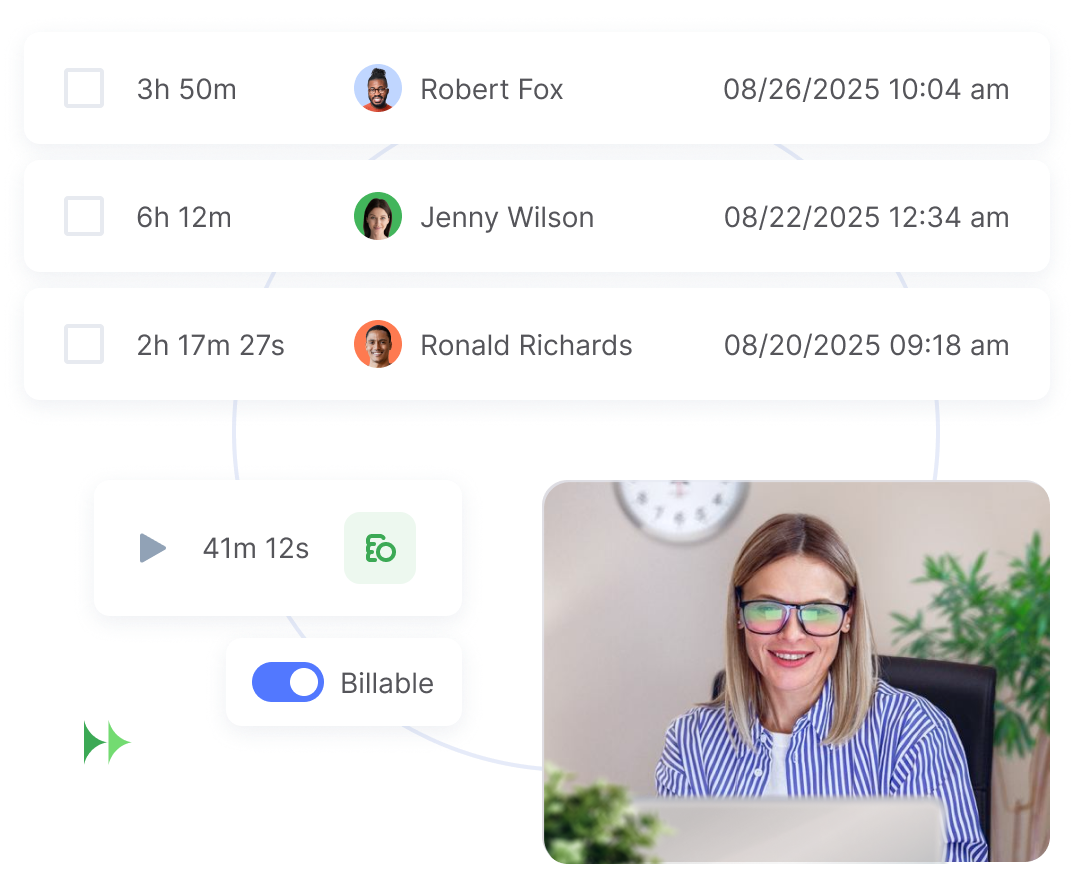
Flowlu lets your staff hit “start” on a task and get to work. This real-time recording makes hour tracking accurate because it captures the exact moment work happens. Hit stop, and a time entry appears where you can add a description for more context.
Flowlu - Work Activity Monitoring

Billable Time & Hourly Rates

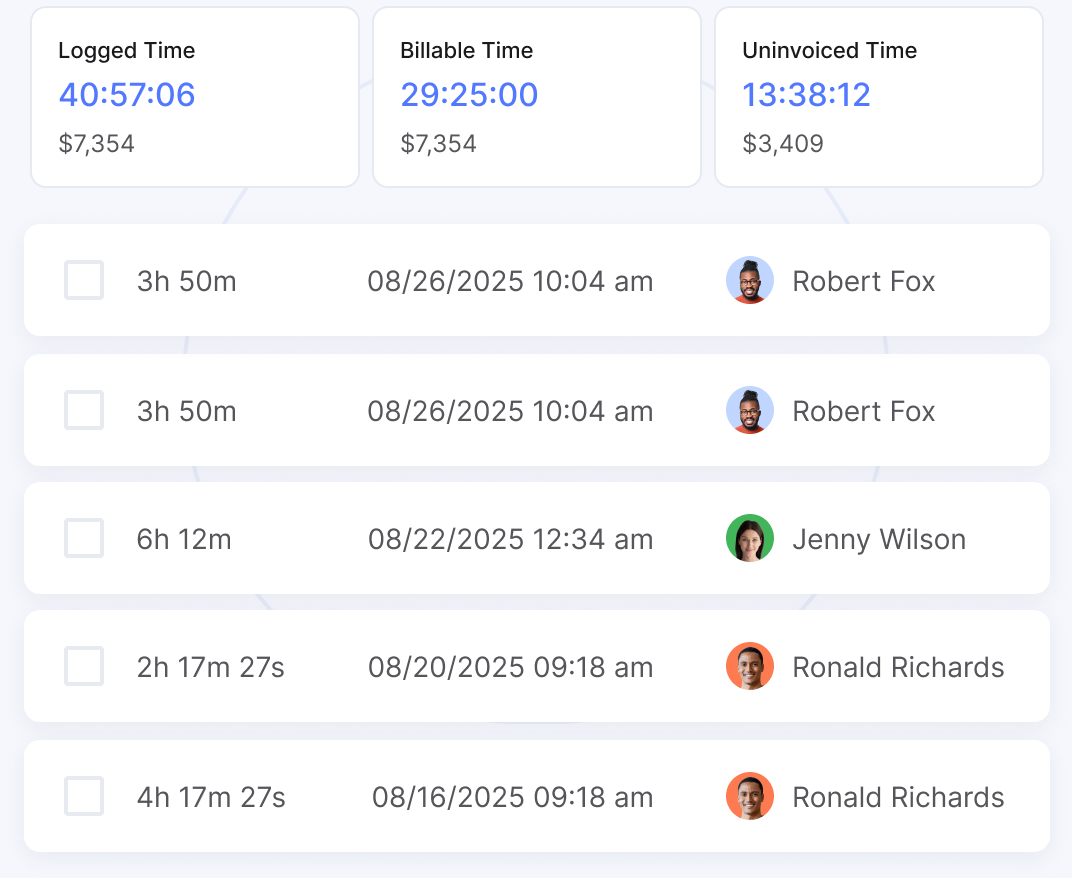
Flowlu stands out among the best time tracking tools for remote teams because it links time straight to money. You can set hourly rates for each user, create tasks, and project expenses will be calculated based on time spent. Billable hours can be tracked just as easily, converted to invoices with a click, and sent to your clients.
Flowlu - Billable Time & Hourly Rates

Team Dashboards

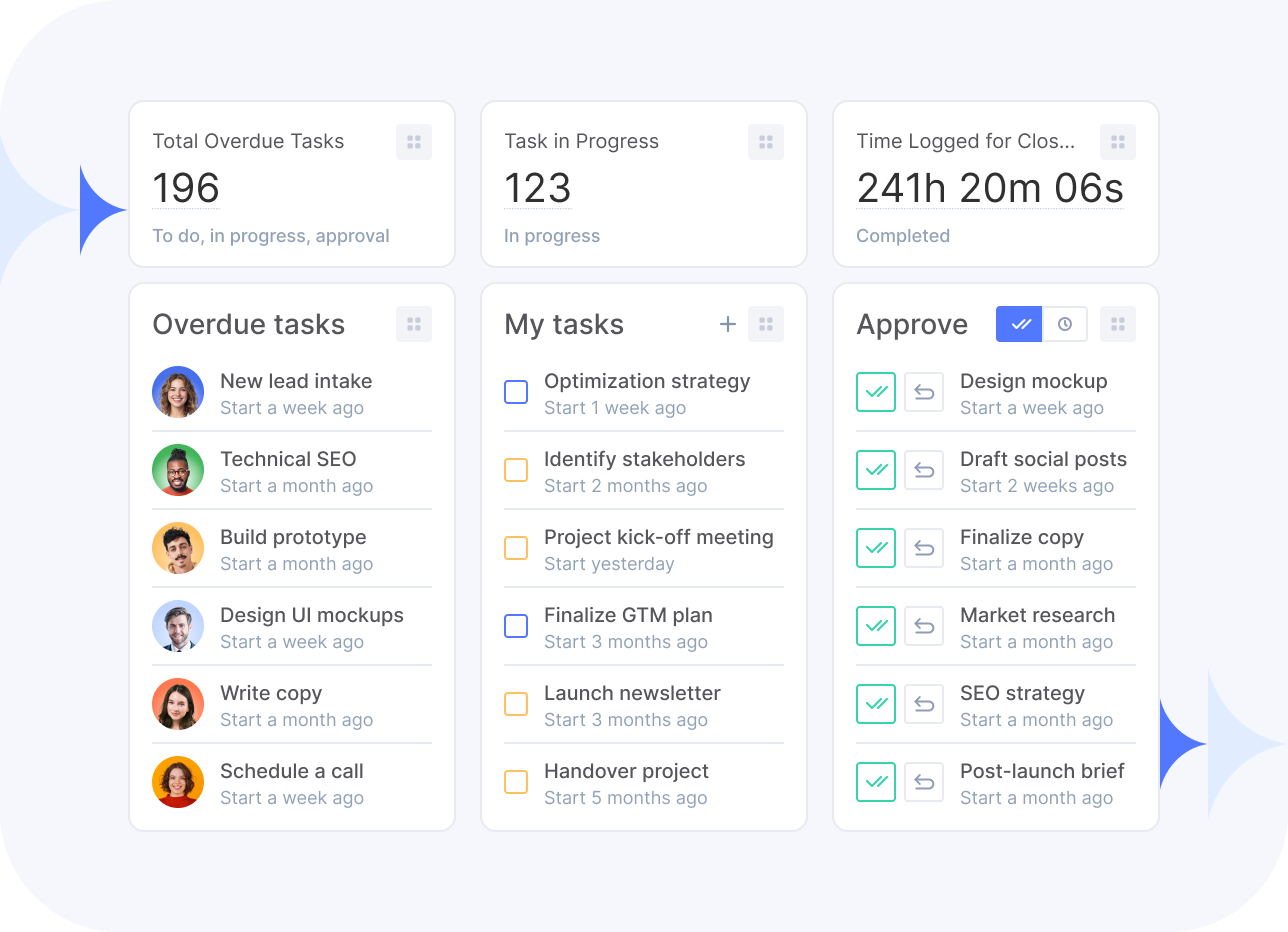
When you can’t see your team, you need more visible data. Flowlu’s widgets and reports provide instant team visibility, showing who is working on what, who is overloaded, and where idle time is accumulating. After all, good time tracking software for remote teams helps with workload management.
Flowlu - Team Dashboards

Automated Timesheet Generation

Nobody likes filling out spreadsheets on a Friday afternoon. Flowlu handles timesheet automation by pulling every timer entry into a clean, approval-ready format. This allows you to view time spent with custom filters, so there is no more chasing people down. The data is accurate and ready for export, streamlining billing and payroll and making Flowlu easily one of the best time-tracking tools for remote teams.
Flowlu - Automated Timesheet Generation

Productivity Analytics
Our productivity analytics give you the power to compare planned work hours against actual logs. Just estimate the time for tasks and see a clear breakdown of what you thought vs. what it takes to do the job. With a report like Estimated vs. Spent Time, you can spot efficiency leaks instantly in a table view and via a colored graph.
Flowlu - Productivity Analytics

Workload Management
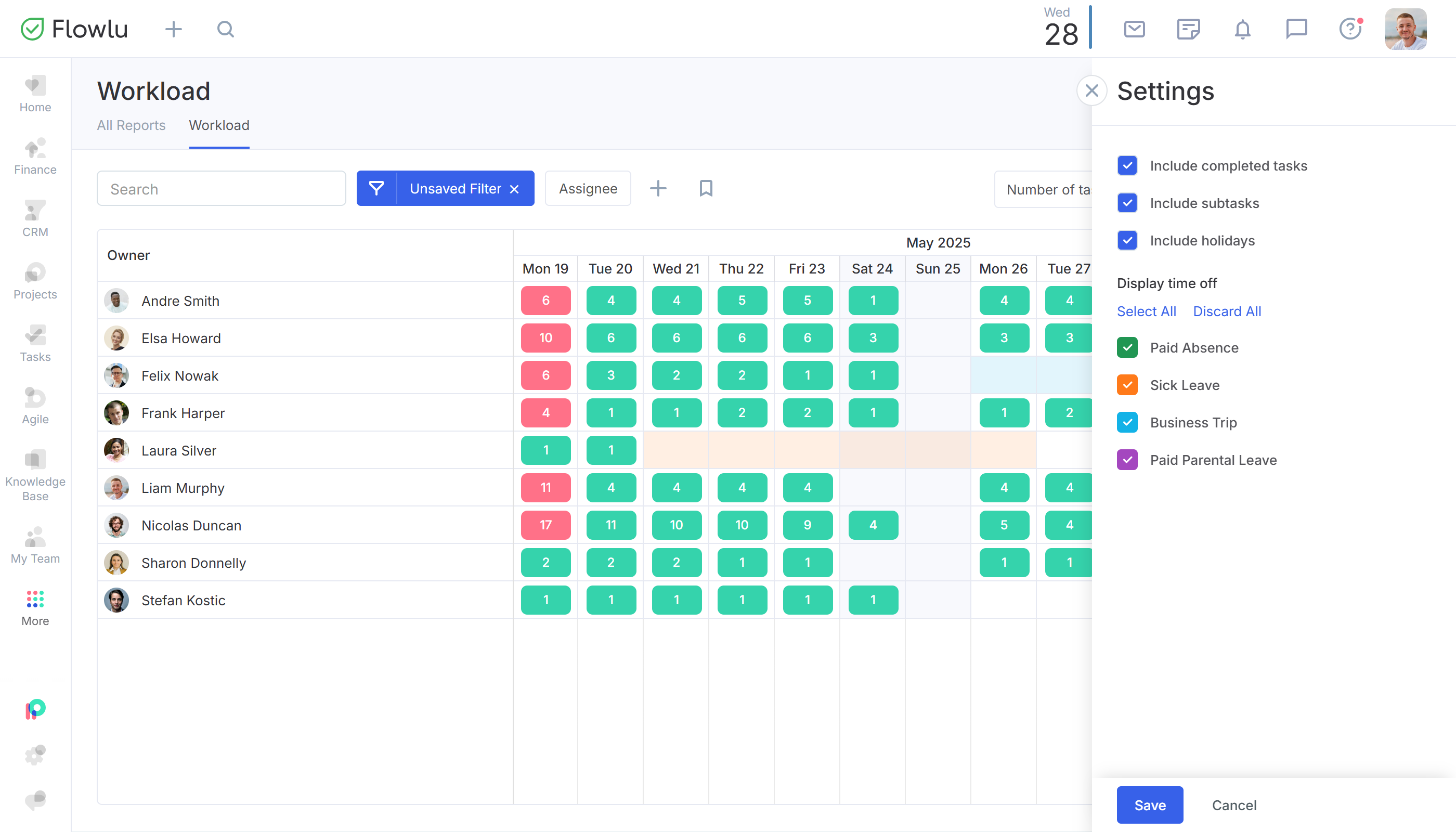
For hands-on workload management, check the Workload report to instantly see the distribution of tasks across your remote team. Understand who’s overloaded with handy colored markers and exact task counts, then redistribute the load. This is productivity monitoring for remote workers done right, as it’s focused on output, not micromanagement.
Flowlu - Workload Management

Time Off & Leave Management
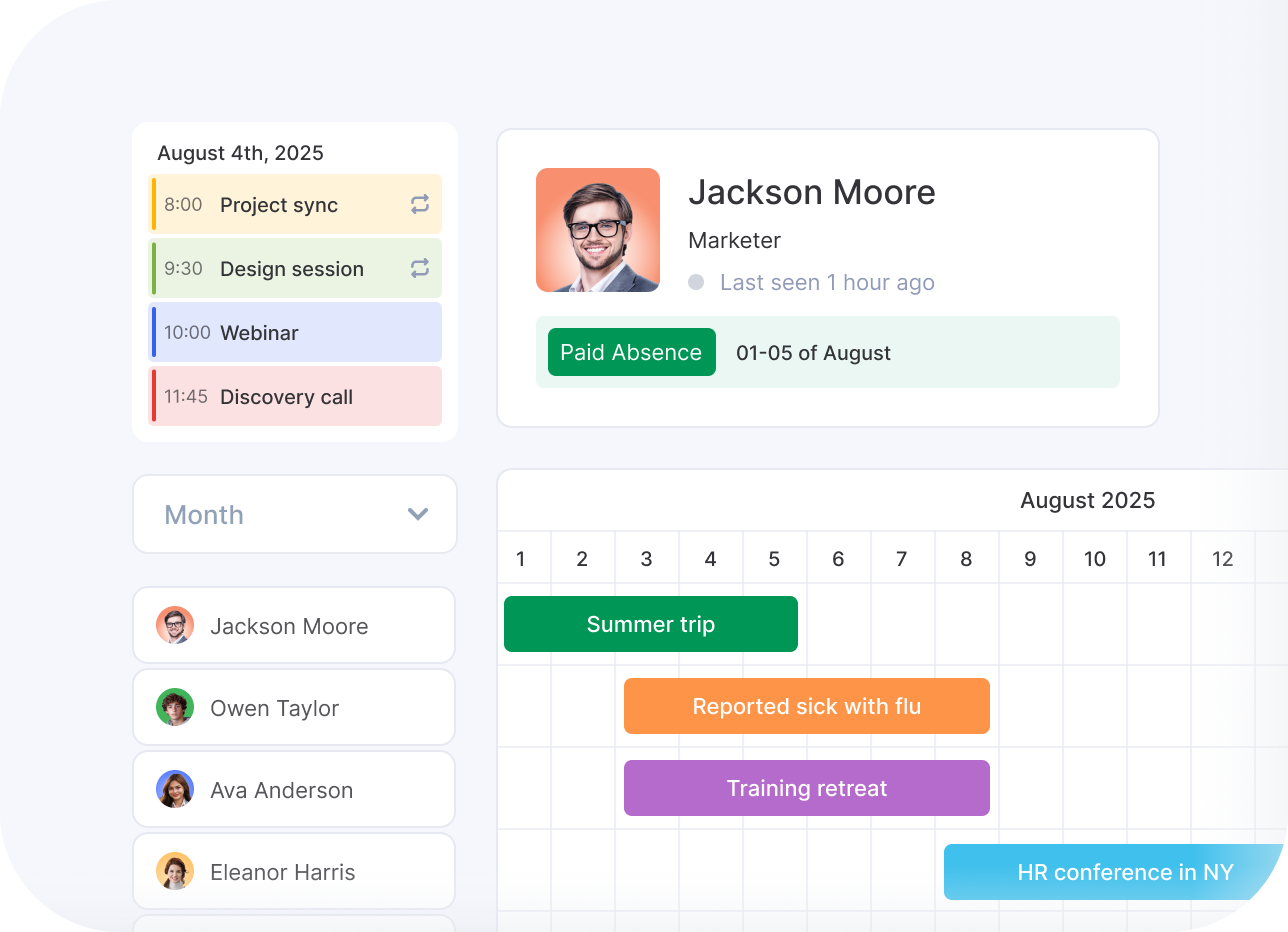
You can’t plan a deadline if you don't know who is available to work and who’s on a long-awaited vacation. Flowlu integrates attendance tracking directly into the portal, so you can add and monitor leaves, absences, and business trips in a colored chart for instant visibility and efficient distributed team management.
Flowlu - Time Off & Leave Management

Unified All-In-One Ecosystem
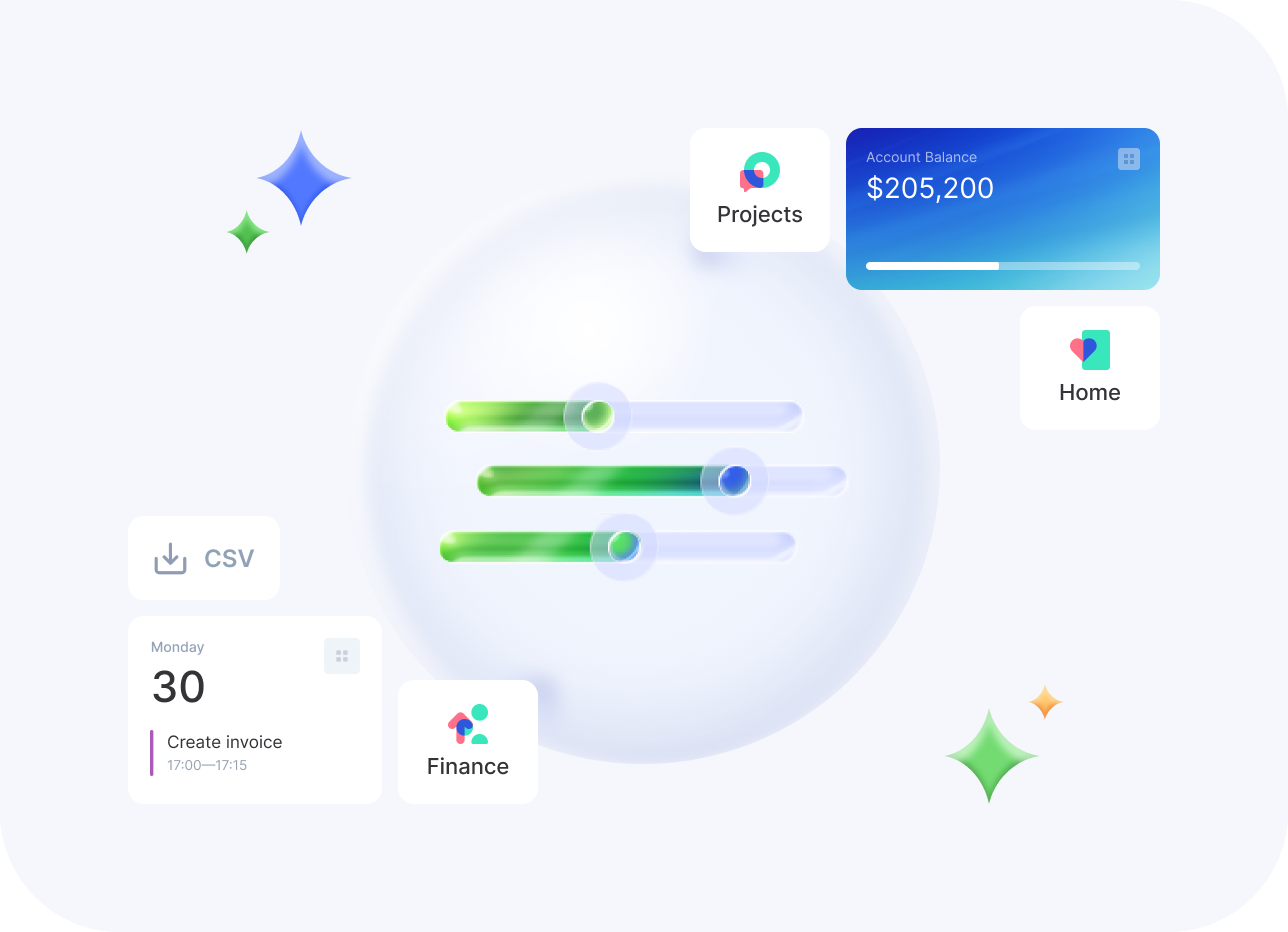
Stop paying for a separate CRM, PM, invoicing tool, and remote employee time tracking app, and consolidate your tech stack with Flowlu. Time tracking comes in native and talks perfectly to your sales and project tasks, calendar events, invoices, and expenses, all without costing you more. Forget about extra third-party subscriptions and fragile integrations that break when you need them most.
Flowlu - Unified All-In-One Ecosystem

How to Choose the Right Tracking Tool

The proper tracking tool must not be invasive. Instead, choose software that delivers the data required while allowing staff to log work hours without feeling micromanaged.
  • Define Your Tracking Requirements
    Begin by thinking about what you really need to track. Is it simply attendance and time spent on tasks, or do you want to use logged time to bill your clients for project work? If you decide on time tracking software for remote teams that supports all your business processes, a standalone timer won’t do you any good. List your non-negotiables first!
  • Prioritize Team Autonomy
    Trust is fragile. Flowlu proves you don’t need to be invasive; rather, you should focus on collecting performance metrics in a reliable and predictable way. A team member clicks a timer once they start, pauses when necessary, then clicks to stop. The admin sees all time entries in a table with custom filters.
  • Evaluate Work Features
    Your time tracking needs to play well with and benefit your other business areas. The best time tracking tools for remote teams provide more features than simply capturing minutes and hours. With Flowlu, you can track time spent on tasks within a project and convert it into an invoice for billing your clients.
Flowlu - How to Choose the Right Tracking Tool

Implementation Best Practices

Setup & Configuration Guide

Get your workflow right from day one. Configure your workspace settings, define custom user roles, and invite employees to the portal. If you want to manage billing and payroll based on time spent, set billable hourly rates and pay rates for individual users.
1

Team Training & Adoption Strategy

Show, don’t just tell. Explain that this is a remote employee time tracking app designed to protect their time, not spy on them. Show them how to use Flowlu for work-from-home or on-the-go tracking and how accurate logs ensure they get credit for every minute of performance.
2

Monitoring Performance

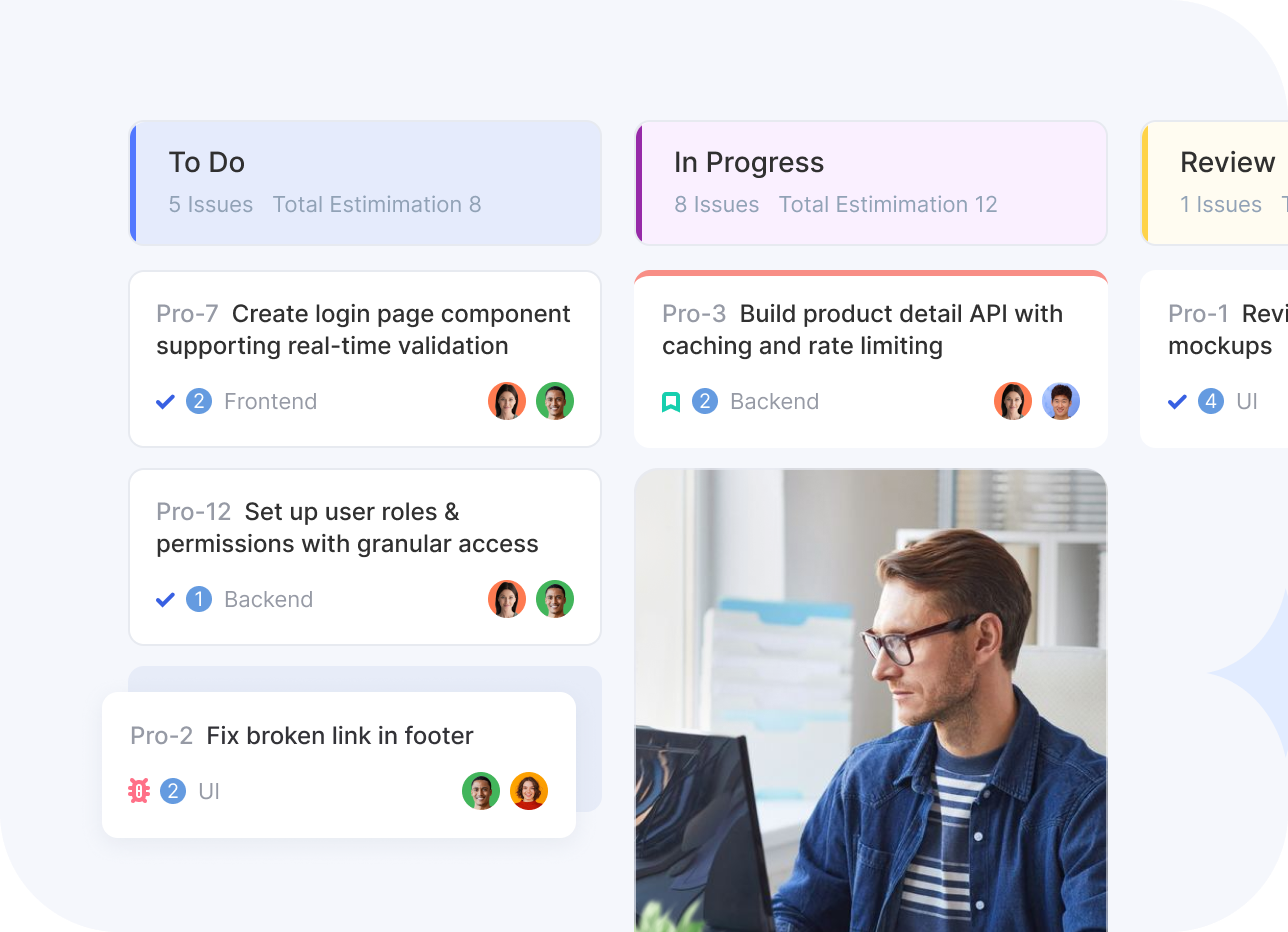
Use the data to make decisions. Dig into Spent Time Weekly and Estimated/Spent Time reports regularly to understand how you can reduce the idle time of your remote employees. Check the Workload report to manage all ongoing tasks by easily spotting who has too much on their plate and who does not.
3
Danijel Bićanic
Danijel Bićanic
Sales Trainer, Owner of Bićanić Consulting
"We chose Flowlu because it centralizes our operations, sales, and project management in a single platform. It gives us a clear overview of events, deadlines, and tasks at a glance, so everything is clearly organized in one place."
1
workspace for the entire team
25%
less internal back-and-forth
15%
faster project delivery
30%
less time spent on manual tasks
Read the case study
Portrait of a man in a business suit in an office setting

Why businesses love Flowlu?

A very strong tool for SMB and PM
Imagine a unified business management platform that caters to SMBs but includes powerful enterprise-level functionality normally reserved for more expensive CRMs, PM tools, and the like. It's as if they scoured the market for the most popular features, then crammed them all into their product. Read more
Brandon E.
Brandon E.
Sales Specialist
Comprehensive solution for project management and CRM
Flowlu is a comprehensive solution for project management and CRM software. Especially when you don’t want to have a dozen separate systems and drown in integration efforts. The interface is easy to use, and there are some amazing features, such as fully automated task flow inside the system itself. It also has enough customization capabilities ... Read more
Tomas V.
Tomas V.
CEO
By far one of the best business management software
I run an agency and have personally used countless project and business management software solutions. Flowlu is a feature-rich CRM that offers amazing automation tools to make your life easier. It provides a plethora of features that can be customized to meet your company's unique requirements. I also appreciate that it includes time track... Read more
Shiraz Q.
Shiraz Q.
CEO
Fast, feature packed, priced right
Flowlu is easy to use, has a mobile app, and keeps getting better. Flowlu peaked my interest when I saw how many different features they were able to incorporate into their system. Once I started using it I was surprised at how everything was pretty fast and cohesive. This will be a great tool for my agency and fits a lot of needs that other sys... Read more
Josiah H.
Josiah H.
Web Developer
THIS is what I've been waiting for
My experience has been incredible so far. Flowlu has replaced five applications and has made life better for me and 350 of my employees. It's kind of like being a kid at Christmas... I actually look forward to using the application every morning. The thing that differentiates them from everyone else is that they do a lot of things very well... Read more
Antonio Thornton, P.
CEO
Pumped about Flowlu
I was looking for a viable platform that would make my business more profitable and easier to run and manage to meet my requirements for a very long time. Some platforms offer similar functions to Flowlu but Flowlu offers speed, performance and overall product quality. I am implementing and testing the platform now in several companies that I ru... Read more
Martin G.
Martin G.
Director
Does it all really well
Flowlu is one system that puts all your client interactions at your fingertips. I really like the concept of one integrated system that keeps track of most of the tasks I need to do with clients every day, rather than requiring duplicate data entry across several disconnected systems. This is especially important for small companies like mine th... Read more
Joshua M.
Joshua M.
Founder
So much more than just a Project Management tool!
Flowlu is a full-fledged business workflow tool that allows you to manage pretty much everything in your business from one central location. It has a well-designed, user-friendly interface that is simple to operate and navigate. It also includes one of the best new customer onboarding processes I've seen from a SaaS provider, utilizing its ... Read more
Tim D.
Tim D.
Head Consultant
Flowlu has been the most useful project management tool that we have
We are having the best and most efficient experience working on our projects with Flowlu. It allows us to ensure constant collaboration on all our tasks, which helps us achieve our project goals within the allocated timeframe. It offers us an amazing virtually shared workspace that helps us collaborate and work on our tasks as a team. Read more
Tim Van W.
Tim Van W.
Senior Project Supervisor
Good overview of tasks and planning
We use Flowlu to plan work and manage tasks across our team. Flowlu helps us keep a clear overview of ongoing tasks and responsibilities. Having planning and CRM in one system was important for us, and Flowlu meets that need well. The layout is clear and easy to work with, which made adoption easier for the team. Read more
Angelique Boulonois
Angelique Boulonois
Managing Partner
Flowlu allows businesses to manage projects from anywhere
This software is great!! So easy to enter information and schedules. This solution keeps me very productive! I have a tendency to try to tackle too much at once and end up with an overwhelming number of unfinished tasks. I like the fact that I can share the tasks and lists with anyone just by using their email addresses. Read more
Alvin Buckley
Alvin Buckley
Events Services
Integrate with your favorite tools
Connect your Flowlu account with other apps via native and third-party premade integrations.
Flowlu - Integration with Imap
Flowlu - Integration with PayPal
Flowlu - Integration with KonnectzIT
Flowlu - Integration with Jira
Flowlu - Integration with Google Calendar
Flowlu - Integration with Integrately
Flowlu - Integration with Jivochat
Flowlu - Integration with Pabbly
Flowlu - Integration with Calendly
Flowlu - Integration with AppyPie
Flowlu - Integration with Square
Flowlu - Integration with Zendesk
Frequently Asked Questions
You will find the answers in the knowledge base or write to us in the online chat.

Without time tracking software for remote teams, you lose sight of actual team performance. It also provides the structure required for distributed team management while ensuring fair payroll management and accurate client billing.

Forgetfulness and resistance. Flowlu solves this with an easy-to-use app that allows manual editing of time entries. We also avoid the morale issues associated with screenshots, focusing on trust instead.

Yes. Flowlu serves as a portable app (iOS & Android), allowing staff to log work hours from anywhere.

No. We provide productivity monitoring through task and event timers, which is more effective than screenshots for professional teams.

By using time-tracking software, you identify bottlenecks. Our features highlight where processes get stuck, allowing you to fix workflows and improve efficiency.

Absolutely. Flowlu allows you to track expenses and labor costs in real time

Not at all. We offer onboarding support to get your app running in minutes.

They combine time tracking with project and finance management. Flowlu integrates task dependencies, Gantt charts, and invoicing in one place.

Yes. From CRM pipelines to recurring tasks and invoices, Flowlu saves you time.

Yes. Flowlu scales from small startups to large enterprises needing advanced permissions and department management.

See how Flowlu works for your business.
See how Flowlu works for your business. No credit card required.
Success. Your request has been submitted. We'll contact you soon.
Error. Something went wrong. Please try again later.
Coupon is Copied to Your Clipboard.