Top Mobile Apps to Manage Business Expenses in 2026


When you’re running a business, there are many tasks that need to be done regularly. And one of those categories of tasks is related to expenses.
The reality is that dealing with or managing expenses doesn’t need to be a hassle or boring anymore. Fortunately, there are a huge number of mobile expense management solutions that can help you with all processes, from maintaining compliance to reconciling expenses and even keeping track of receipts.
Expense tracking apps for businesses are a powerful solution not only because they make your life easier but also because they’re easily accessible, since you can have these softwares installed on your phone. So, which one is the best for you? Which one should you choose?
Why Do You Need a Business Expense Tracking App
If you’re not yet sold on the idea of using this type of solution to help you manage your expenses, it may help to know that these tools are designed to do the job effortlessly.
Simply put, a mobile expense management app provides a solid foundation you can work from. Let’s say you’re already a very organized person. The reality is that managing multiple subscriptions, bank accounts, debit and credit cards, and different payment tools isn’t easy. It can be difficult to handle everything on your own without a tool to help you.
But this type of app does much more than simply track your expenses. It provides a clear view of your spending history, syncs with your bank accounts, and even automates expense data.
As you can imagine, having all this information at your fingertips makes it easier than ever to understand why you’re spending money, what resources you’re spending it on, and where it’s going. For entrepreneurs, it’s an opportunity to build a transparent and trustworthy payment system for customers.
While this is a valuable tool for both businesses and individuals, today we’ll focus only on the best expense management apps.
How to Choose the Best Corporate Expense Management Software
Before choosing the best mobile expense app for your business, you need to conduct an audit and consider several key factors. After all, using this development can have a significant impact on your company’s efficiency.
With this in mind, you should consider:
- Your team size
- Your growth plans
- Your budget
- The requirements of your industry
- Any specific needs your employees and teams have to work efficiently
With this information in hand, you’ll be able to choose a solution that not only supports your company’s growth but also improves budget visibility and helps you manage operations and finances more effectively.
The 9 Best Mobile Expense Management Apps for Businesses
#1. Flowlu
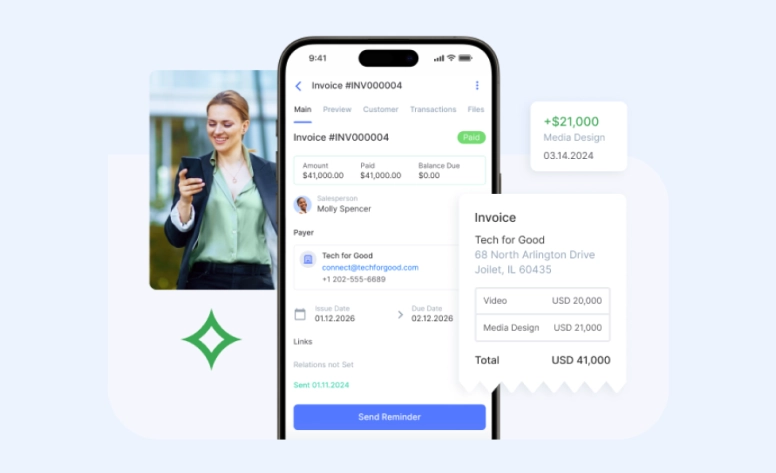
Suitable for: Teams, solopreneurs, startups, and growing companies.
Flowlu is an elaborated solution for everyone looking to keep track of their expenses. Featuring a simple yet efficient design, it will be easy to start using it.
Key Features:
- Bank Account Tracking: With Flowlu, you can keep track of different bank accounts and monitor how they change over time. You can add your savings account, checking account, and others.
- Categorized Expenses: To get started, Flowlu comes with predefined categories to help you organize and streamline your spending.
- Finance KPIs: Create custom dashboards to visualize financial metrics using widgets from categories Revenue and Expenses, Account Balances, Profit & Loss, and much more.
- Expenses by Account: Review expenses linked to employees’ CRM accounts to see who generates more or less profit.
- Revenue by Project: In Flowlu, you can monitor the budget for each project separately. Simply select a specific project when creating accounts or invoices, and they’ll automatically be included in the stats.
- Multi-Currency Support: USD, EUR, JPY, AUD, INR, or another—Flowlu lets you work with it as long as it’s added to your account.

Overall Opinion:
Flowlu is an advantageous platform that lets you easily record all your expenses—not just for one, but for multiple businesses if you want. With a simple design, it comes with predefined expense categories and multiple integrations with third-party applications.
More than just an expense tracking app, Flowlu is a complete cloud-based platform with a CRM module that helps you manage all the processes from a single place and avoid cash gaps.
Pricing: Starts at $9 per user per month.
Download on: Google Play Store or Apple App Store.
#2. Zoho Expense
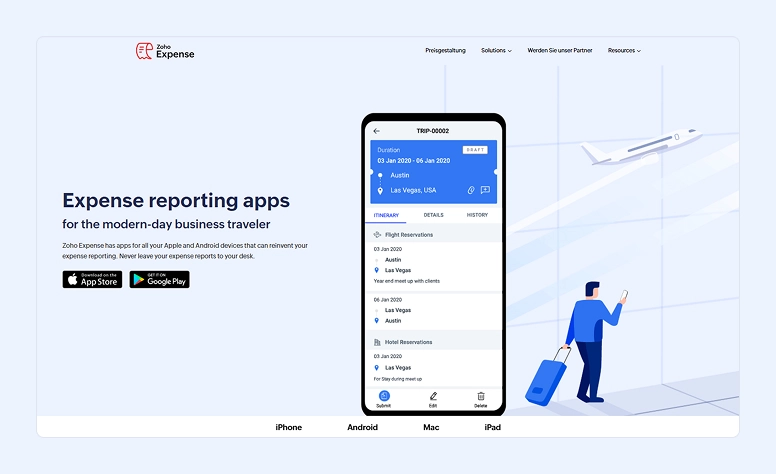
Suitable for: Small and medium-sized companies.
When you’re looking for a user-friendly solution for your expenses, you should consider Zoho Expense.
Key Features:
- AI Powered (Zia): Zoho Expense comes with its own AI assistant, Zia, which can be very helpful for gaining insights or categorizing expenses.
- Receipt Management: Zoho Expense includes a receipt scanner, making it easy for employees to capture and submit expenses anytime.
- Automation: The application also offers automation for tasks such as reimbursement and approval workflows.
- Integrations: Zoho is a large company with many tools. Zoho Expense comes with numerous integrations to make managing your expenses easier.
Overall Opinion:
Zoho Expense is a popular mobile software, especially known for its receipt scanning capabilities. If you’re on a tight budget, it can be a good option, as it offers a free plan for up to 3 users.
It’s important to note that the level of support depends on your subscription. If you need premium support, an additional fee is required.
Pricing: Starts at about $3–$5 per user per month.
Download on: Google Play Store or Apple App Store.
#3. ExpenseVisor
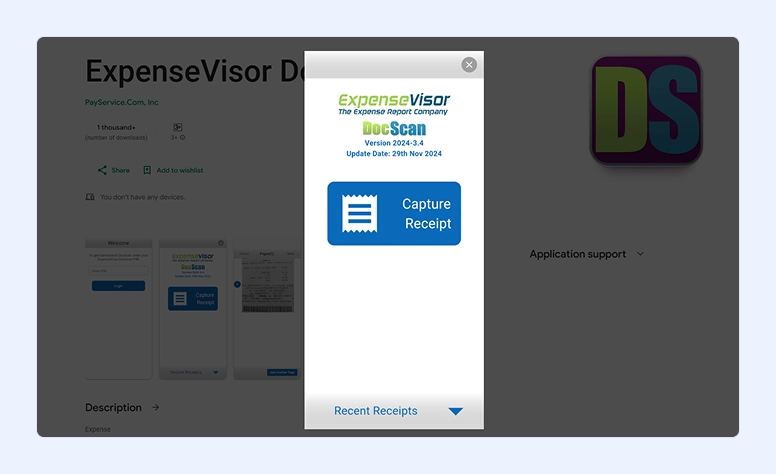
Suitable for: Businesses of all sizes.
If you’re looking to automate your expense management, you should check out ExpenseVisor.
Key Features:
- AI Receipt Parsing: ExpenseVisor comes with its own scan incorporated. Simply put, you just need to take a photo of the receipt, and the system extracts all the important details, including the date, vendor name, and total amount.
- Automatic Categorization: All your expenses will be automatically categorized.
- Reporting: This software also provides you with reports based on what has been scanned.
- Spend Pre-Approval: Some managers keep getting reports of expenses that they didn’t approve. Yet, they were already made. With this, your employees can simply make the request, and managers can either approve it or not quickly.
- Fast Reimbursements: ExpenseVisor comes with the Workflow Bump tool that prevents reports or requests from getting stuck. When it happens, it automatically sends a reminder.
Overall Opinion:
ExpenseVisor is a great expense development designed for those looking for automation. In addition to making categorization easier and faster (it does it automatically), it also detects duplicates and violations before they are submitted. This means fewer errors and no missing data. Another great advantage of using ExpenseVisor is that your budget will always be under control since you won’t have any surprise expenses at the end of the month.
With ExpenseVisor it’s easier to keep on track with the spending. Thanks to the Vendor Spend Analytics, you can see your spending trends and even the most expensive suppliers. With this information, you can make better decisions based on real data, negotiate better rates, and consolidate purchases.
If you’re interested in ExpenseVisor, you’ll be happy to know that its price adapts to your company.
Pricing: Starts at $7 per user per month with a minimum of $75 spending.
Download on: Google Play Store or Apple App Store.
#4. Expensify
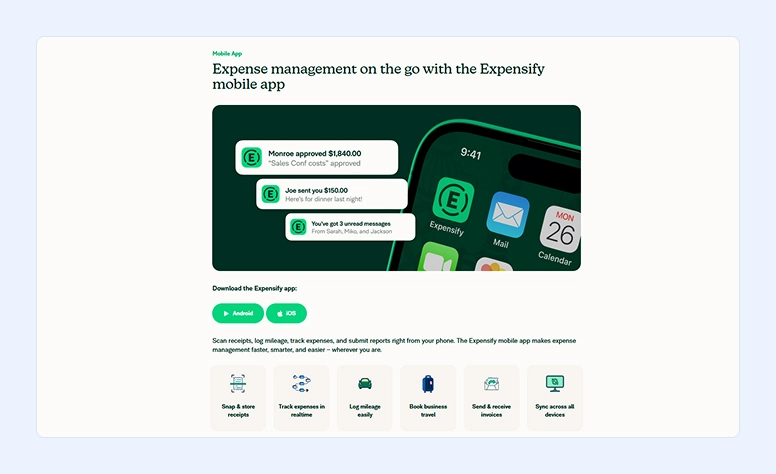
Suitable for: Individuals (freelancers and solopreneurs) as well as all-sized teams.
If you’re looking for a simple solution to track your expenses, consider checking out Expensify. If you’re frequently on the go, it could be the perfect solution for you.
Key Features:
- AI SmartScan OCR (optical character recognition): Expensify comes with its own scanning technology that allows you to easily digitize your paper receipts. All you need to do is to take a photo with its camera.
- Categorization of Expenses: With this app, you get automated categorization of expenses.
- Integration: One of the integrations Expensify allows is the corporate card. This means that all your employees will have access to both virtual and physical cards for payments and expense tracking.
- Mileage Tracking: This is a unique development Expensify includes. Simply put, if you need to travel a lot for work, this app will use GPS to log and track mileage.
Overall Opinion:
Expensify is a simple tool that’s ideal for all businesses, especially those with employees who spend a lot of time on the road. With its mileage tracking system, it automatically logs and tracks miles using GPS. In addition, employees can use corporate cards for faster payments and easier expense tracking.
While Expensify is a great digital assistant, corporations with more complex operations or a need for deeper insights can learn about more advanced solutions.
Pricing: Starts at $5 per user per month. There are also free options with a basic set of tools.
Download on: Google Play Store or Apple App Store.
#5. QuickBooks
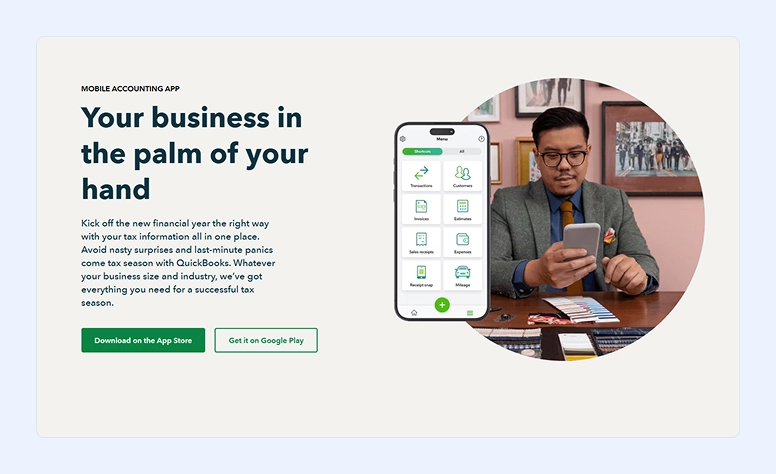
Suitable for: Both solopreneurs and teams.
This name is probably not new to you. From Intuit, QuickBooks is a popular app used by many businesses to track expenses and handle a variety of other financial tasks.
Key Features:
- AI Intuit Assist: QuickBooks’ intelligent helper supports users throughout their work in the app. It automates and simplifies all accounting tasks.
- Easy Categorization: Simply take a photo of a receipt, and the system automatically categorizes it.
- Real-Time Tracking: All your expenses are tracked and updated in real time.
- Automation: The good news about QuickBooks is that you can connect credit cards and bank accounts to this app and ensure that your records are all up to date.
- Integrations: When you’re using QuickBooks, you’ll also be able to integrate it with other accounting solutions, which make it easier for you to prepare taxes and take care of bookkeeping.
Overall Opinion:
QuickBooks is great for small businesses because it comes with all the basic solutions you need integrated. However, if you require more in-depth analysis or spending reports, there are better options on the market.
Pricing: Starts at $2 for one user only per month and the accountant.
Download on: Google Play Store or Apple App Store.
#6. Expensya
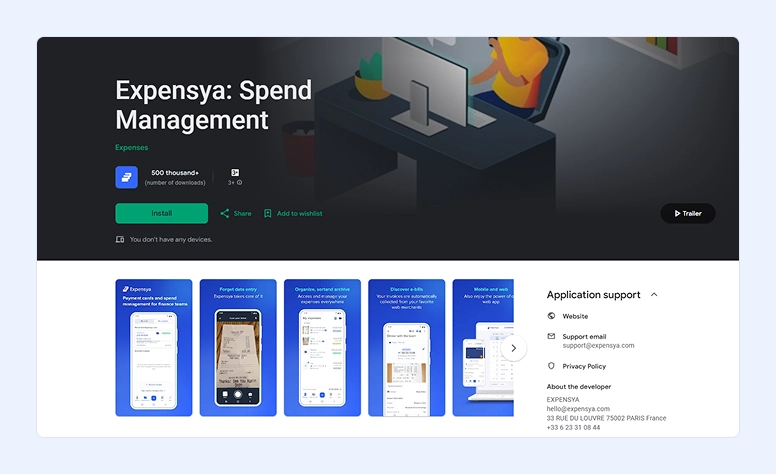
Suitable for: Small and growing teams rather than casual personal use.
Featuring an intuitive design, Expensya is an expenses mobile app that comes with AI-powered support, making it easy and fast to use.
Key Features:
- AI Receipts Capturing: Like the other offers in this list, Expensya easily captures the relevant data from your receipts, including the date, amounts, currencies, and VAT (Value Added Tax). But what makes it different is that it recognizes data in different formats and languages.
- Multi-currency: One of Expensya’s standout features is its support for multiple currencies. If you have receipts in different currencies, Expensya will automatically convert them.
- Integrations: Users can all access both virtual and physical card details for both expense and payments tracking.
- Mileage Reports: With a simple integration with Google Maps, Expensya automatically determines the expenses related to mileage based on customized or standard rates.
Overall Opinion:
With Expensya, every business owner and managers can easily keep track of expenses. With a simple and straightforward design, this instrument offers a lot of automation.
While Expensya integrates with different tools, larger companies may find these integrations insufficient for their needs.
Pricing: Starts at around $5–$6 per user per month when billed annually. It also offers a free trial.
Download on: Google Play Store or Apple App Store.
#7. SAP Concur
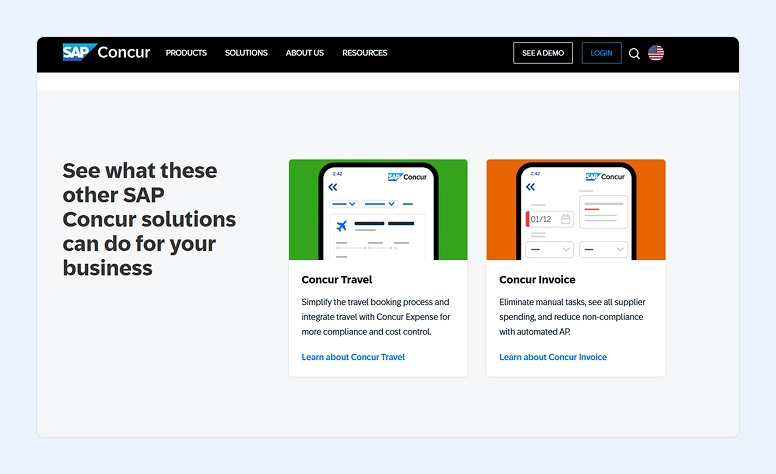
Suitable for: All-sizes teams rather than solo users.
If your business already uses SAP (Systems, Applications, and Products), SAP Concur is a natural choice thanks to its seamless compatibility.
Key Features:
- AI Data Extraction: The app can automatically scan receipts and extract key details: date, amount, vendor, tax, etc.
- Manage Expenses: With SAP Concur, you can not only capture receipts but also track expenses and even submit expense reports from anywhere you want.
- Travel Management: If your company needs your employees to travel a lot, then SAP Concur is a good option since it allows you to easily rent cars or book flights and hotels. It may also manage itineraries.
- Mileage Tracking: There’s no need to keep adding mileage manually since SAP Concur can automatically capture it for you.
Overall Opinion:
SAP Concur is a great travel and expense management appliance, especially if you already use other SAP products, since integration will be much easier. With extensive automation included, tracking expenses and mileage becomes much simpler.
If you’re interested in trying SAP Concur, you can request a demo on their website or contact their sales team directly.
Pricing: The company doesn’t give a pricing list on its official website.
Download on: Google Play Store or Apple App Store.
#8. Emburse
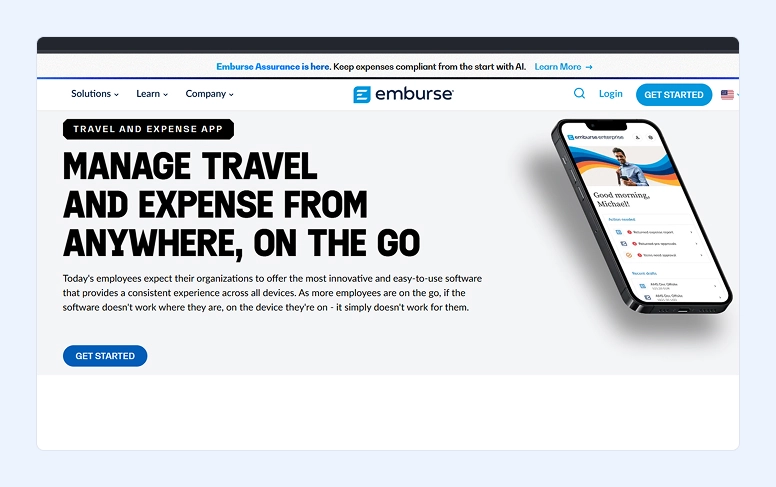
Suitable for: Business expense and travel management.
Emburse is a powerful solution you can use to keep all receipts and expense submissions on time. It’s easy for employees to use, allowing them to capture receipts and log expenses on the go.
Key Features:
- AI Capture Expenses: All you need to do is to take a photo, and the software will capture all the important details from it. No more need for manual entry.
- Automated Reports: Get a detailed report of your expenses with Emburse.
- Custom Workflows: Emburse lets you customize approval routing to match your company’s workflows.
- Real-Time Monitoring: With this, you will stay on top of your expenses in real time to ensure you’re always on budget.
- Integrations: Emburse integrates with a wide range of tools, including accounting software, ERP systems, and travel booking platforms.
Overall Opinion:
Emburse is a great mobile app for all businesses. With plenty of automation and configuration available, you’ll notice that tracking your expenses is easier than ever.
In case you’ve never used such a development before, you’ll be glad to know that the Emburse includes good training materials to make sure you get a smooth onboarding experience.
One of the best things about Emburse is that it combines OCR and AI technology. Working together, they guarantee you’ll get an accuracy of 95% on the capture of your receipts.
Pricing: Starts at $8 per user per month. But it also offers a 30-day free trial.
Download on: Google Play Store or Apple App Store.
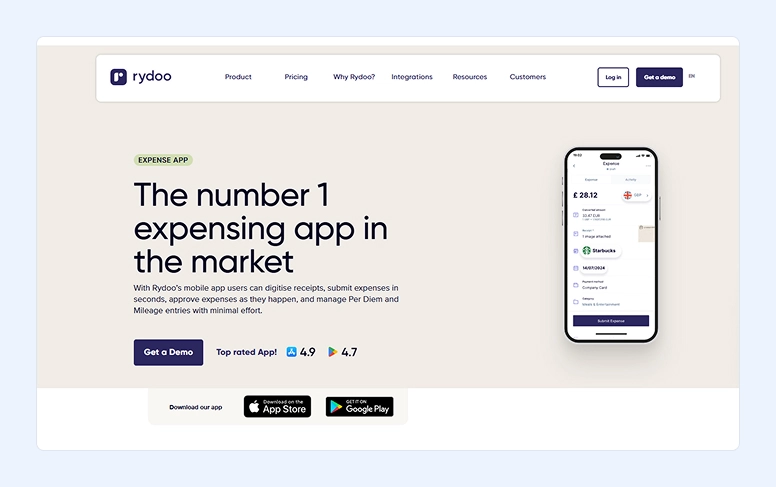
#9. Rydoo
Suitable for: Teams—not just for individual solopreneurs.
Last but not least, you should check out the Rydoo app. After all, this platform is incredibly easy to use.
Key Features:
- Uses AI: Rydoo uses AI not only to scan receipts but also to make sure it collects and populates all the details needed.
- Real-time Expense Approvals: With this app, managers can approve expenses in real time.
- Travel Booking: With this opportunity, it will be easier to rent cars and book hotels or flights.
- Mileage Tracking: Mileage expenses are automatically calculated based on official rates.
- Integrations: Rydoo allows plenty of integrations, including NetSuite, Microsoft Dynamics, SAP, and other ERP and accounting platforms.
Overall Opinion:
Rydoo is a solid solution for business expense management. It’s not only easy to use, but it also includes AI to make tasks faster and simpler. Employees can quickly scan their receipts, and managers can approve them immediately, speeding up reimbursements.
It’s important to note that if you need more specialized or unique spending options, this app may not be the best fit, as it can feel a bit limited for certain needs.
Pricing: Starts at €8 per user per month, billed monthly.
Download on: Google Play Store or Apple App Store.
Compare the Apps Side by Side
|
Platform |
Best for |
OS |
Starting Pricing |
Key Feature |
|
Flowlu |
Teams, solopreneurs, startups, growing companies |
iOS, Android |
From $9/user/month |
All-in-one expense tracking with CRM, finance KPIs, and multi-currency support |
|
Zoho Expense |
Small & medium-sized businesses |
iOS, Android |
From $3–$5/user/month |
AI-powered receipt scanning and automated workflows |
|
ExpenseVisor |
Organizations of all sizes |
iOS, Android |
From $7/user/month (min. $75) |
Automated categorization with AI receipt parsing |
|
Expensify |
Freelancers, solopreneurs, and teams |
iOS, Android |
From $5/user/month |
SmartScan OCR and GPS-based mileage tracking |
|
QuickBooks |
Solopreneurs and teams |
iOS, Android |
From $2/month (1 user) |
Integrated accounting with real-time expense tracking |
|
Expensya |
Small and growing teams |
iOS, Android |
From $5–$6/user/month |
AI receipt capture with multi-language & multi-currency support |
|
SAP Concur |
Teams and enterprises |
iOS, Android |
Custom pricing |
Travel & expense management with SAP integration |
|
Emburse |
Business travel & expense management |
iOS, Android |
From $8/user/month |
AI-powered expense capture with customizable workflows |
|
Rydoo |
Teams |
iOS, Android |
From €8/user/month |
Real-time approvals with AI receipt scanning |
Bottom Line
Keeping track of your expenses doesn’t have to be hard or a hassle. Even better, it doesn’t have to be full of errors and mistakes. There are many expense management apps on the market that can help you stay on budget.
Whether your business is large or small, tracking expenses is essential. You need a solution that not only helps categorize your expenses but also provides insights into your finances.
While there are many options available, Flowlu stands out as the best app. With plenty of options, it’s worth giving it a try. The company offers a free trial, and you don’t even need to enter a credit card.

While it depends on your needs, Flowlu is the app that offers more. From automation to integrations, easy to use, and many other tools, you should really consider trying it out.
Yes, they are. All the tools that we mentioned above are secured and encrypted to protect your data.
It makes sense to switch when the scale, complexity, or compliance needs of your operations start to outgrow simple personal tools.
For example, when business travel becomes frequent, when multiple departments and employees are involved, or when managing expenses manually or with personal tools starts consuming too much time.
Users consider PocketGuard, Goodbudget, and EveryDollar among the best free solutions. However, keep in mind that the functionality of these apps is more suited for solo users rather than business teams.
Most of the solutions in our guide work well for both small businesses and enterprises.
For example, Flowlu, ExpenseVisor, and Expensify are excellent universal apps suitable for a wide range of business sizes.
For enterprises, more advanced and complex solutions like SAP Concur are usually a better fit.
Expensya is one of the best solutions when it comes to both multi‑currency support and VAT handling.