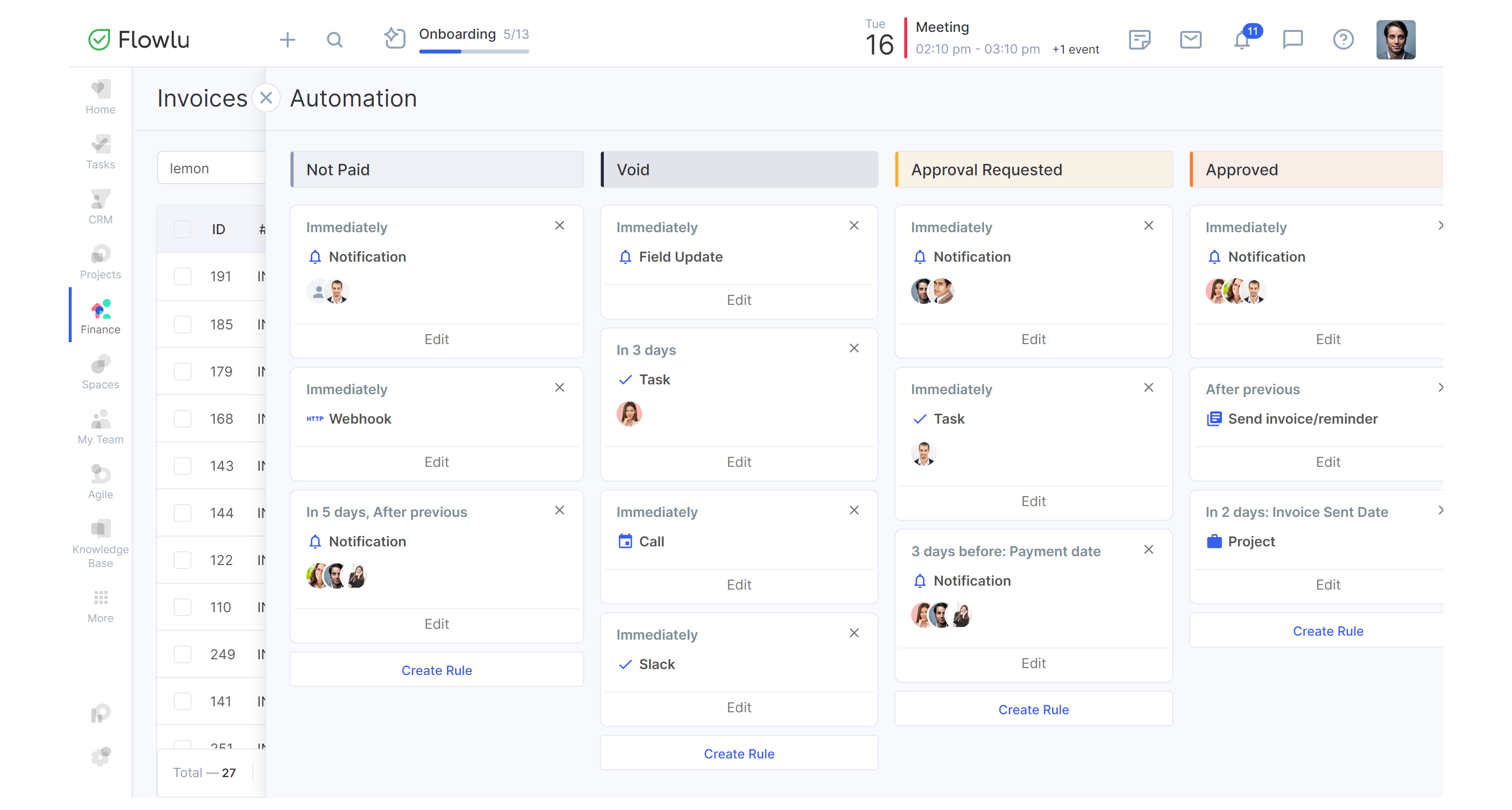
Automate Recurring Invoices for Retainers in Flowlu


Quick answer
Flowlu's invoicing module includes a dedicated Recurring Invoices section where you configure recurring invoices for retainers with a billing frequency, start date, and automatic sending. Once the schedule and invoice details are saved, each billing cycle generates and sends the invoice without manual input.
What this guide helps you automate
- Invoice creation on a fixed billing cycle (weekly, monthly, every few months, or a custom interval)
- Automatic sending on the scheduled date without manual triggers
- Invoice status tracking across all retainer clients from one place
What a good retainer billing setup should achieve
Billing runs without your involvement each cycle. The client gets the invoice on the expected date, the amount matches the service agreement, and you can check client payment status at any point without digging through sent emails. When that's in place, recurring revenue stays predictable.
Why retainer invoicing gets messy
Retainers seem simple. Same client, same amount, same date. But retainer invoicing starts breaking down once you're managing more than a handful of clients.
Invoices are created manually every cycle
Someone creates a new invoice each billing cycle, checks the amounts, and sends it. Even when nothing has changed. That routine is fine with two clients. With five or eight it's a time sink, and one person being out for a week is enough to miss a billing date entirely.
Billing dates get missed or delayed
Five clients, five start dates, five different payment terms. It's not complicated until you miss one. A billing date that slips three days doesn't feel serious, but if the client runs their accounts payable on a fixed internal schedule, a late invoice means waiting another 30 days for payment.
Payment tracking becomes inconsistent across clients
Knowing which invoices are paid means checking each one unless your setup shows you the full picture. Most teams don't have that. Overdue items slip by; not because a client ignored them, but because nobody flagged them in time.
What a recurring invoice workflow should include
Clear billing frequency and start date
This is where most issues start. If the first invoice goes out on the 8th when the service period began on the 1st, the client will ask what exactly they're being billed for. Confirm the billing cycle and lock in a start date that maps cleanly to the service period before setting anything up. The invoice schedule needs to match how the work is actually structured.
Consistent invoice amount and payment terms
Payment terms determine the due date, and if you set them wrong once, every invoice that follows carries the same error. Check what was agreed (net 7, net 14, or net 30) against what you're entering in the template. A 5-minute check here prevents disputes that take longer to resolve than the invoice itself.
Visibility into sent, paid, and overdue invoices
You need to see, at a glance, which invoices are out, which have been paid, and which are overdue. One late client is a follow-up task. Three late clients, discovered because someone finally went looking, is a cash flow problem, and the kind that compounds quietly.
How to automate recurring invoices for retainers in Flowlu
Three steps. The setup takes 10 to 15 minutes per client.
Step 1. Define the retainer billing schedule
Go to Finance > Recurring Invoices and click Create. This is a separate section from regular invoices; it's where recurring invoice templates live and where all ongoing retainer billing is managed.
Fill in the invoice name, customer, and billing frequency. The Repeat Every field offers these intervals:
- Weekly, every 2 weeks
- Monthly, every 2 months, every 3 months, every 6 months
- Annually, every 2 years, every 3 years
- Custom (any interval not listed above)
For most retainers, monthly billing aligns to the 1st of the service period. Set the Start Issuing date accordingly. Either set a Stop Issuing date or enable Never Expires for open-ended retainers.
Step 2. Set the recurring invoice logic
Fill in the invoice details: the retainer amount, any line items the client expects to see, the issue and due date. Then set Preferences to Create and send via e-mail so Flowlu dispatches each invoice without manual action.
Check the billing contact email before saving. An invoice routed to the wrong address won't be received, even if Flowlu shows it as sent. If you need to adjust the invoice email format, templates are managed under Documents > Templates.
Once you automate retainer billing at this stage, the billing cycle runs without further input.
Step 3. Review invoice details and monitor payment status
After the first invoice goes out, confirm it arrived with the correct amount, billing period, and due date. If anything's off, edit the recurring invoice template before the next cycle runs. Not after.
From there, check invoice status on a regular cadence. Flowlu's invoice list lets you filter by payment status (overdue, not paid, partially paid, paid) and by sending status. For clients who are consistently late, send a payment reminder directly from the invoice, or configure an automation rule to trigger reminders automatically.
A digital agency runs a $3,500/month SEO retainer with a long-term client. Previously, a project manager created the monthly retainer invoice on the 1st, confirmed line items, and followed up manually if payment hadn't arrived by the 15th.
After setting up recurring billing in Flowlu, the invoice goes out automatically on the 1st every month, payment terms are net 14, and the invoice manager checks invoice status once a week. When a payment is overdue, a reminder goes out directly from the invoice. The billing cycle runs automatically.
Common mistakes in recurring retainer billing
Automating invoices without checking client terms
The setup only works when the invoice matches what's in the service agreement. Nine times out of ten when this goes wrong, it's because the recurring template was built from generic invoice details. Recurring billing for retainers needs to reflect the actual agreed terms. If payment terms are set to net 30 when the agreement says net 14, the client isn't late; the template is wrong. Fixing that after three months of incorrect invoices is a harder conversation than checking at the start.
Letting old invoice details repeat unchanged
Retainer agreements get updated. Rates change, scope expands, the billing period shifts. When that happens and nobody touches the recurring template, the client keeps getting invoices based on the old terms. Easy to miss when billing runs on autopilot. Make updating the template part of the same conversation as updating the agreement. Don’t put it off for later.
Ignoring overdue invoices while the next cycle continues
Flowlu generates the next invoice whether or not the previous one was paid. That's how it's supposed to work. But it also means overdue invoices don't stop new ones from going out. With multiple retainer clients, an item from six weeks ago can sit there while everything else runs on schedule. Build a habit of checking invoice status for anything overdue, not just the current cycle.
Final takeaways
What the minimum recurring invoice setup should include
Billing frequency, accurate start date, correct amount and payment terms, Preferences set to send via email. Get those four things right and the cycle runs. Get one wrong and the billing still goes out. With an error you'll need to fix manually every month until someone catches it.
When recurring invoicing saves the most time
Two retainer clients: you'll notice the time saving but it won't change your week. Ten clients: billing stops being something you do and becomes something you check. That's the real shift. How to bill clients monthly goes from a monthly task to a setup decision you made once.
Scale is where it matters most for how to invoice clients monthly: invoicing software for small business has the clearest payoff when recurring invoices for retainers are configured correctly from the start. One setup, repeated billing cycle, consistent results.
Set up recurring invoices in Flowlu so your retainer billing stays consistent, predictable, and easier to manage every cycle.

FAQ
An invoice that's created and sent automatically on a fixed schedule, without anyone manually triggering it each cycle. For retainer work, it covers the fixed fee agreed in the service contract and repeats at whatever billing frequency was configured: weekly, monthly, or otherwise.
Go to Finance > Recurring Invoices, click Create, set the billing frequency and start date, fill in the amount and payment terms, and set Preferences to Create and send via e-mail. Flowlu handles the rest. That's how to automate recurring invoices for retainers: one configuration session, no manual work per cycle.
Three things trip people up most often: billing dates that don't match the service agreement, payment terms set to a default rather than what was actually agreed, and a billing contact email that's out of date. Check all three before saving the template. Errors that get into a recurring setup repeat until someone notices them.