Best Task Management Software: How to Compare Tools for Team Work


Quick answer
The right choice depends on who you are and how you work. Freelancers usually do fine with a simple to-do app. Small-to-medium teams working on shared projects need collaboration features like comments, shared boards, multiple assignees. Larger organizations or those handling client work typically need a full project management suite or a CRM-and-project platform that covers the whole workflow from first contact to final invoice.
Before running any task management software comparison, start with three questions:
- How big is your team?
- How complex are your workflows?
- Do clients or external stakeholders need access?
We'll walk you through how these tools work and what to look for to find the best fit.
What task management software should do
All task management tools need to include the following 8 elements:
#1: Tasks
When we refer to a task, we don't simply mean "Answer emails," for example. The best task management software should let you describe each item in as much detail as you need, and allow you to organize them into task lists.
#2: Owners
These are the people responsible for each item.
#3: Due dates
Good task management software should let you define both the start and end dates for everything on your list. The best tools also notify you when something is overdue.
For example, you might get a message, an email, or a visual indicator directly in the app.
#4: Subtasks
These are especially useful for large pieces of work that need to be broken down into smaller steps.
#5: Priorities
Not all items carry the same weight, which is why prioritization matters. Sometimes it's not even about importance. It's about dependencies: one thing can't start until another is finished.
To keep everyone aligned on priority, you can use labels. Defining them however works best for your group, but keep them intuitive.
#6: Comments
Communication is key for any team. The ability to add comments is a must. All discussions around a project should happen in one place, so everyone stays on top of things.
The tool you choose should also support @mentions. Thus, team members get notified immediately when they're needed.
#7: Files
These can be images, documents, spreadsheets, or any other material you need to attach to an item.
#8: Notifications
Notifications are clearly important in any task tracking software — but they're not always a good thing. They can break focus and interrupt deep work.
Split your notifications into two groups: the ones that actually matter and the ones that are just noise. Then cut the noise.
Flowlu checks all these boxes and gives users the essential management features they need.

Key features to compare
To run a fair and thorough task management software comparison, you need a clear set of features to evaluate. The best task management apps should cover the following:
1. Views
One of the most important features to look at closely is views. These typically break down into calendar view, list view, a Kanban board, and Gantt charts. Depending on your organization and your projects, you may prefer one over another.
Flowlu includes all of these and also offers a to-do list to help monitor execution.
2. Automation
This is a crucial feature. It prevents your staff from wasting time on routine, repetitive work. Automation not only handles these faster, but also without errors.
3. Collaboration
Collaboration often goes beyond just the team. It can also involve clients, who will have limited access to the software you choose.
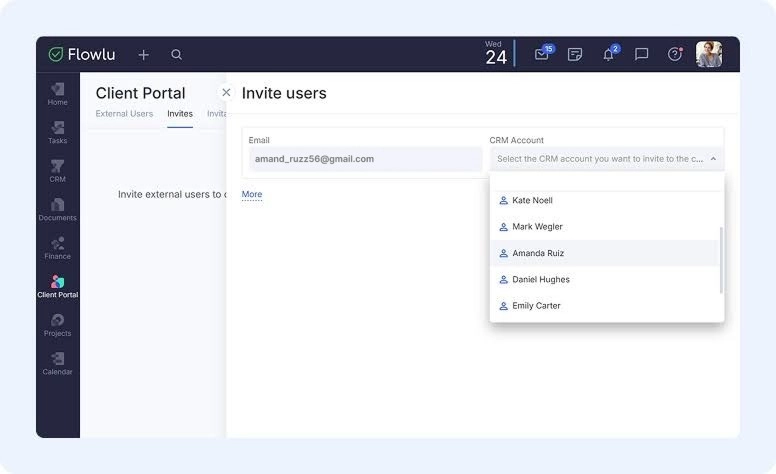
In Flowlu, for example, users can set up a Client Portal — a shared digital environment where clients become part of the working process. They can monitor progress on their project and flag improvements or issues as they come up. Just send an invitation by email or share a link.
4. Reporting
This is another essential feature for this kind of tool. Project managers need access to real-time data presented in dashboards and report form, so they can spot bottlenecks and patterns that point to process improvements.
5. Integrations
Chances are you're already using tools you want to keep. That's completely fine. The best task manager for teams supports a wide range of integrations with popular tools.
If you don't find a specific integration on the platform you like, that's not necessarily a dealbreaker. Check whether the developers offer an open API and technical documentation. It helps you connect any tool that's essential to your workflow.
6. Templates
Why repeat the same work from scratch every time? Take invoicing clients as an example. The right tool should let you create a template that pulls in all the data you need automatically. Spend time on it once (or tweak one that's already built in) and the software will reuse it whenever needed.
7. Workload
This is a genuinely useful feature that often goes overlooked. In short, it lets you calculate your organization's capacity based on hours logged and effort measured in points. Use it and you'll quickly see who's overloaded and who has room to take on more.
Best task management software categories
There are plenty of task management tools out there, and some are clearly better suited to certain needs than others. But before diving into a comparison, it's worth knowing that these tools fall into several distinct categories.
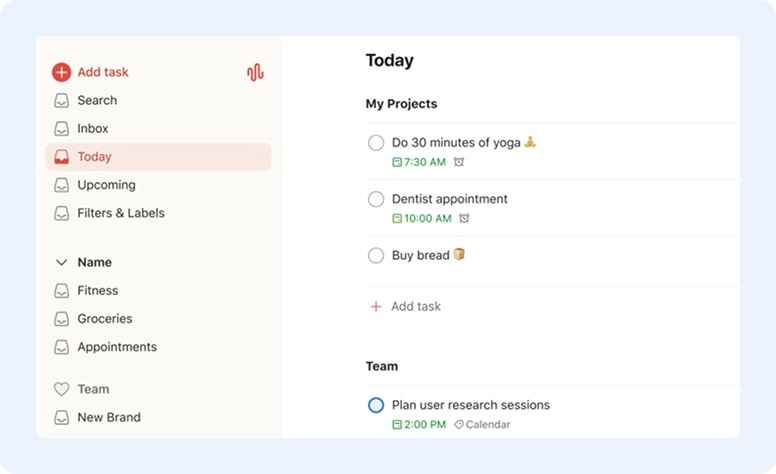
Simple to-do apps
Ideal for: solo freelancers and individuals.
Simple to-do apps are lightweight and fastю Think shopping lists or errand lists. Their main purpose is to help you get through the day: you jot things down, you get them done. Don't expect any complex features here.
Examples: Google Tasks and Todoist.
Team task managers
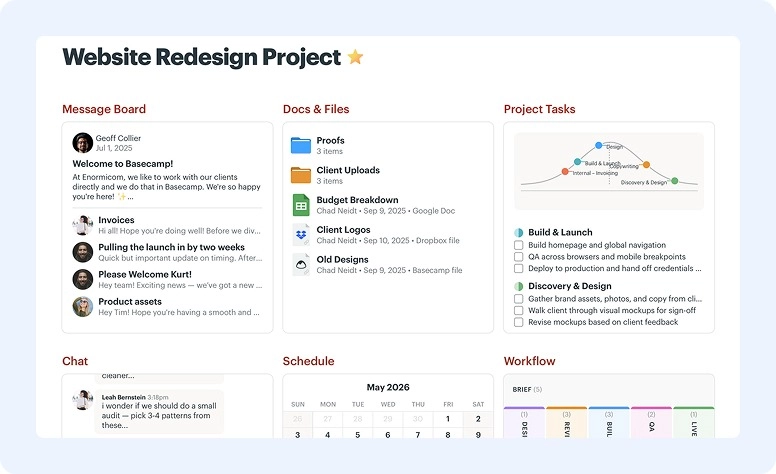
Ideal for: agencies and small-to-medium teams.
These tools are built with collaboration in mind. They typically include comments, shared boards, file attachments (basic ones), and multiple assignees.
Examples: Basecamp and Trello.
Project management suites
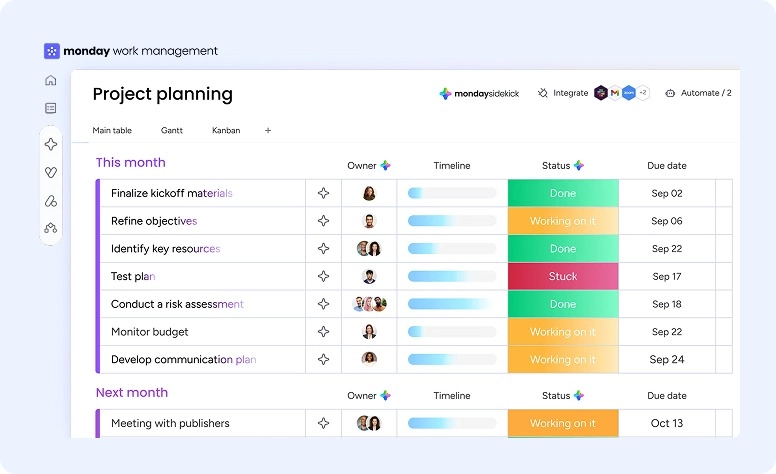
Ideal for: software development teams, large organizations, and creative agencies.
Think of these as full work management platforms. They can handle complex workflows including resource allocation, automation, dependencies, and cross-project portfolio views.
Examples: Jira, Asana, and Monday.com.
CRM & project tools
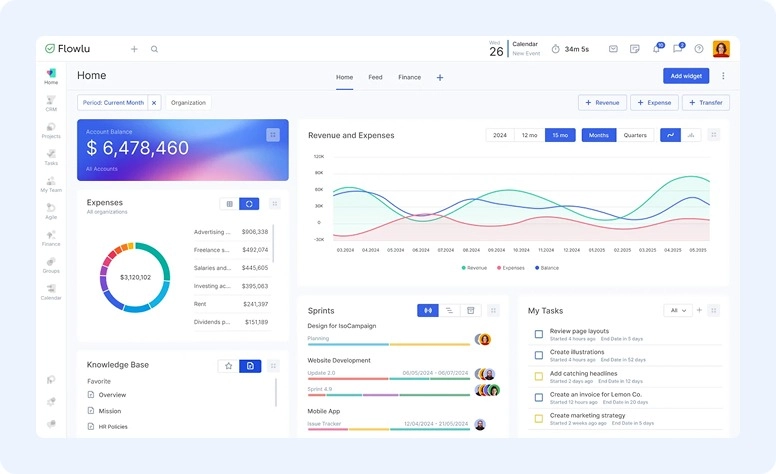
Ideal for: sales teams, legal and financial firms, and consultants.
These are the most comprehensive tools in the category — which is why they're often considered the best task manager for teams that need everything in one place. They bring together pipeline tracking, CRM, billing, customer support, and marketing under one roof. In short, they can take a client all the way from first contact to final invoice.
Examples: Flowlu and ClickUp.
How to choose the right tool
Your checklist
Before committing to any tool (whether it's the priority settings or the Kanban board that caught your eye) make sure it's a good fit not just for the project, but for your people.
#1. Easy to implement
Consider how long it will take your staff to get comfortable with the tool. Can they learn as they go, following their instincts? Or will it take a month of onboarding before anyone's up to speed?
#2. Mobile app
Not every task management tool comes with a mobile app, and that's not automatically a dealbreaker. But if your team is frequently on the move, it becomes one. In that case, having an Android or iOS app is genuinely worth prioritizing.
#3. Permissions
Not all tools let you define permissions — rules that control what certain users, like clients, can and can't access. If data visibility matters to your organization, this one's worth checking early.
#4. Workflow
Some tools are flexible enough to adapt to the way your team already works. Others will push you to work around them. Know which one you're signing up for.
#5. Hidden costs
Hidden costs are still surprisingly common, so tread carefully. The key question is whether the base plan includes everything you actually need. Some tools list features like time tracking or automation on their feature page, but bury them behind a paid add-on.
3 Common mistakes you should avoid
Pay for features you'll never use
Focus on the features you're going to use. Why pay for something that doesn't serve you? If you don't need complex automation, don't buy it. Don't build out dozens of custom fields you'll never touch.
Keep in mind that if a tool is overly complicated, the staff simply won't use it. It's always better to start with a minimal setup and add complexity as you go.
Mix up task and project management
Many people use these terms interchangeably. But they shouldn't. Project management encompasses task management and much more: portfolio health, resource constraints, budgeting, and beyond.
If all you need is a task management tool, why take on a full project management suite with features you'll never use?
Overcrowd your toolkit
Not every tool does everything, but juggling too many apps at once creates confusion for most teams. Try to keep your stack lean. Aim for five tools or fewer to avoid overwhelm and stay focused.
Some research suggests capping it at five tools to avoid overwhelm and stay focused.
Flowlu as an suitable alternative
If you work directly with clients, you know how many moving parts are involved: budgets, invoices, sales leads, and more. Where Flowlu stands out is in bringing all of those into a single environment.
Task and project management
Build custom workflows and manage work through tasks, subtasks, task lists, and milestones. Run a classic project or go Agile — flexible enough for any industry.
Client portal and team collaboration
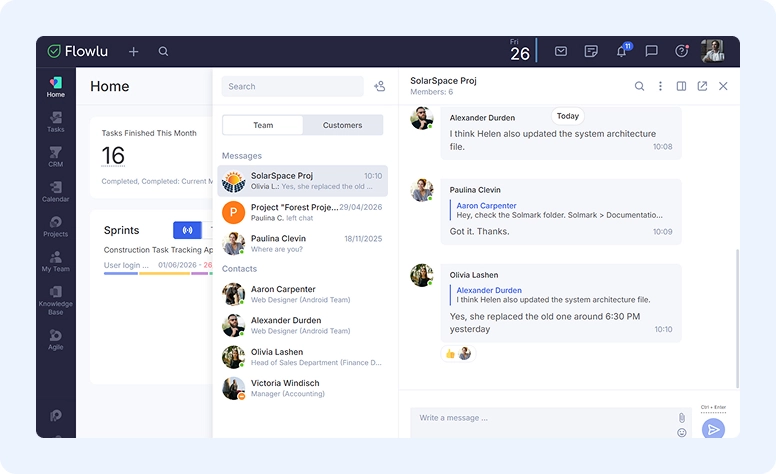
Invite clients directly into their project so they can track progress and weigh in when it matters. Keep the team connected through feeds, comments, or integrated messengers.
CRM and finances with detailed reports
Capture a lead, win the deal, and convert it into a project automatically. Track progress, log time, manage finances, and connect payment gateways like Stripe and PayPal.
You favourite AI-model support
Flowlu offers an MCP server to connect your environment with assistants like Claude and bring AI into your day-to-day processes.
Find your fit and get to work
When looking for the best task management software for your company, it's tempting to focus purely on the feature list. But what matters more is whether those features are relevant to your projects and your people.
The good news is that whether you work mostly alone, need something more powerful, or fall somewhere in between — there's always a good fit out there.

FAQ
There's no single best one. The right choice depends entirely on what your team and your projects actually need.
At minimum: priority levels, task ownership, task lists with descriptions, subtasks, labels, scheduling, notifications, and collaboration.
Project management includes everything task management does, plus resource allocation, budget tracking, financial reports, and risk management.
It can work for solopreneurs or very small teams. But free plans usually cap at 5–10 users and come with real limitations. Check carefully before committing.
Start with your actual workflow, not the feature list. A small business rarely needs enterprise-grade automation or portfolio dashboards on day one. Pick a tool your staff will open without being asked. Most platforms offer a free trial, so run one with a real project before you commit.