CRM Software Pricing: Complete Guide to CRM Costs in 2026

- How Much Does CRM Software Cost?
- What Affects CRM Software Pricing?
- CRM Pricing Tiers Explained
- CRM Software Pricing Comparison
- Quick Comparison Overview
- Affordable CRM Software Pricing for Small Businesses
- Cheapest CRM Software Pricing Options
- Flexible CRM Pricing Comparison for Growing Businesses
- How to Choose the Right CRM Plan
- Why Flowlu Stands Out in CRM Pricing
- Finding the Right Balance Between Features and Budget

The truth is that pricing varies a lot depending on many factors, such as the number of users, the features included, the integration options, and even whether the platform targets small businesses or large companies. While some solutions have entry-level options for startups, more robust systems may reach hundreds of dollars per user per month.

The aim of this guide is to help you better understand CRM software options in 2026, including what affects overall investment, the most common tiers, and how to choose the right solution for your business.
How Much Does CRM Software Cost?
In 2026, the CRM software price varies between $0 and $300+ per user per month. The overall investment depends on the platform and the features included.
To give you a general idea of the range:
All rates are per user per month.
- Free: No charge
- Starter: Prices vary between $10 and $30
- Professional: Amounts typically range from $40 to $100
- Enterprise: Rates typically range from $100 to $300+
In addition to this data, it’s important to keep in mind that entry-level prices might be different, as is the case with platforms like Pipedrive and Zoho that start under $20.
On the other hand, Salesforce’s high-tier enterprise solution may exceed $150.
You may also expect to find some CRM systems that offer both freemium versions and free trials. This way, businesses can try the platform before committing to a paid version.
What Affects CRM Software Pricing?
Pricing varies based on several factors:
#1. Number of Users
The vast majority of systems on the market charge per user per month. As you can easily understand, as your team grows, the overall spend will increase.
#2. Number of Contacts / Records
Some platforms limit the number of customer records, leads, or contacts in entry-level tiers. Notice that you may need to pay more as your contact list grows, as is the case with HubSpot.
#3. Features & Tools
This is where you can see a major difference in the price. After all, the more features are included, the higher the overall investment. The options included might be:
- AI analytics
- Sales forecasting
- Customer service tools
- Marketing processes
- Workflow automation
#4. Billing Model
Most vendors have two different types of billing: you may either pay monthly or annually, which usually includes a discount between 10 to 30%.
#5. Hidden Costs
It’s important to be well aware of hidden expenses. The reality is that not all vendors are honest or show you everything upfront, so it pays to be careful. Some additional fees may include:
- Premium support
- Integrations
- API access
- Add-on modules
- Storage.
#6. Implementation Costs
The overall investment will also vary depending on the complexity of your setup, the software you opt for, and the company you work with.
For example, if you run a small business and choose a user-friendly system, the implementation effort will most likely be limited to the time you spend setting it up.
On the other hand, if you have a large company that requires a more complex system, the initial setup expenses may be substantial.
Just consider a platform like Salesforce. It often requires custom configuration, setup fees, and external consultants. As a result, the overall spend can range from $5,000 to $100,000.
Some of the main factors that affect implementation include:
- Outside consulting
- Setup and data migration fees
- Training
- Integrations
- Time.
CRM Pricing Tiers Explained
Most platforms organize their offerings into tiers designed for different business needs.
Free Plans
This option is perfect for startups or early-stage teams. Entry-level solutions typically include features such as:
- contact management
- simple sales pipeline
- basic reporting
While you have some options available as is the case of HubSpot, it’s important to keep in mind that most of such offers are usually limited in terms of integrations and process capabilities.
Starter Plans
In most cases, starter options are typically priced between $10 and $30. These offers usually include:
- basic sales workflows
- email tracking
- simple dashboards
- integrations with common tools
Two of the most competitive starter solutions belong to Zoho and Pipedrive.
Advanced
It’s also called professional tiers. They typically range from $40 to $100. These usually offer:
- workflow automation
- high-level analytics
- team collaboration tools
- marketing processes
Pick this when your company needs to scale its sales operations.
Enterprise
This option is designed for large organizations that have complex needs. Developers might include features such as:
- custom workflows
- comprehensive security controls
- dedicated support
- deep integrations
Enterprise is available in both Salesforce and Monday.com, just to give you two examples.
Flowlu includes all of these tiers. You can access robust work management features at no charge if your team has up to two members, or create a custom setup with the Ultimate option, which is available alongside Essential and Advanced.

CRM Software Pricing Comparison
All rates start per user. M — monthly. A — annually.
#1. HubSpot
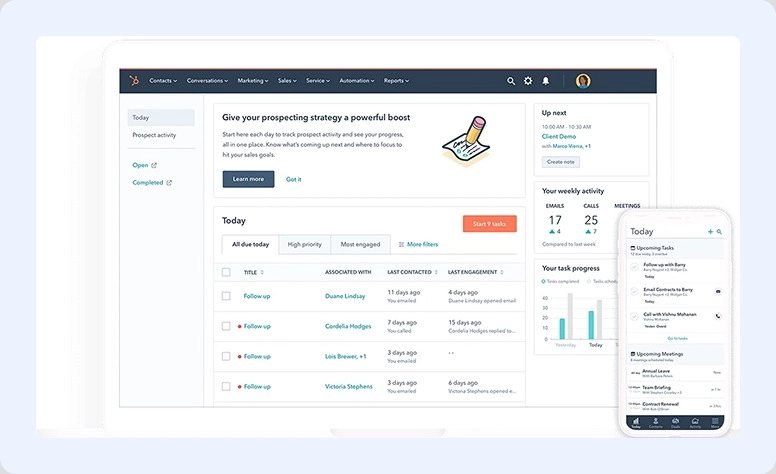
One of the most popular CRM platforms for marketing and sales. It has 4 different offerings:
Free
Provided at no cost. It includes capabilities such as:
- Contact management
- Deal pipeline tracking
- Live chat
- Email tracking
- Basic reporting
- Meeting scheduler
- Unlimited users
Starter Suite
|
M |
A |
|
$20 |
$180 |
It offers the following:
- Ad management
- Basic email sequences
- Marketing tools
- Email tracking and scheduling
- Basic reporting
- Basic sales tools
- Remove HubSpot branding
Professional
|
M |
A |
|
~$800 |
~$1,200 |
It includes:
- Sales analytics
- Forecasting
- Predictive lead scoring
- In-depth workflow and reporting
- Custom objects
- Campaign management
- A/B testing
Enterprise
|
M |
A |
|
~$330 |
~$1,800 |
It includes the following opportunities:
- Extended permissions
- Custom objects (expanded)
- Flexible reporting & analytics
- Predictive lead scoring (enhanced)
- Sandboxes
- Hierarchical teams
#2. Salesforce
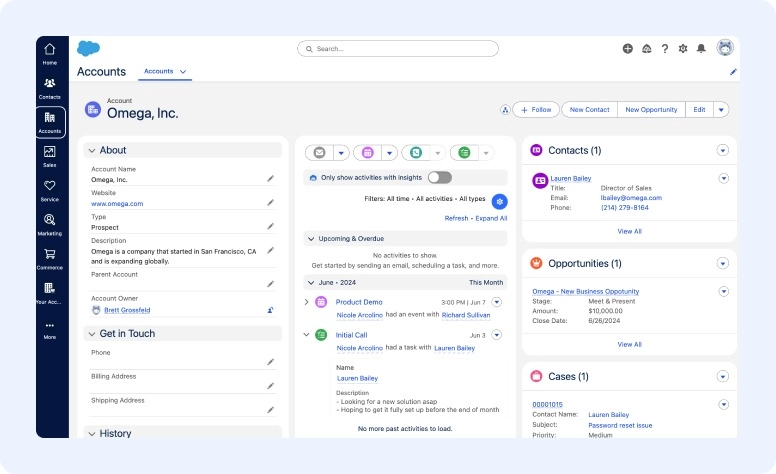
Salesforce is one of the best option for enterprises and it offers 5 different plans:
Starter Suite
|
M |
A |
|
$25 |
$300 |
It offers:
- Lead tracking
- Basic reporting dashboards
- Sales pipelines
- Email integration
- Contact and account management
Pro Suite
|
M |
A |
|
$100 |
$1,200 |
It comes with:
- Detailed reporting
- Customizable dashboards
- Integrations
- Workflow optimization
- App marketplace access
Enterprise
|
M |
A |
|
$165 |
$1,680 |
It includes:
- API integrations
- Extended customization and analytics
- Territory management
Unlimited
|
M |
A |
|
$330 |
$3,960 |
This includes:
- Expanded process capabilities
- Premier support
- Sandbox environments
- Unlimited customization
Einstein 1 Sales (AI Plan)
|
M |
A |
|
$500 |
$6,000 |
It offers:
- Predictive forecasting
- Intelligent insights
- Enhanced workflow
- Built-in AI
- Generative AI (Einstein Copilot)
#3. Zoho
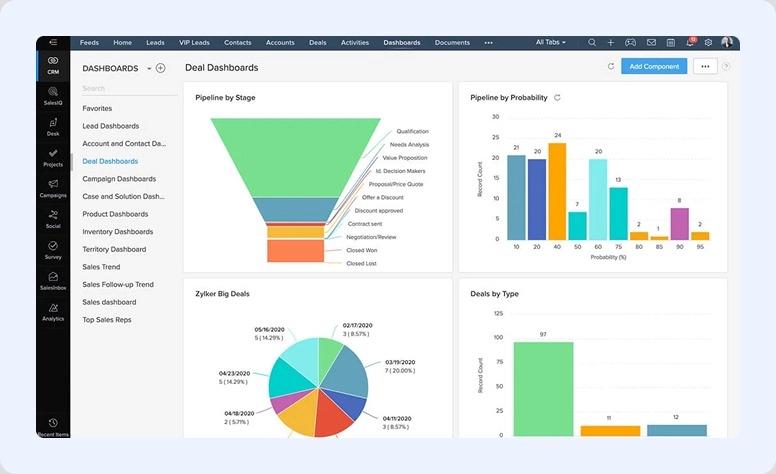
Zoho is one of the best option for early-stage businesses and it offers 5 plans:
Free
It’s available at no cost and provides:
- Up to 3 persons
- Lead management
- Limited process functionality
- Mobile version
- Standard reporting
Standard
|
M |
A |
|
$14 |
~$168 |
This option offers:
- Scoring rules
- Workflow optimization
- Custom fields
- Mass email campaigns (limited)
Professional
|
M |
A |
|
$23 |
~$276 |
It includes:
- Inventory management
- Forecasting
- SalesSignals notifications
- Integrations
Enterprise
|
M |
A |
|
$40 |
~$480 |
It offers:
- Zia AI assistant
- High-level functionality
- Blueprint-driven workflows
Ultimate
|
M |
A |
|
$52 |
~$624 |
It includes:
- In-depth analytics
- Business intelligence dashboards
- Detailed data insights
#4. Pipedrive
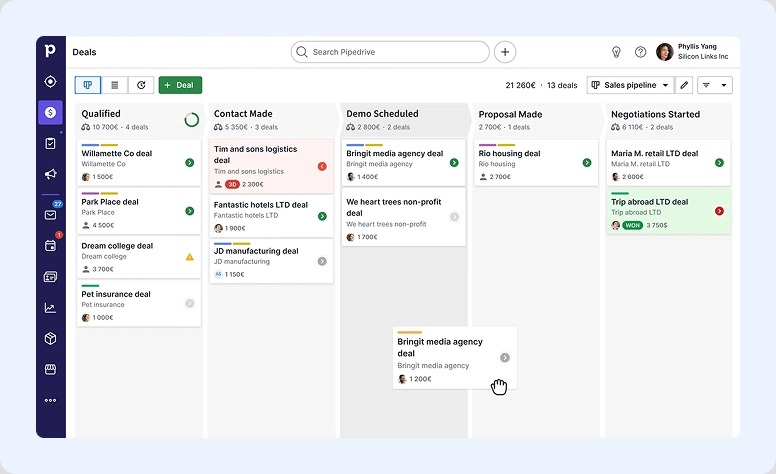
Pipedrive is the best for sales teams and it offers 4 plans:
Lite
|
M |
A |
|
$14 |
~$168 |
It provides:
- Visual sales pipelines
- Contact management
- Activity reminders
- Reporting dashboards (limited)
Growth
|
M |
A |
|
$39 |
~ $468 |
This includes:
- Basic email management
- Simple workflow
- Email tracking
- Templates
Premium
|
M |
A |
|
$59 |
~ $708 |
It includes the following features:
- Revenue forecasting
- Comprehensive reporting
- Team management
- Custom permissions
Ultimate
|
M |
A |
|
$79 |
~ $948 |
This option offers:
- Unlimited pipelines
- High-level processes
- Security controls
- Dedicated support
- Strong security
#5. Monday.com
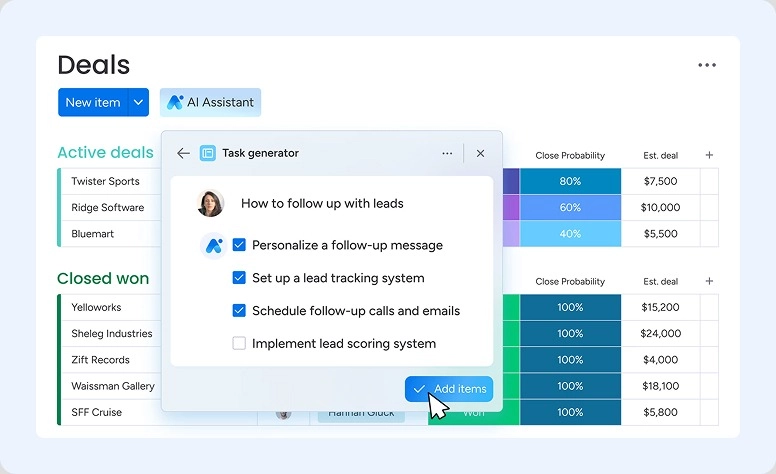
Monday.com is one of the best project workflows systems, and it offers 5 options:
Free
If you use it for personal need, the options are available:
- Task board
- More than 200 templates
- Basic collaboration
- Up to 3 docs
Basic
|
M |
A |
|
$12 |
~$144 |
It includes:
- Contact management
- Lead tracking
- Customizable pipelines
- Activity tracking
Standard
|
M |
A |
|
$17 |
~$204 |
It includes capabilities such as:
- Rule-based workflows
- Integrations
- Timeline view
- Dashboards
Pro
|
M |
A |
|
$19 |
~$336 |
It includes:
- Comprehensive analytics
- Time tracking
- Forecasting
Enterprise
The setup is customized and includes the following opportunities:
- Detailed security
- Enterprise workflow
- Dedicated support
- Granular permissions
#6. Flowlu
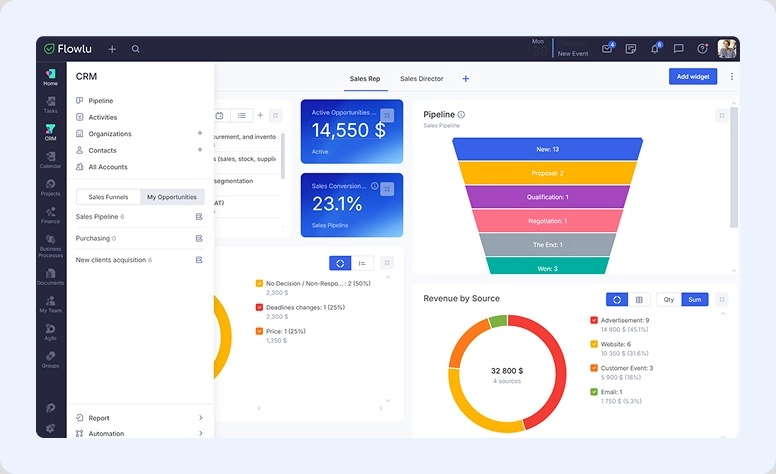
Flowlu is the best option as an all-in-one business management system and it offers 4 plans:
Free
It includes the following tools at no additional cost:
- Task management
- Client portal
- Basic task and project management
- Finance
- Collaboration
Essential
|
M |
A |
|
$9 |
~$100 |
It includes:
- Pipeline
- Invoicing
- Knowledge base
- Task and Project management
- Time tracking
- Collaboration
- HR
- Customization
Advanced
|
M |
A |
|
$17 |
~$180 |
It offers the following:
- All the previous functions
- Financial management
- Project management
- Integrations
- Reporting
Custom
The price is dependent on the personal user’s needs.
Apart from all previous tools it offers options:
- Enhanced task and project workflow
- More CRM inboxes per employee
- Enterprise knowledge base
- API access
- Flexible analytics
- White-label capabilities
All these solutions offer a free trial so users can test the options before starting a subscription.
Selecting the right software enhances roi across the contract term.
Quick Comparison Overview
|
Platform |
Entry Price (M) |
Free Option |
Best For |
Key Strengths |
|
HubSpot |
~$20 |
✅ Yes |
Marketing & scaling teams |
Strong marketing tools, automation, free CRM |
|
Salesforce |
$25 |
⚠️ Limited |
Enterprises |
Deep customization, powerful analytics, AI |
|
Zoho |
$14 |
✅ Yes |
Early-stage businesses |
Affordable, good automation, strong value |
|
Pipedrive |
$14 |
❌ No |
Sales teams |
Simple pipelines, easy to use, sales-focused |
|
monday.com |
$12 |
✅ Yes |
Teams & workflows |
Flexible workflows, visual dashboards |
|
Flowlu |
$9 |
✅ Yes |
All-in-one business use |
CRM + finance + projects in one system |
Affordable CRM Software Pricing for Small Businesses
Those who are just starting a business look for affordable software that is easy to use and scalable.
A budget-friendly solution usually offers:
- simple onboarding
- basic process rules
- essential integrations
- transparent rates
Platforms such as Flowlu, Pipedrive, and Zoho are very popular among early-stage and middle teams because they balance price and functionality.
Many businesses prefer tools that combine CRM, project management, and invoicing in one system to reduce the need for multiple subscriptions.
Cheapest CRM Software Pricing Options
The cheapest solutions usually include either free plans or very low subscriptions:
Free CRM Options
It’s important to keep in mind that most of these systems are limited in terms of functionality. This is the case of both Zoho and HubSpot. However, you can expect to get deal tracking, contact management and basic reports.
Low-Cost Paid Plans
These offerings are usually in the $10–$20 range per user monthly. Both Flowlu and Pipedrive have affordable entry-level plans for growing teams. You can expect to get integrations, automation, and better reporting.
Flexible CRM Pricing Comparison for Growing Businesses
Choosing CRM software with flexible pricing allows businesses to scale their operations without overcommitting to unnecessary functionality or long-term costs. Let’s take a look at where this flexibility comes from.
#1. Monthly vs Annual Billing
Monthly subscriptions provide flexibility, but they are usually more expensive. On the other hand, annual billing often offers discounts, which can save companies hundreds of dollars per year.
#2. Scalability
A good solution allows businesses to upgrade easily without migrating data. Platforms like Salesforce and HubSpot support scaling from early-stage teams to large enterprises.
#3. Add-Ons
Some systems allow businesses to add tools like:
- marketing operations
- advanced reporting
- customer support modules
While useful, these add-ons can increase the overall investment.
How to Choose the Right CRM Plan
Choosing the right subscription depends on several factors:
#1. Team Size
Start by estimating the number of users who need access to the system.
#2. Required Features
Consider which functions are essential, such as:
- Lead tracking
- Automation
- Reporting
- Integrations
Avoid paying for options you don’t need.
#3. Total Outlay
Look beyond the monthly subscription and consider:
- Onboarding expenses
- Add-ons
- Support fees
- Integration expenses
Evaluating the overall spend of ownership helps avoid unexpected expenses.
Why Flowlu Stands Out in CRM Pricing
Among modern platforms, Flowlu stands out due to its transparent terms and all-in-one functionality.
Unlike many tools that require multiple add-ons, Flowlu combines several business tools into one platform, including:
- CRM
- Project management
- Invoicing
- Knowledge base
- Collaboration tools
This integrated approach can reduce the need for separate software subscriptions.
Flowlu also offers flexible options, making it suitable for freelancers, early-stage businesses, and growing teams.
Businesses looking for cost-effective solutions with multiple tools often consider Flowlu as an alternative to more expensive platforms.
Finding the Right Balance Between Features and Budget
CRM software in 2026 varies widely depending on needs, team size, and the platform you select. Businesses can find options ranging from entry-level solutions for startups to enterprise systems requiring significant investment per user each month.
Popular solutions like HubSpot, Salesforce, Zoho, Pipedrive, Monday.com, and Flowlu offer a variety of models to suit different business needs.
By understanding tiers, hidden expenses, and requirements, companies can choose a CRM system that aligns with their needs while supporting long-term growth.
Choosing the right system helps businesses maximize ROI and deliver long-term value.

Most platforms typically range from $10 to $100 per user per month, depending on tools and tier.
Some of the most popular options for small businesses include Flowlu, Zoho, and Pipedrive. We particularly like Flowlu because of its strong functionality at relatively affordable prices.
The prices vary due to different factors. These include tools, integrations, automation capabilities, scalability options, and enterprise-level security. The more options and the more complex a tool is, the more expensive it will be.